

Nano Banana Pro follows long, detailed instructions better than most image models, which is exactly why a vague product prompt wastes it. These Nano Banana Pro prompts are written as product briefs: what must not change, then the set, light, lens and frame.
Each example is a real Pinitup result for fragrance, skincare, jewelry, bags, hats or gear. Copy the prompt, attach a photo of your product and run it in Nano Banana Pro, or start from the template below.

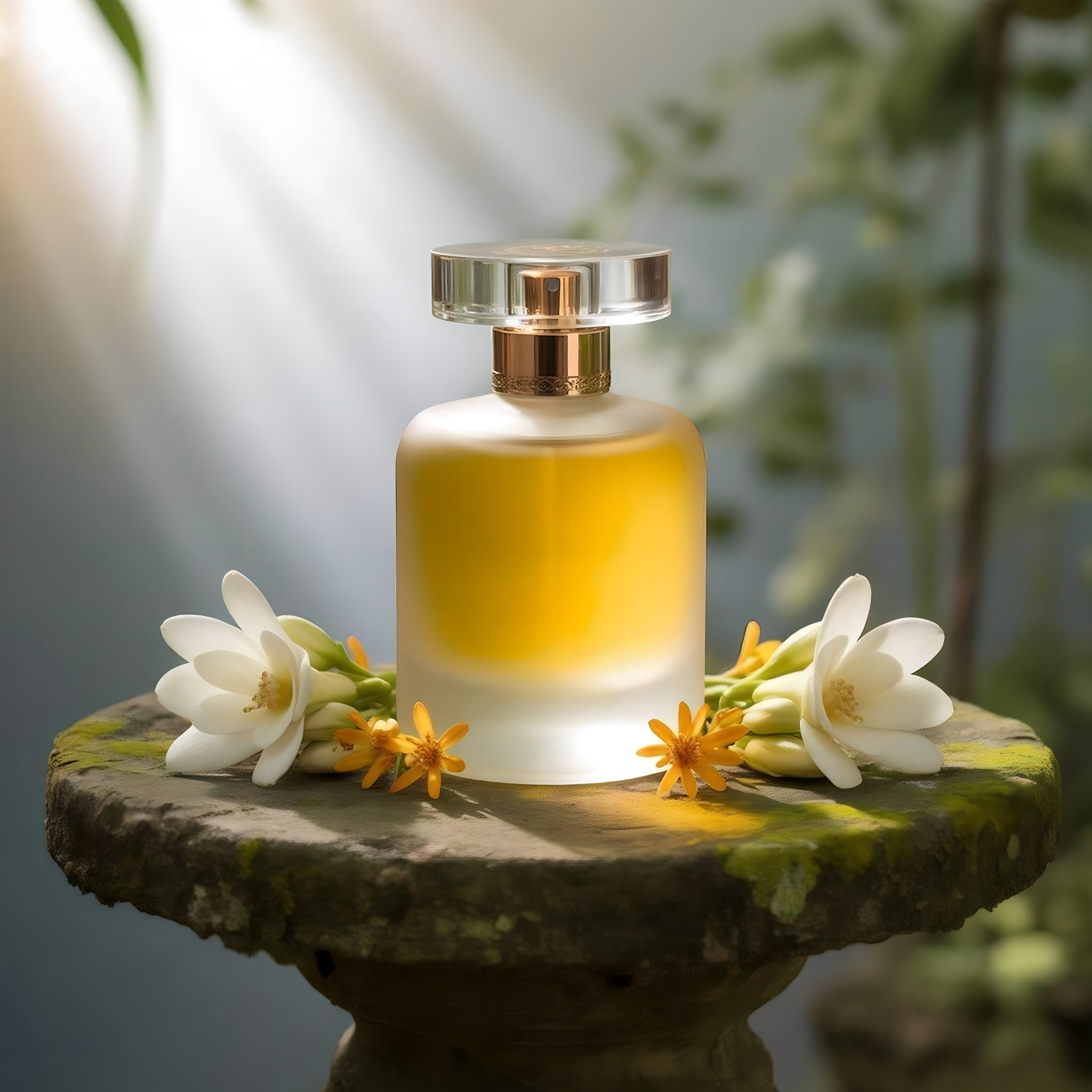 Frosted Glass Perfume BotanicalCopy this prompt on Pinitup
Nano banana prompt guide: how Pro reads a product prompt
Nano Banana Pro handles detail well, so short prompts waste it. A one-line prompt gets a generic studio shot. A prompt that names the surface, the light direction and the lens gets an image that looks directed. The risk with detailed prompts is that the product itself gets reinterpreted along with the scene, so the product lock comes first.
| Vague | Specific |
|---|---|
| "Perfume on ice cream, luxury ad" | "Keep the attached perfume bottle exactly as shown. Lean it into a scoop of vanilla ice cream melting over a cream pedestal, a vanilla pod and a curl of caramel shard behind." |
| "Helmet close-up" | "Extreme macro of the visor pivot on the attached helmet, red shell and black visor, one hard light from the upper right." |
| "Green skincare in water" | "Keep the attached bottle and label exactly as shown. Submerge the base in clear green water, ripples and bubbles around it, sun from above." |
Nano Banana Pro prompts: the product template
Template prompt: Nano Banana Pro product brief
Use the attached image of the [PRODUCT]. Keep it exactly as shown: shape, color, material, label, logo and every detail. Do not redraw the label.
Set: [SURFACE] with [PROPS], [BACKDROP], described as real materials.
Light: [ONE MAIN LIGHT, SOURCE AND DIRECTION], [ACCENT OR RIM LIGHT].
Camera: [LENS] at [APERTURE], [ANGLE], [WHAT IS SHARP].
Frame: [RATIO], product [POSITION], [SPACE FOR TEXT].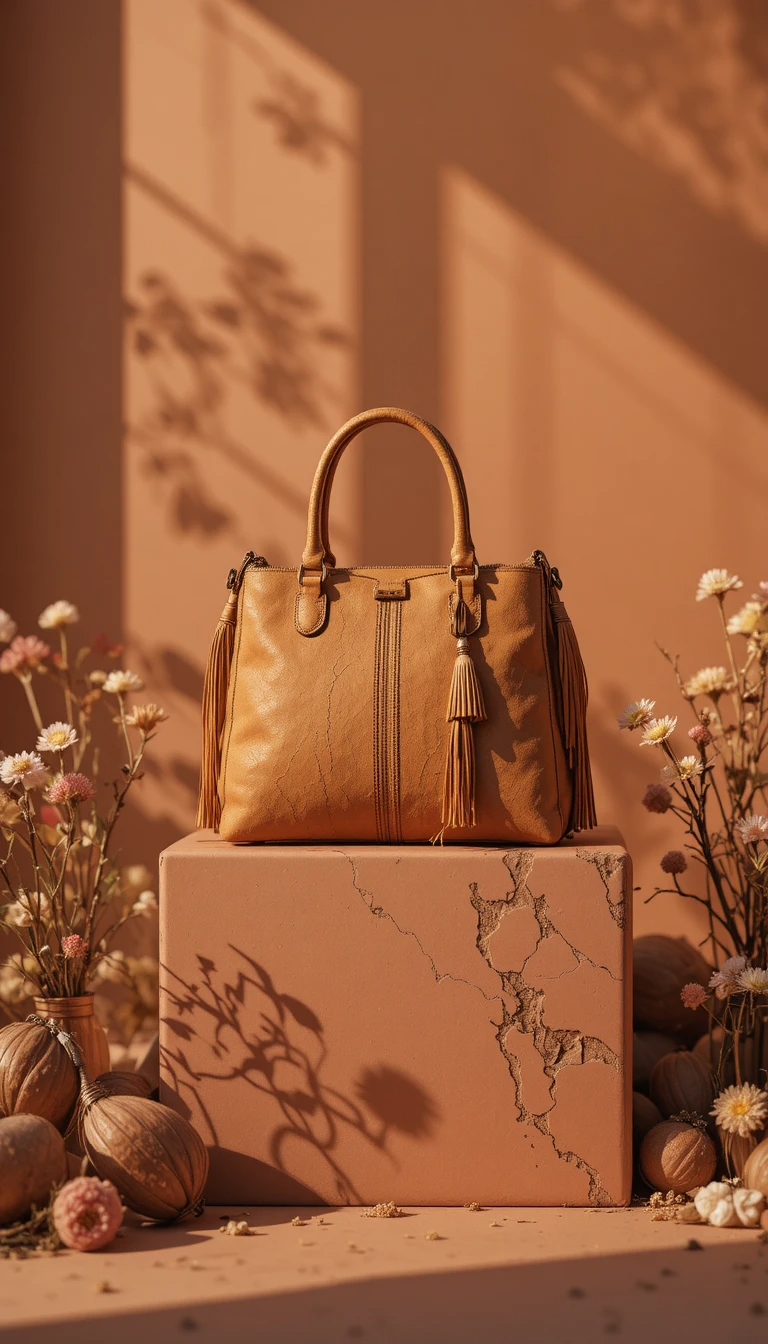
Gemini image prompts: write a brief, not a chat
Nano Banana Pro is the image model inside Google's Gemini app, and it is tempting to talk to it like a chatbot. You get steadier product images when the prompt reads like a photographer's brief: nouns, materials, light direction and lens, in a fixed order, with the product lock first.
12 product prompts to run in Nano Banana Pro
Fragrance
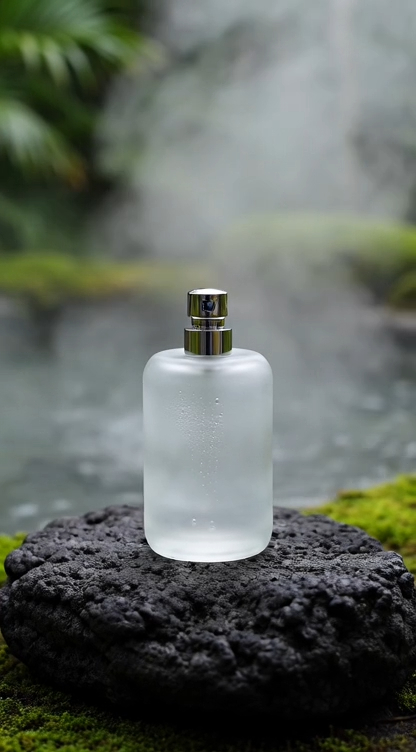
 Pink and Amber Perfume Duo on a Reflective Stone FloorCopy this prompt on Pinitup
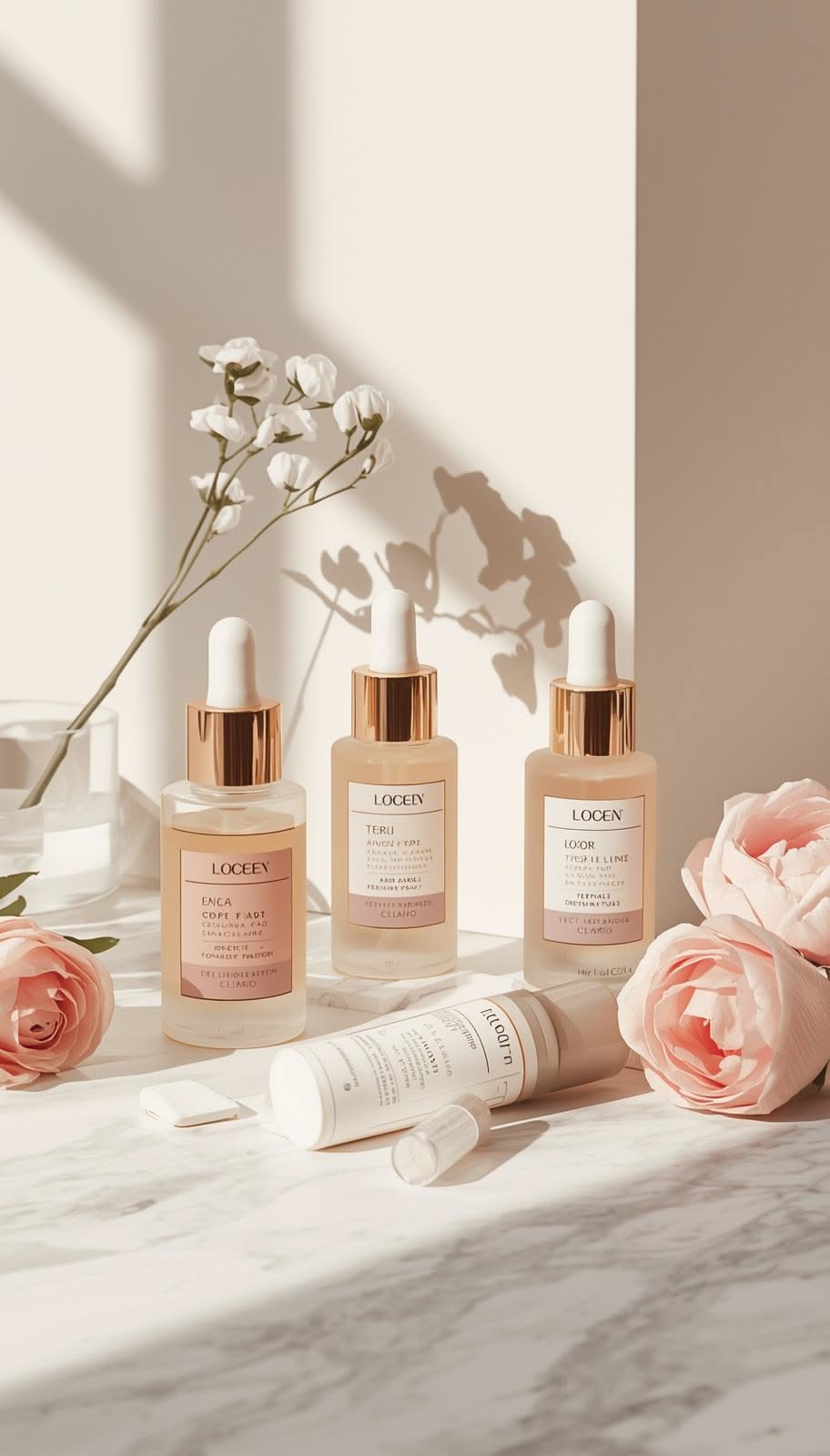
Skincare
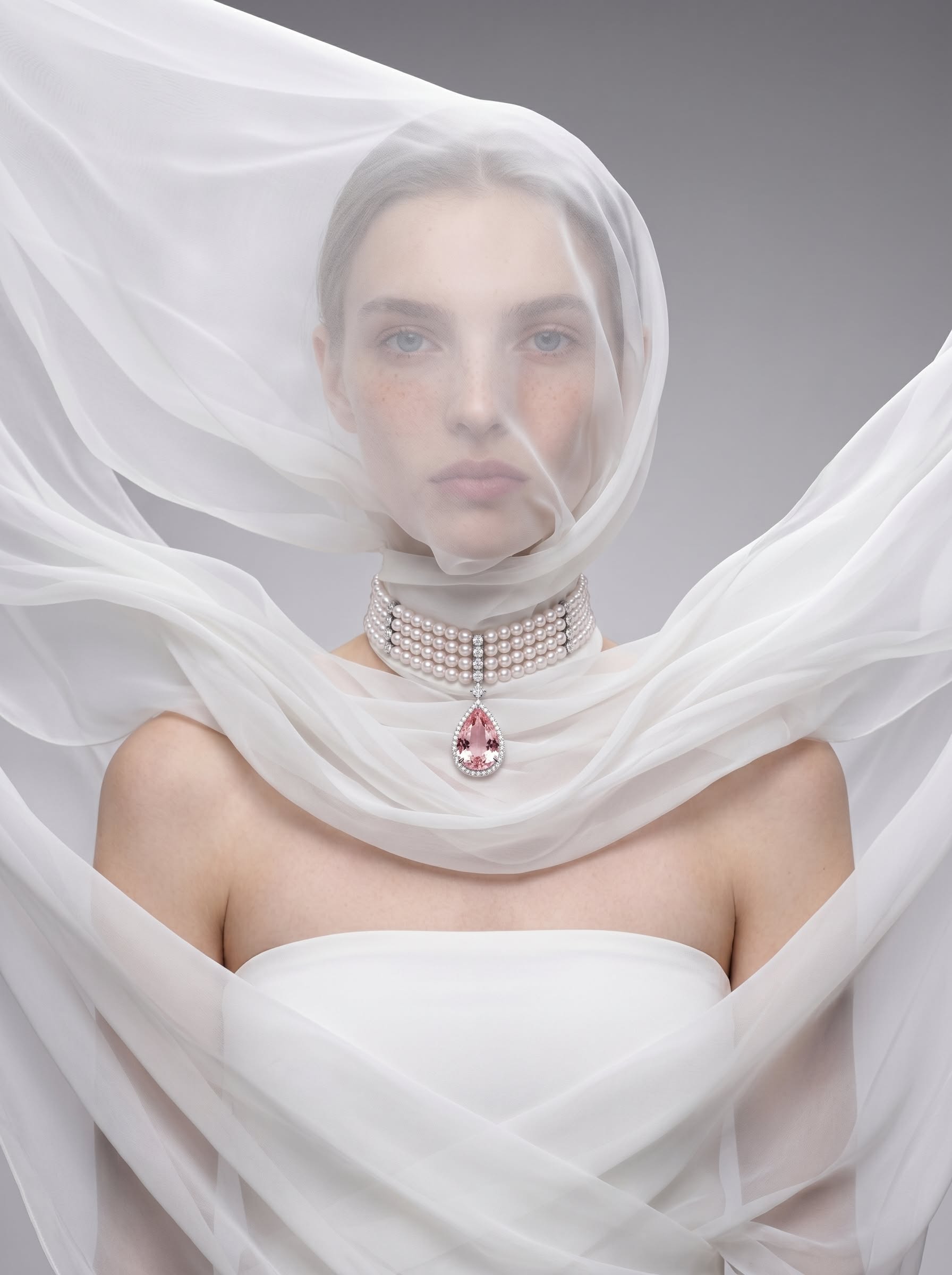
Jewelry

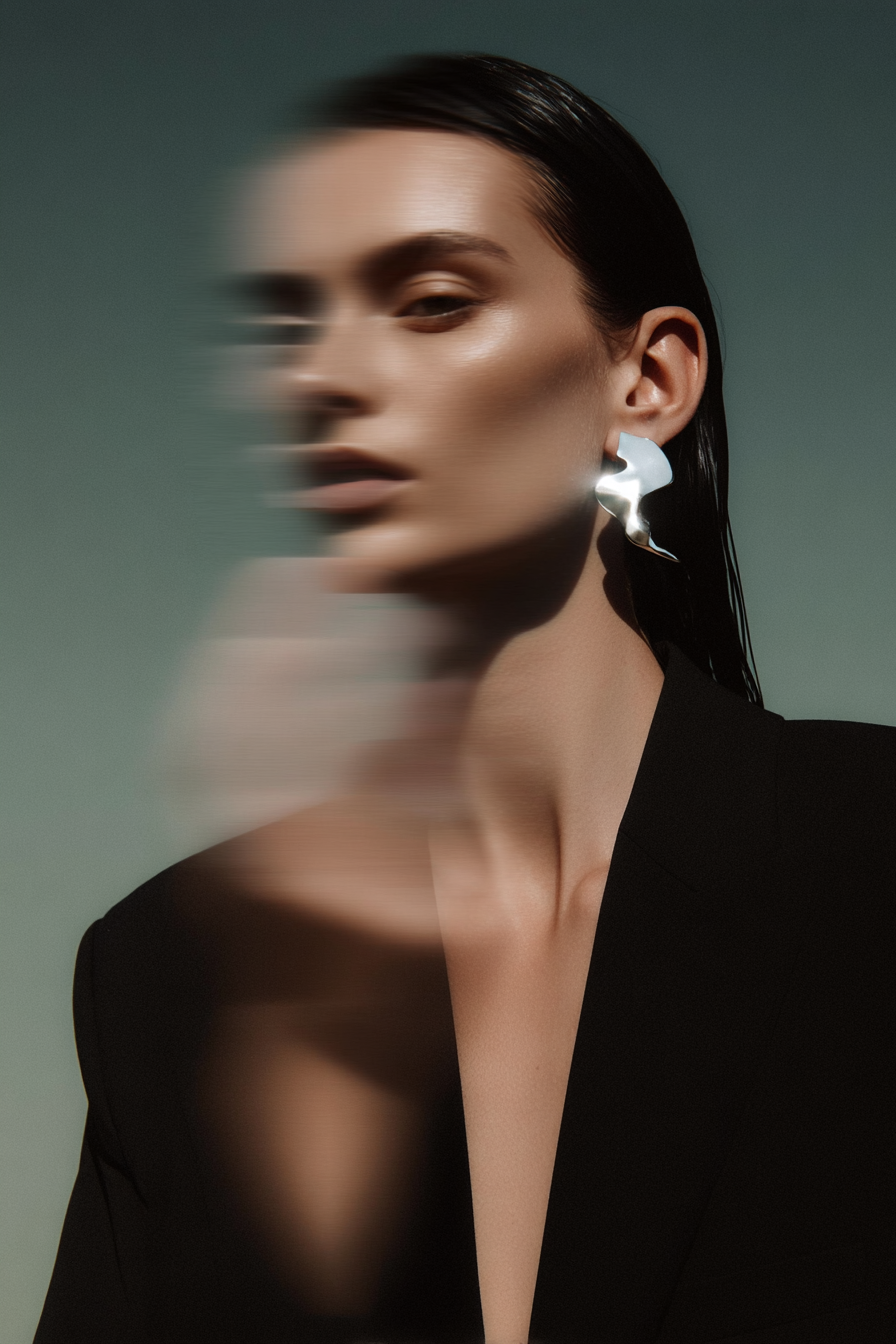 Sculptural Silver Earring FashionCopy this prompt on Pinitup
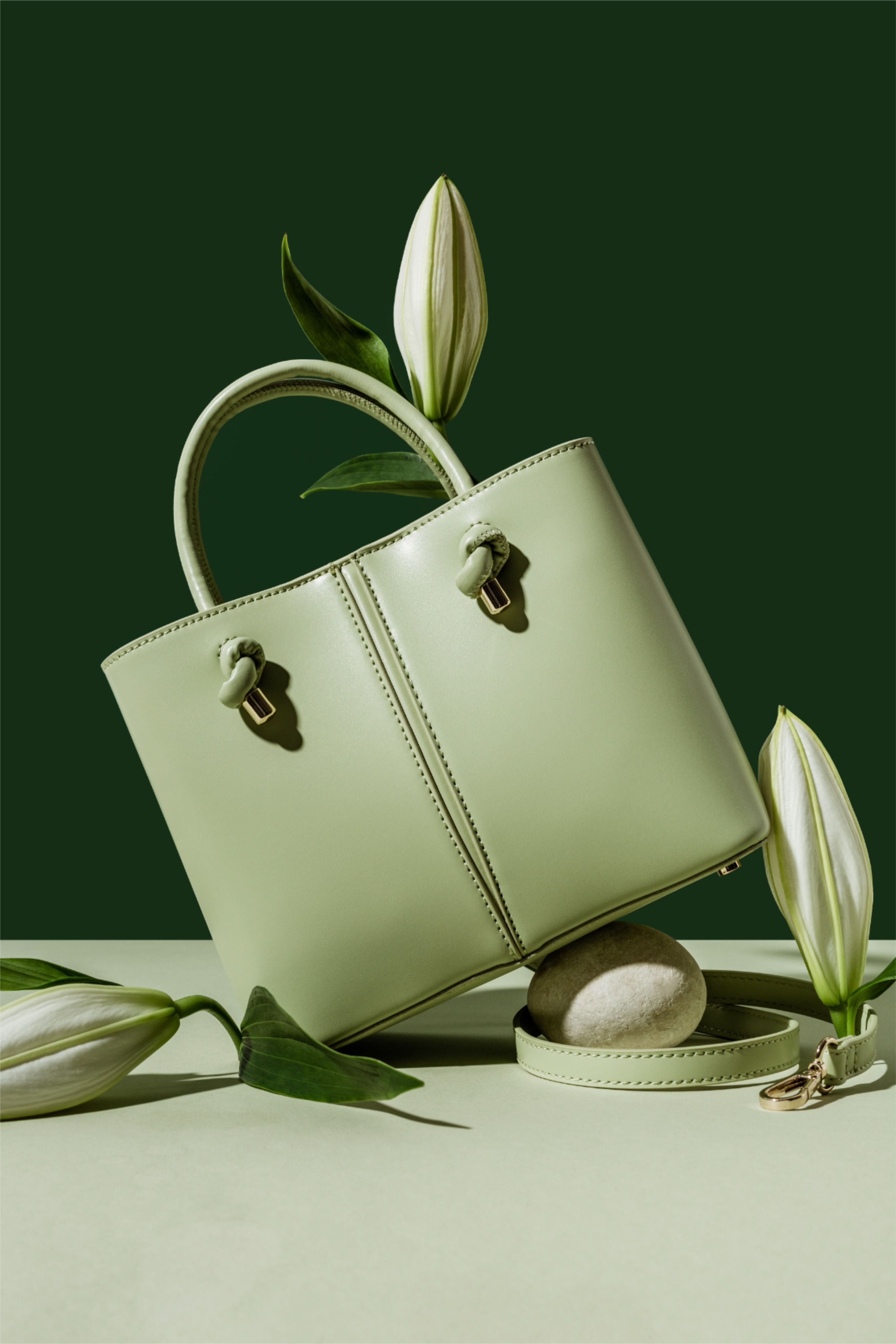
Bags and hats
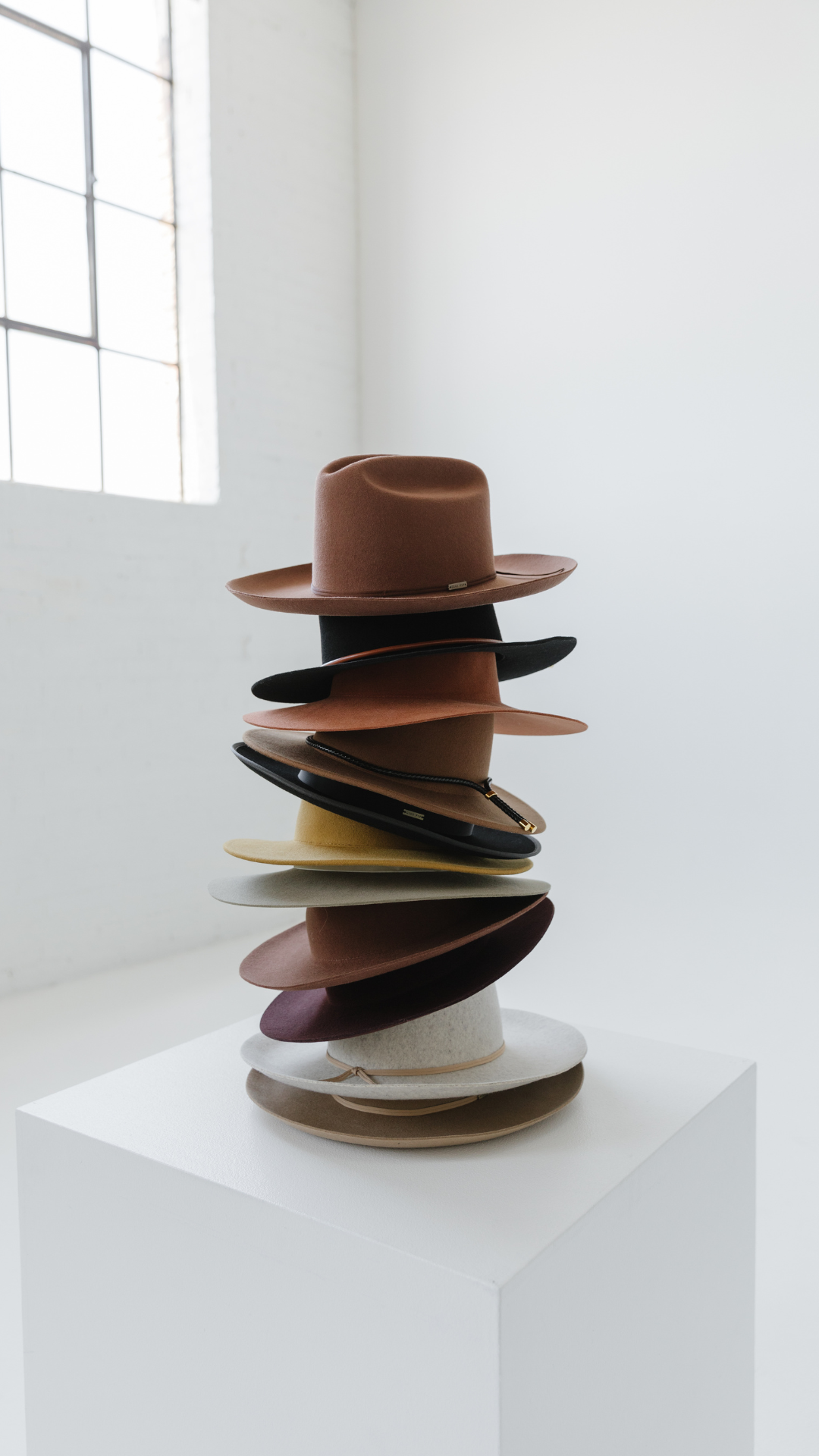
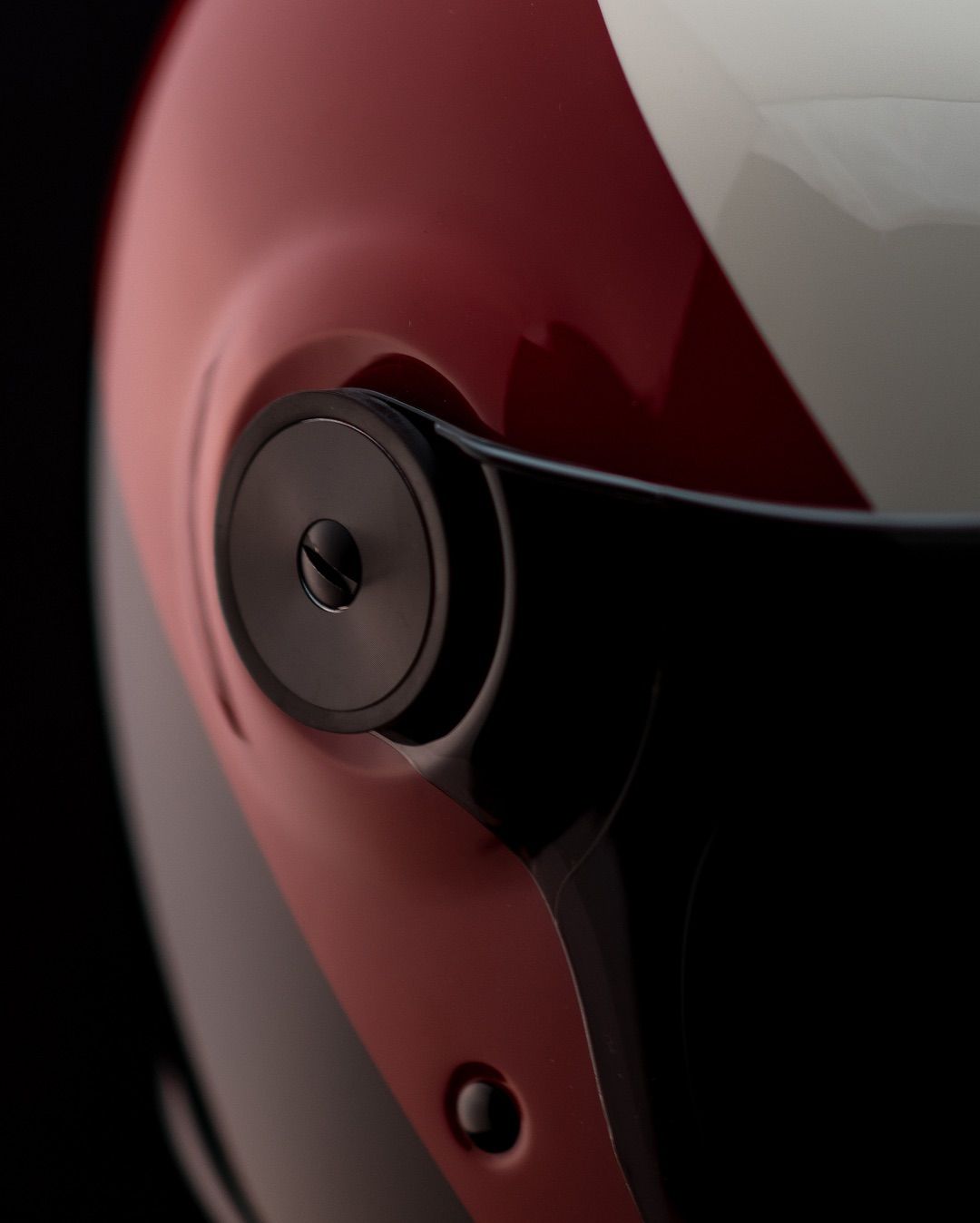
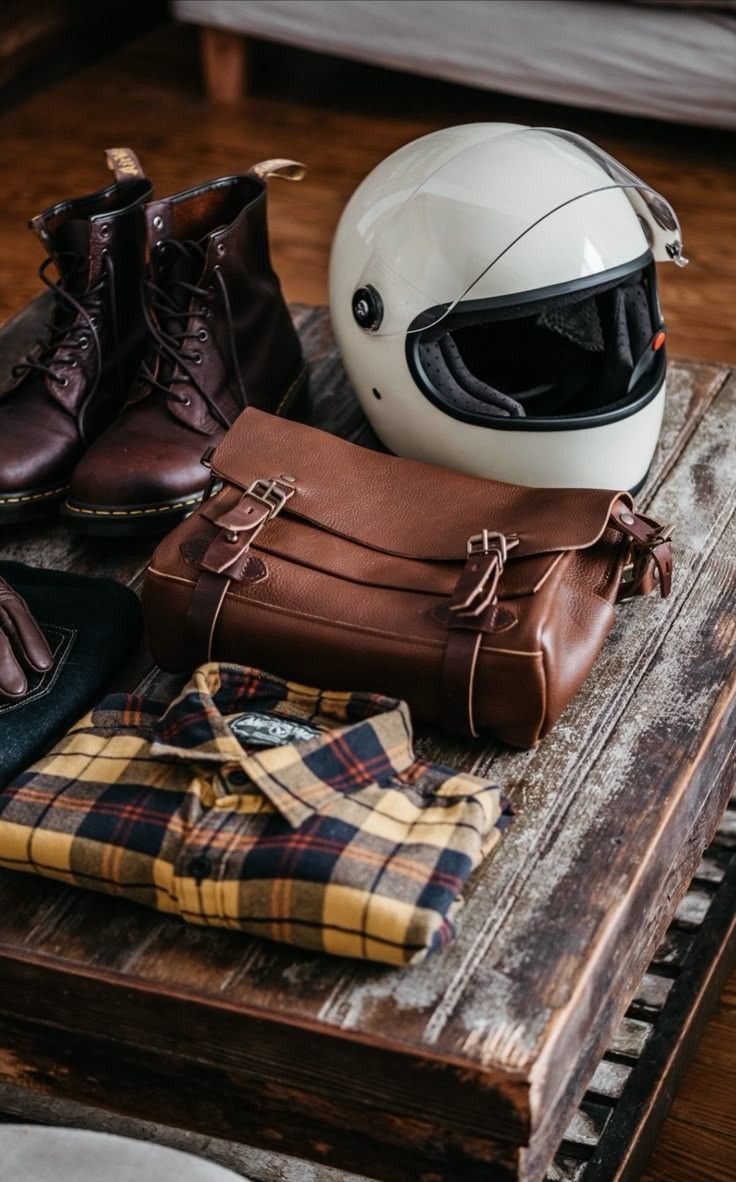

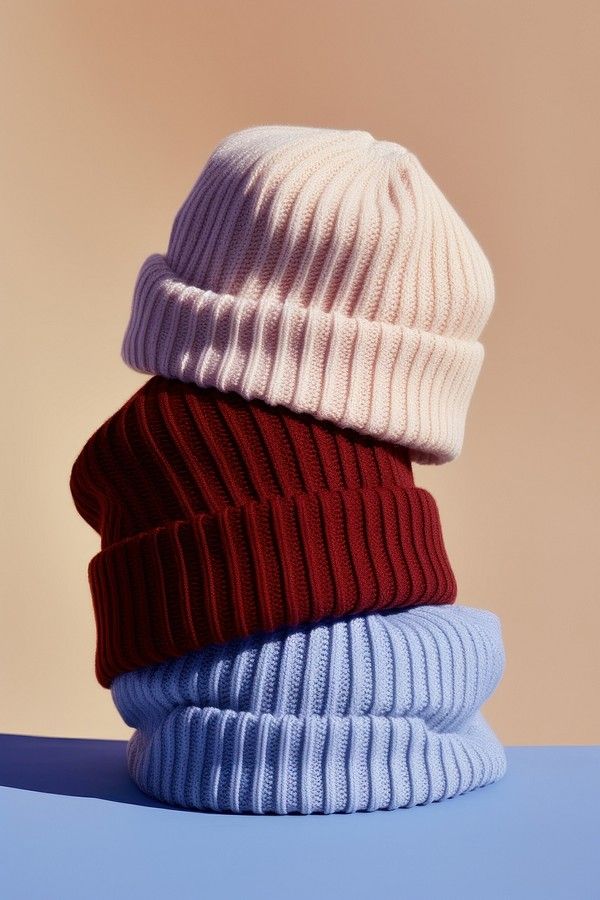 Ribbed Knit Beanie StackCopy this prompt on Pinitup
Nano Banana Pro product photography by goal
| Goal | What to add to the template | Example line |
|---|---|---|
| Marketplace hero | Pure white set, even light, centered | "pure white seamless, soft even light, product fills 80 percent of the frame" |
| Feed post | One material, one prop, warm side light | "on raw travertine with one sprig of olive, low warm sun from the left" |
| Ad creative | Bold color field and copy space | "saturated cobalt background, product on the right third, space for a headline" |
| Detail | Macro lens and a texture to prove | "100 mm macro on the cap knurling, f/8, cap sharp edge to edge" |
Find the shot. Copy the prompt. Every Pinitup result opens to a full prompt you can paste into Nano Banana Pro, with the product lock already written. Browse product photography prompts on Pinitup
Three original prompts for Nano Banana Pro
Original prompt: hot sauce
Use the attached image of the hot sauce bottle. Keep it exactly as shown: glass, cap and label unchanged.
Set: a cracked terracotta tile with dried red chilies and a halved lime, a smoky charcoal backdrop.
Light: hard light from the left like late sun, a thin rim light from behind on the glass.
Camera: 85 mm at f/5.6, eye level, label sharp. Frame: 4:5 vertical, space above for a headline.
Original prompt: tech accessory
Use the attached image of the wireless earbuds case. Keep it exactly as shown.
Set: the open case on brushed aluminum, one earbud lying beside it, a cool gray seamless backdrop.
Light: a large soft light from above, a thin blue accent light from the right edge.
Camera: 100 mm macro at f/8, slight top-down angle, both buds sharp. Frame: 1:1 square.
Original prompt: matcha tin
Use the attached image of the matcha tin. Keep it exactly as shown.
Set: a bamboo whisk and a small bowl of bright green matcha on pale cedar, a paper screen behind.
Light: soft morning daylight through the screen from the right.
Camera: 50 mm at f/4, three-quarter view. Frame: 4:5 vertical.
Nano Banana Pro tips: fix common problems
| Problem | Fix |
|---|---|
| Label text rewritten | Add "do not redraw the label" and attach a sharp, straight-on reference |
| Scene overwhelms the product | Cut props to two and keep the product the brightest object |
| Light looks flat | Name one main light with a direction and add a rim light |
| Composition ignores your ratio | Put the ratio and product position on the last line |
| Results vary a lot | Generate several versions and keep the closest to your reference |
FAQ
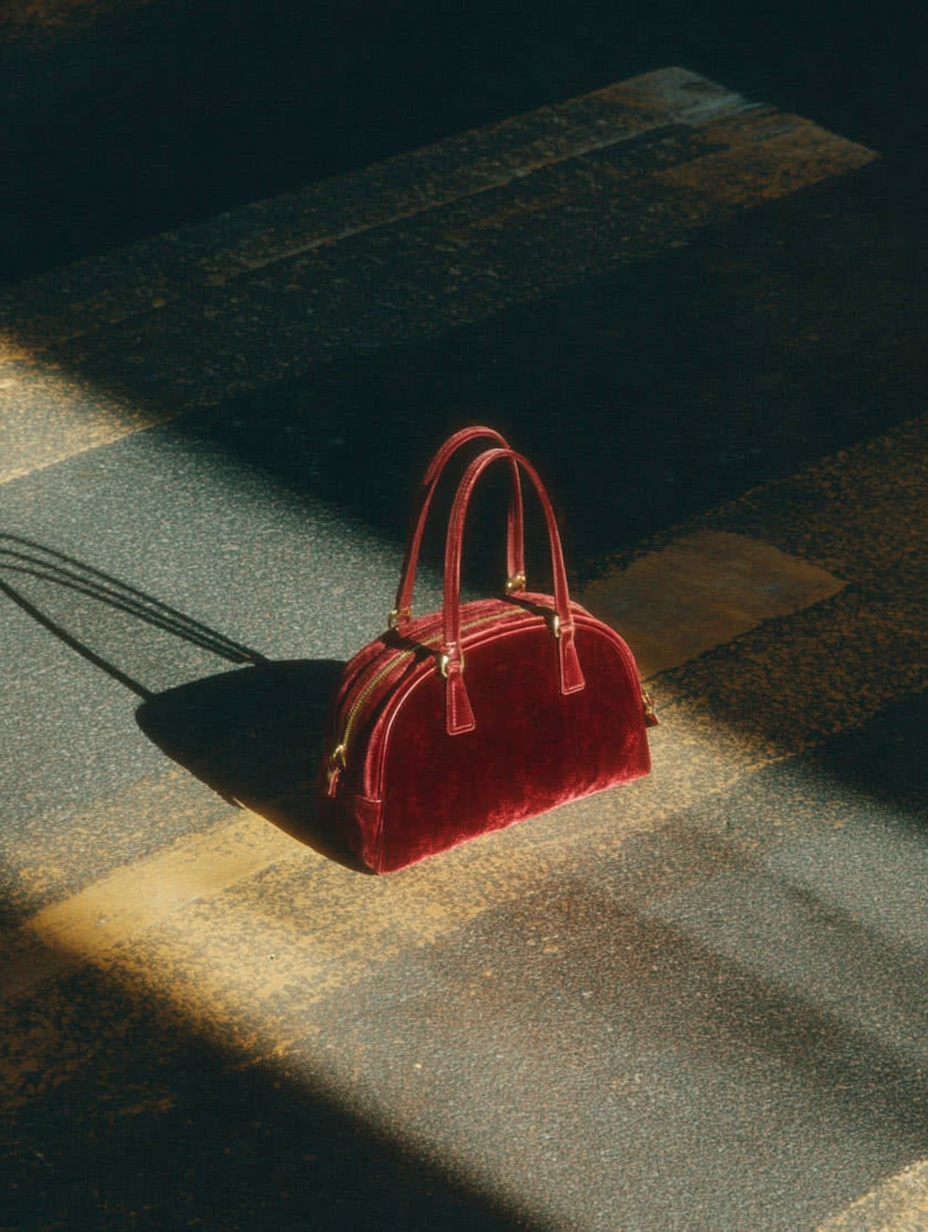
What are good Nano Banana Pro prompts for product photos?
Good prompts read like a photographer's brief. Lock the product with a reference image first, then describe the set as real materials, one main light with a direction, a lens and aperture, and the frame with an aspect ratio. Concrete nouns and directions work better than adjectives like luxury or premium.
Can Nano Banana Pro keep my product label accurate?
It often can when you attach a sharp, straight-on photo and tell it to keep the label exactly as shown without redrawing it. Small text is still the most fragile detail. Check every result at full size and composite your original product if a letter changes.
How is Nano Banana Pro different from Nano Banana 2 for products?
Both work from a text prompt and a reference image, and the same product brief structure applies to each. Nano Banana Pro is aimed at higher-detail work, so it rewards longer, more specific prompts. Test the same prompt in both and keep the model that best preserves your product.
 Diamond Jewelry SetCopy this prompt on Pinitup
Were the Pinitup examples made with Nano Banana Pro?
The examples are Pinitup prompts shown with their results. They are written as model-agnostic product briefs, so you can paste them into Nano Banana Pro with your own reference image. Your results will differ from the images shown, so treat them as a direction, not an exact match.
How long should a Nano Banana Pro prompt be?
Five to eight short lines usually work well: product lock, set, light, camera and frame. Each line should add visible information. If the prompt gets longer, check whether you have added more than two props or more than one light setup, and cut back.
What are the best nano banana prompts for products?
The best nano banana prompts for products start with a lock line for the label, shape and color, then describe one surface, one light direction, a lens and a ratio. Real photographic terms work better than adjectives. Attach a clean product photo and change one segment at a time.
Does Nano Banana Pro work for ecommerce photos?
Yes, when the prompt protects the product. Use it for hero, lifestyle and ad frames, attach your real product photo, and compare label text, logo position and color with the original at full size. Marketplace main images also need to follow each platform's current rules.
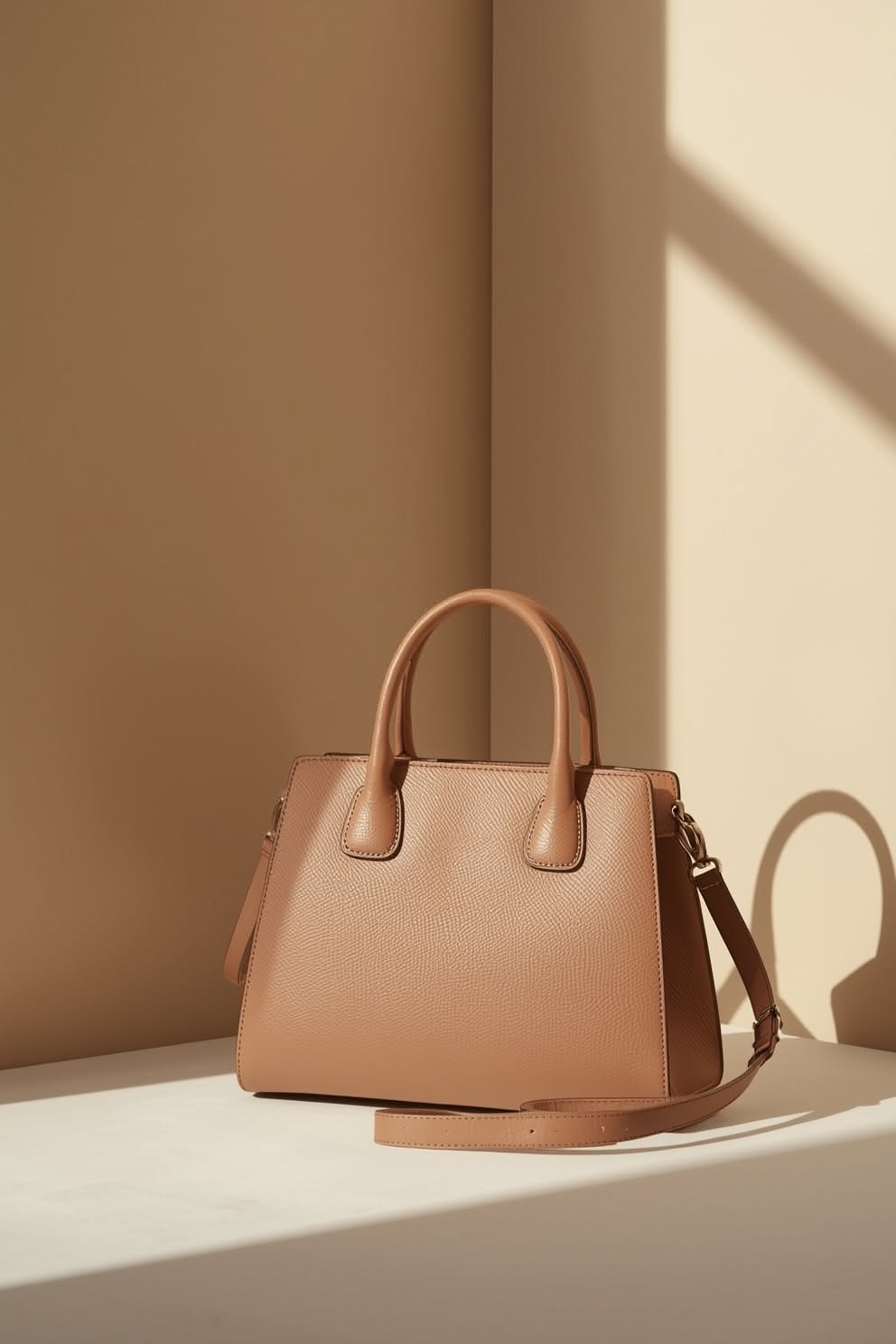
Copy more Nano Banana Pro prompts on Pinitup
Open any result, copy the prompt and swap in your product. For packaging-heavy products, the Nano Banana 2 guide below is the companion to this one:
- Product photography prompts
- Fragrance prompts
- Skincare prompts
- Handbag prompts
- 50 Nano Banana 2 Product Photography Prompts That Preserve Packaging
- 75 AI Product Photography Prompts for Ecommerce Campaigns
- How to Use Pinitup
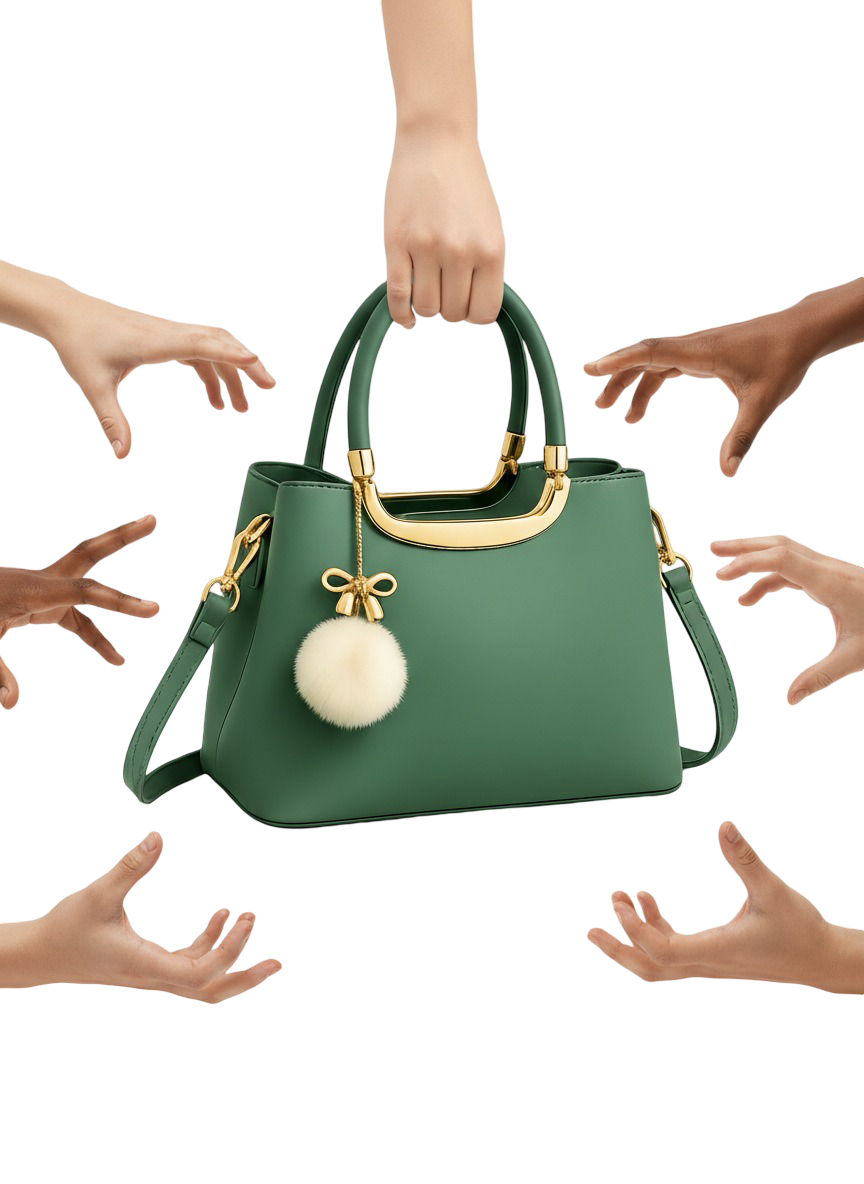 Green HandbagCopy this prompt on Pinitup
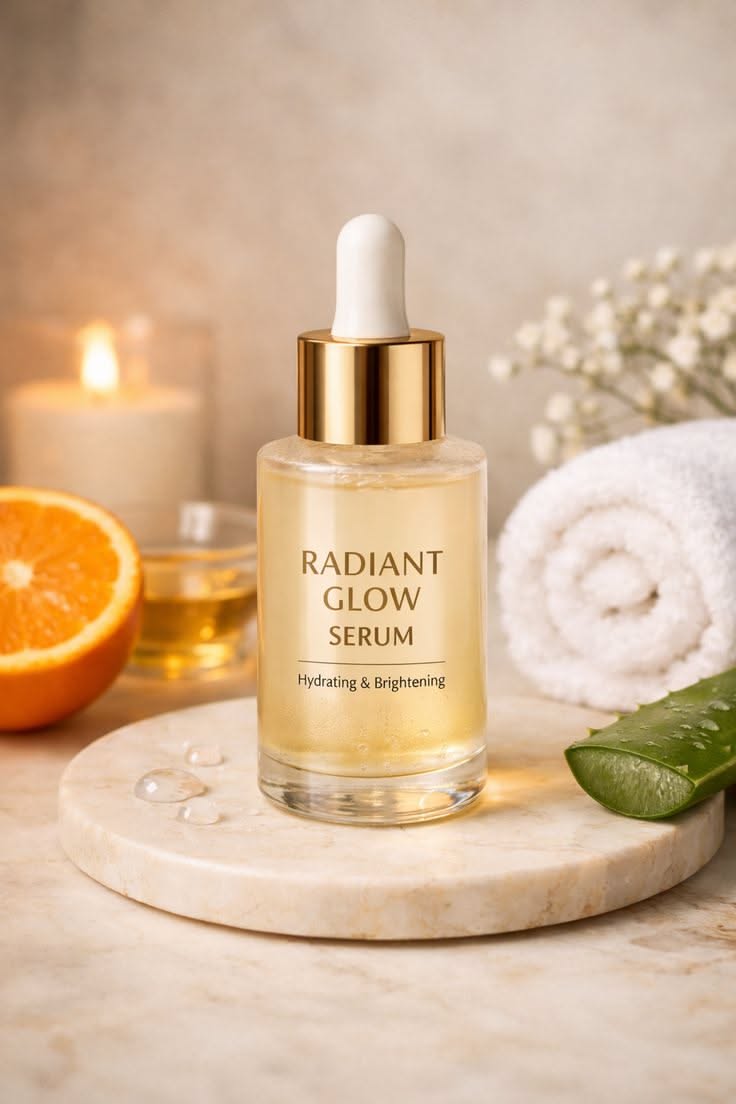
Glow Serum Dropper BottleCopy this prompt on Pinitup
Every image on Pinitup opens to the full prompt behind it. Find the shot, copy the prompt, and swap in your own product.


