

A watch on a wrist sells better than a watch on a table, until the AI gives the model six fingers or melts the strap. These fashion model photo prompts keep the product locked while the model, pose and light do the selling.
Each one below is a real Pinitup result for watches, rings, eyewear, earrings, handbags and boots. Open any image to copy its prompt, attach your own product photo and run it in GPT Image 2 or Nano Banana Pro.

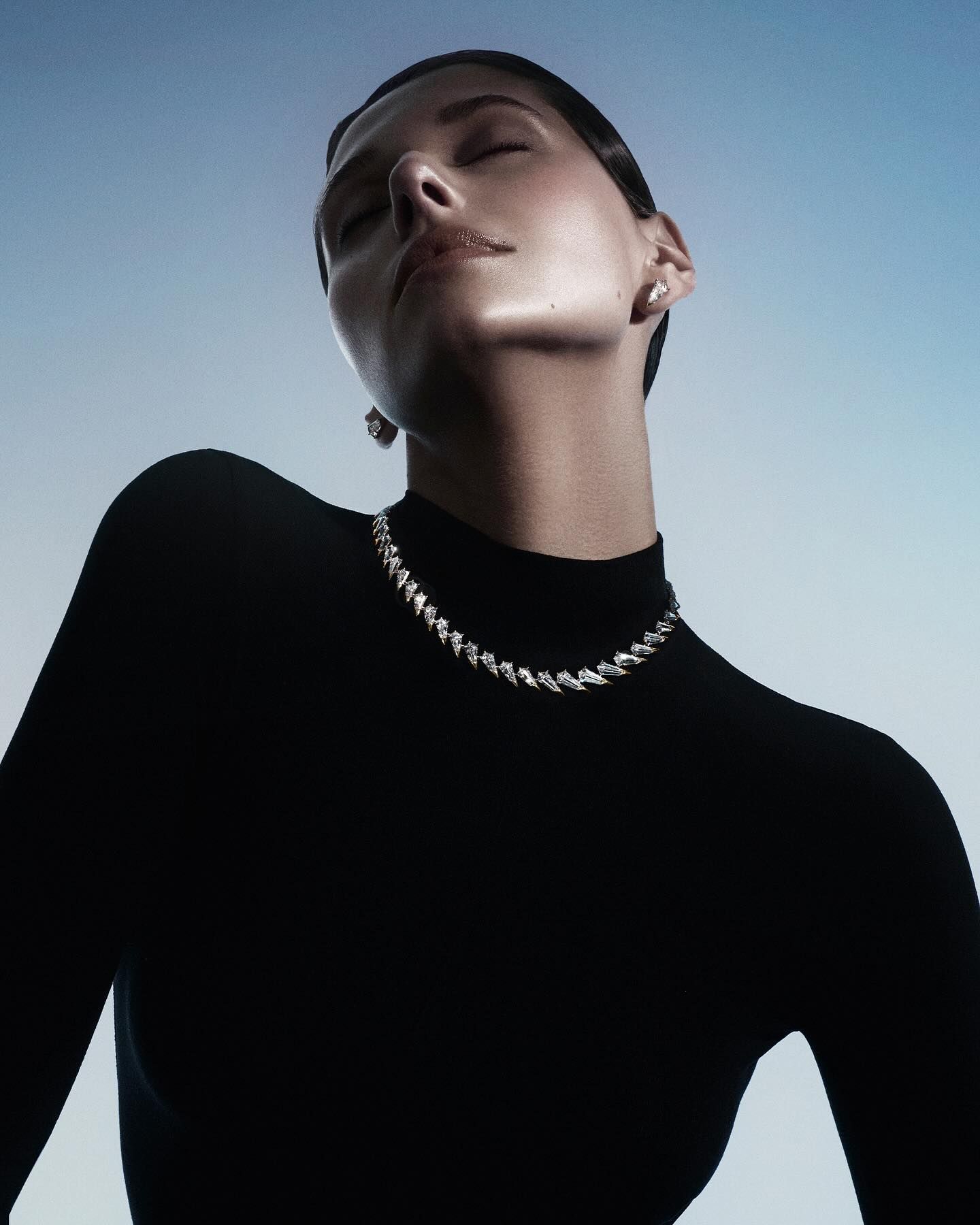 Luxury Diamond Collar NecklaceCopy this prompt on Pinitup
Why are model shots hard to get right with AI?
Two things have to be right at once: a believable person and an exact product. Models tend to fix one and break the other. Hands grow extra fingers, a watch dial loses its markers, a bag's hardware changes shape. The fix is to tell the model which element is fixed and which is free.
Treat the product as locked and the person as the variable. Describe the pose, crop and styling in detail, then add a line that keeps the product exactly as it appears in the reference.
Decide the crop before the model
The crop decides what the image sells. A wrist crop sells the watch. A full-length frame sells the outfit, and the bag becomes one part of it. Choose the crop by what the shot is for.

| Crop | Best for | Vague vs specific |
|---|---|---|
| Hand or wrist | Watches, rings, bracelets | "Model wearing a watch" vs "Tight crop of a left wrist resting on a knee, cuff pushed back, dial facing camera" |
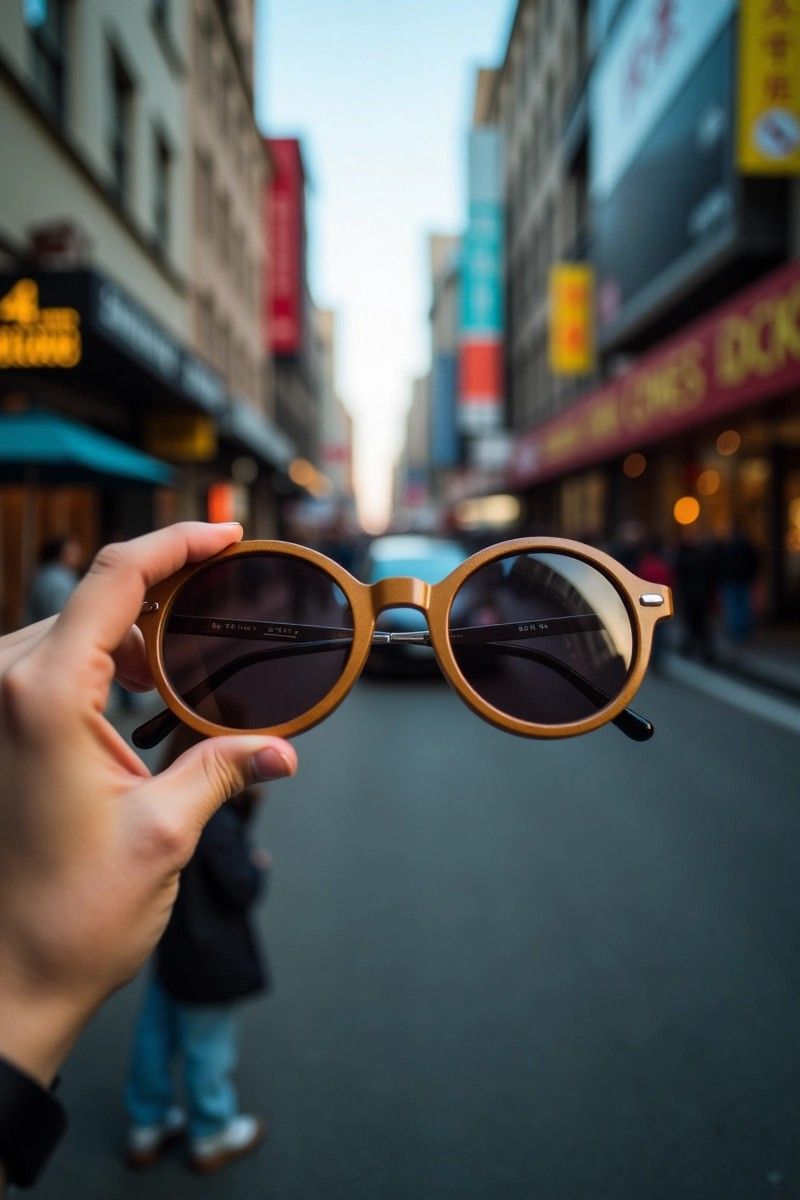
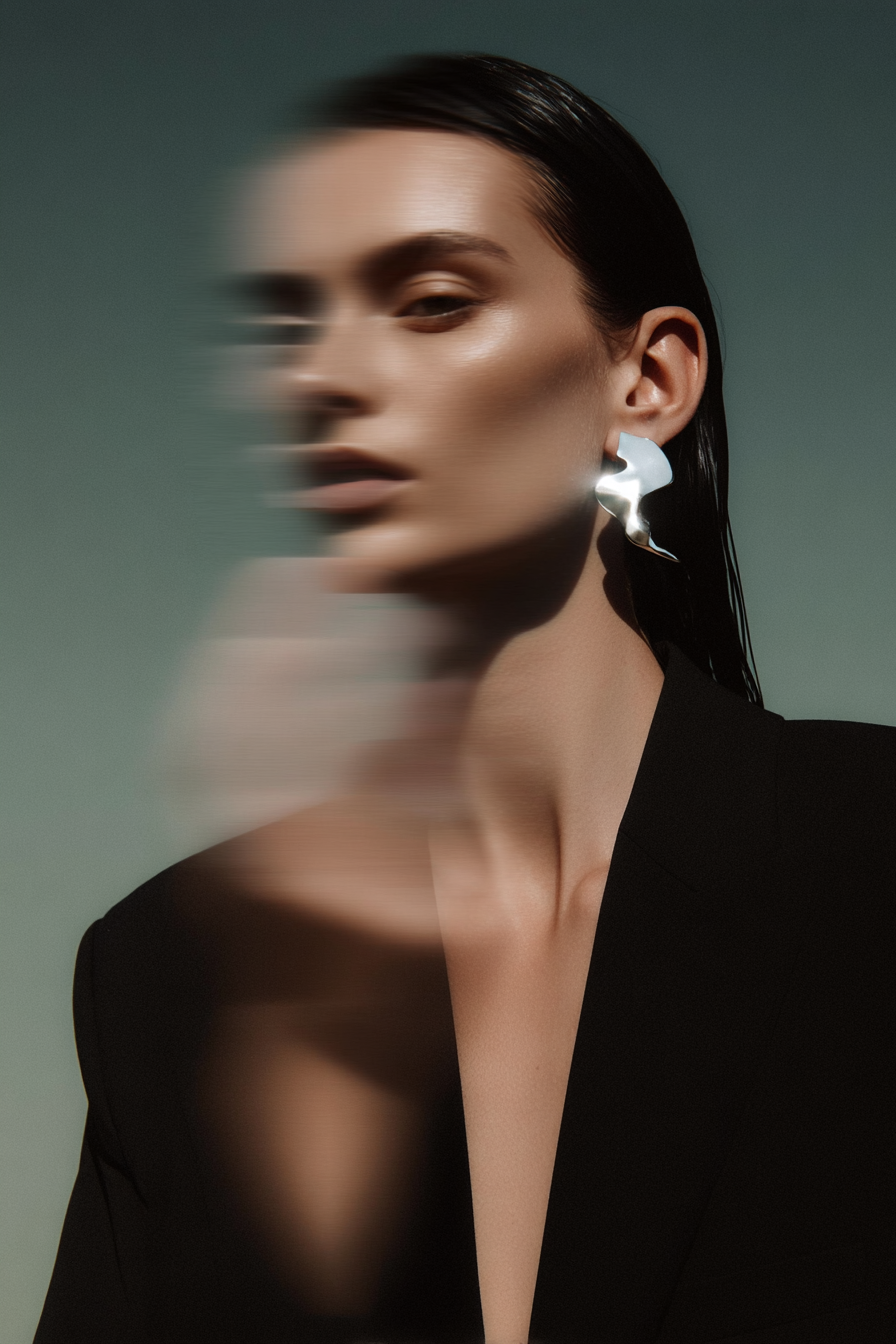
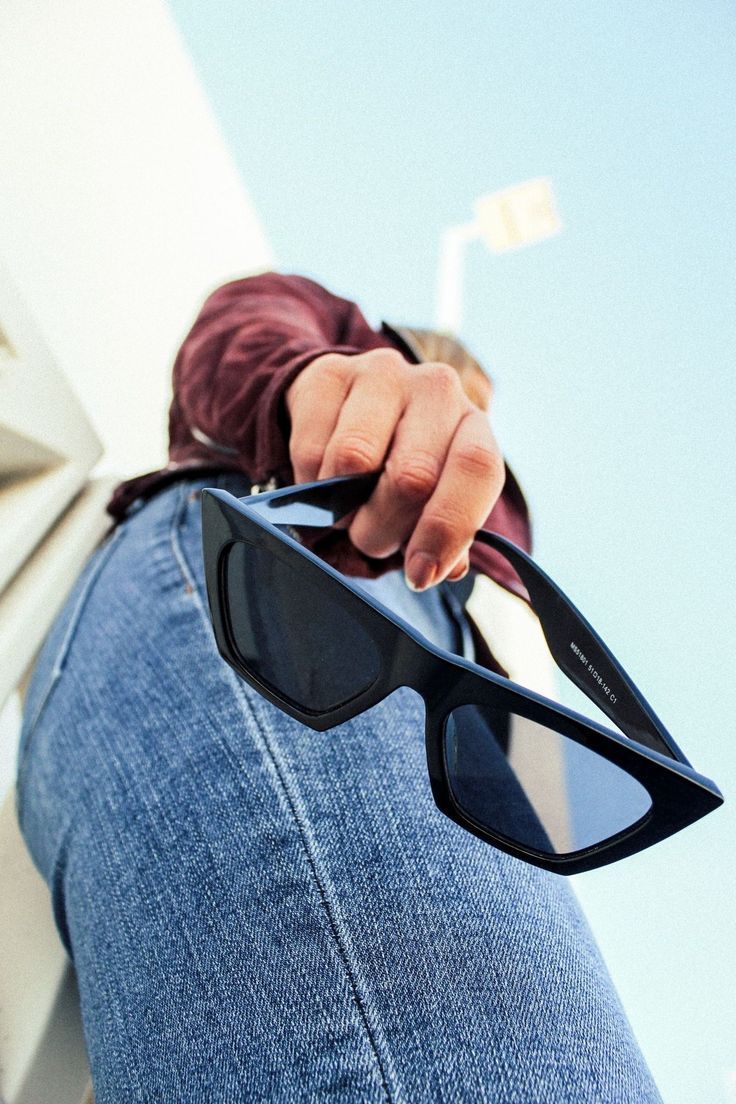
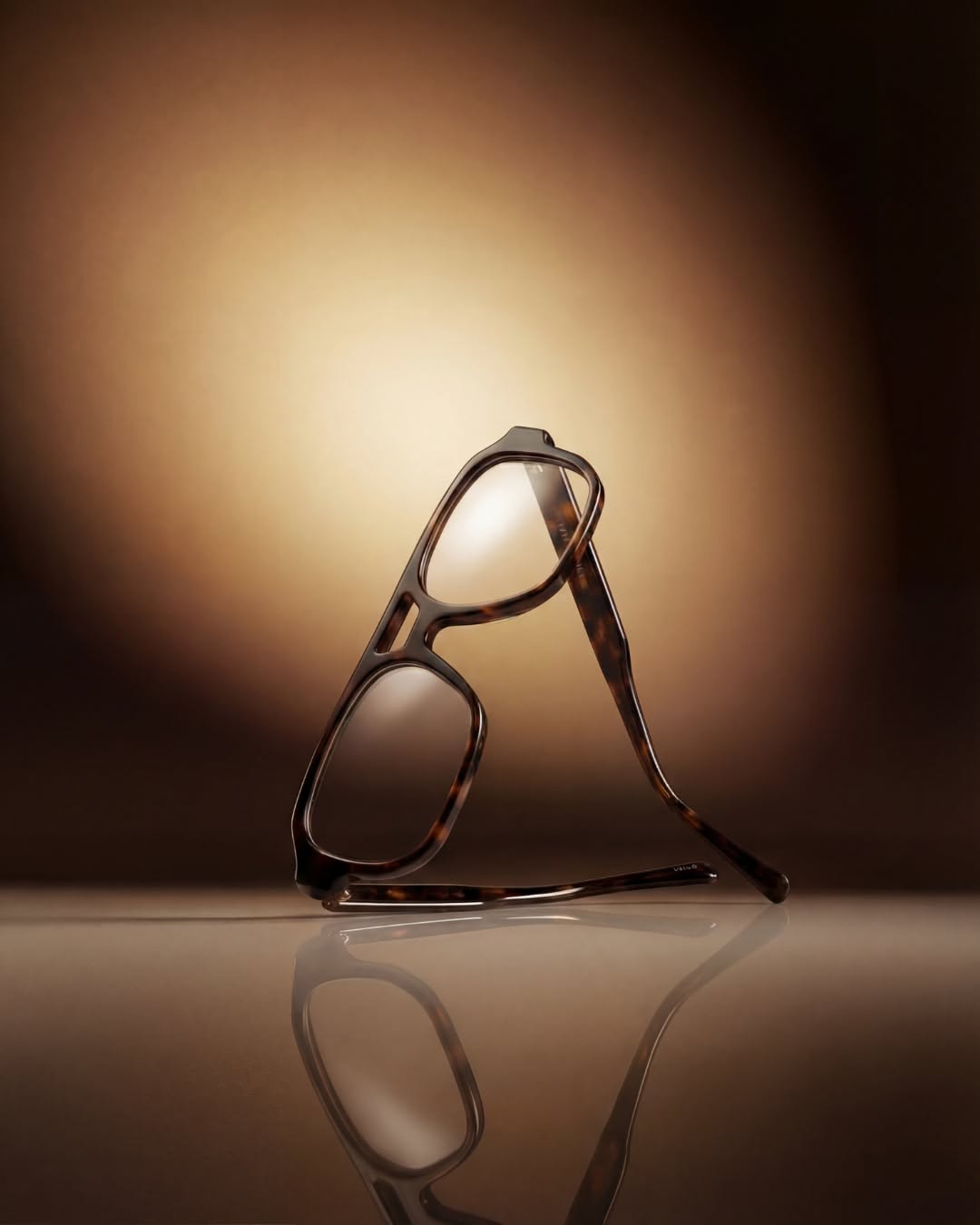
| Face and shoulders | Earrings, eyewear | "Model in sunglasses" vs "Head and shoulders, chin slightly down, frames level, eyes visible through the lenses" |
| Seated three-quarter | Handbags, shoes | "Model with bag" vs "Seated on a stone ledge, bag on the lap with handles upright, knees angled to camera left" |
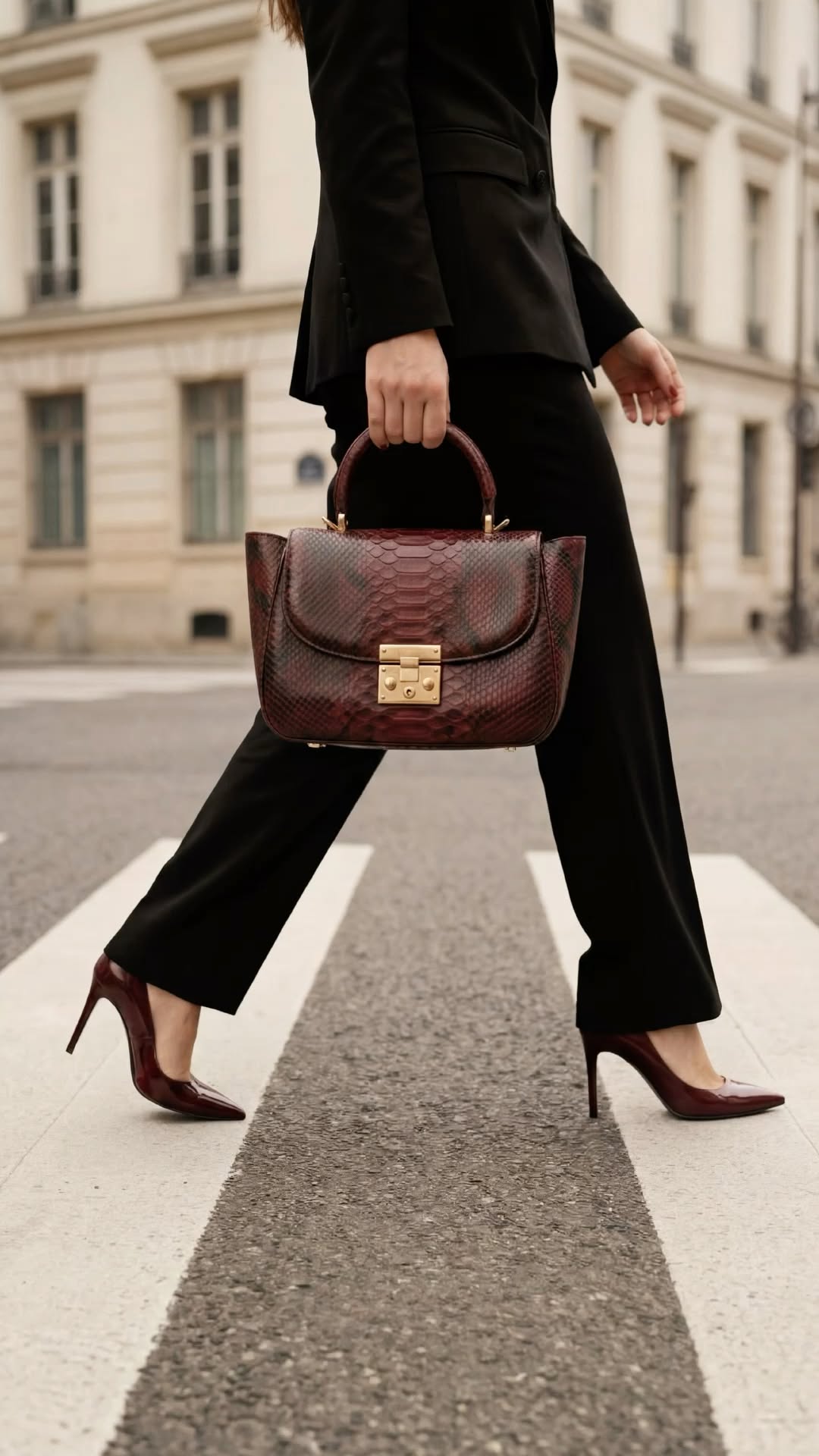
| Full length in motion | Bags, heels, sneakers | "Street style photo" vs "Mid-stride on a crosswalk, bag swinging at the hip, shot from low and wide" |
The formula behind these fashion model photo prompts
Template prompt: copy and fill the brackets
Use the attached photo for the [PRODUCT]. Keep it exactly as shown: same shape, color, hardware, logo and details.
Show it [WORN / HELD] by a model: [AGE RANGE, LOOK, HAIR], wearing [STYLING IN NEUTRAL TONES].
Crop: [CROP]. Pose: [POSE AND HAND POSITION], product facing camera.
Setting: [LOCATION OR BACKDROP]. Light: [LIGHT SOURCE AND DIRECTION].
Shot on [LENS] at [APERTURE], natural skin texture, relaxed hands with five fingers.
[RATIO], [SPACE FOR TEXT IF NEEDED].
Three filled versions, written for this article:
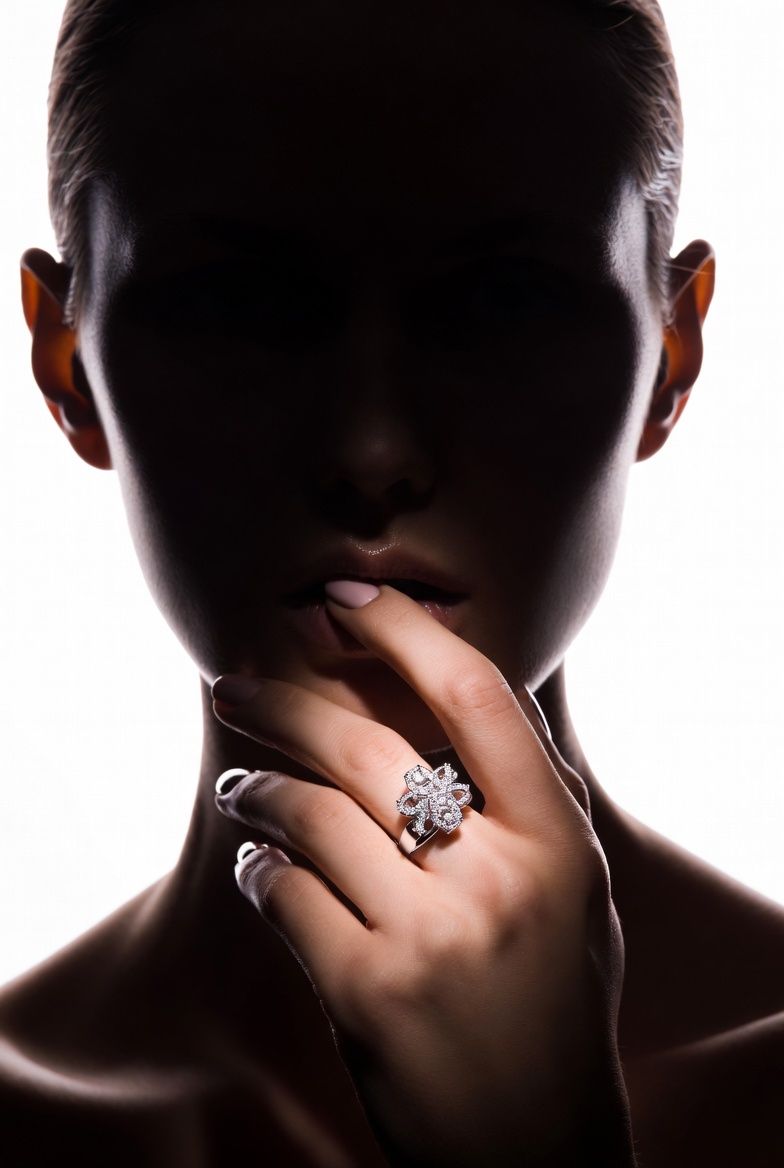
Original prompt: watch on the wrist
Use the attached photo for the watch. Keep the dial, hands, case and strap exactly as shown.
Show it worn on the left wrist of a man in his thirties, charcoal wool coat sleeve pulled back.
Crop: forearm and hand only, hand resting on a café table beside an espresso cup, dial facing camera.
Light: soft window light from the left, warm shadows. 85 mm lens at f/2.8, natural skin texture.
4:5 vertical.
Original prompt: handbag street style
Use the attached photo for the shoulder bag. Keep its shape, color, stitching and hardware exactly as shown.
Show it carried by a woman in her late twenties, hair in a low bun, cream trench coat and wide trousers.
Crop: full length, mid-stride on a cobbled street, bag on the near shoulder facing camera.
Light: late afternoon sun from behind, a soft fill from the front. 50 mm lens at f/4.
4:5 vertical, sky space at the top.
Original prompt: eyewear portrait
Use the attached photo for the glasses. Keep the frame shape, color and hinge details exactly as shown.
Show them worn by a woman in her forties with short gray hair, black turtleneck.
Crop: head and shoulders, chin slightly lowered, eyes clear through the lenses.
Backdrop: plain warm gray paper. Light: one large soft light above camera, no glare on the lenses.
100 mm lens at f/5.6. 1:1 square.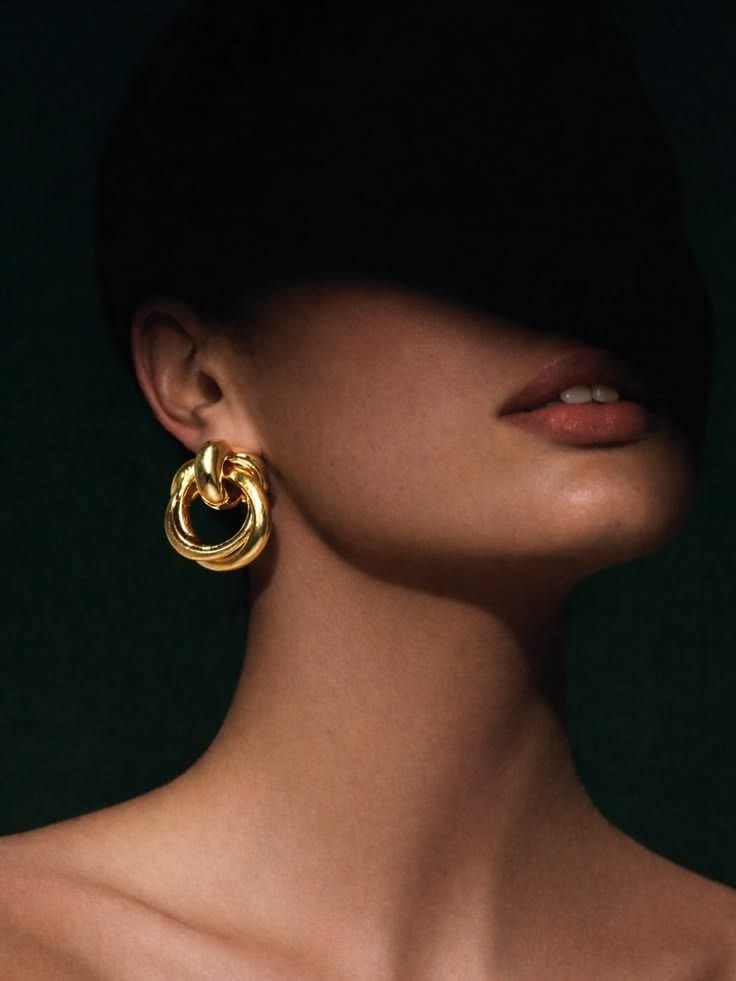 Chunky Gold EarringCopy this prompt on Pinitup
On-model product photography: watches and rings
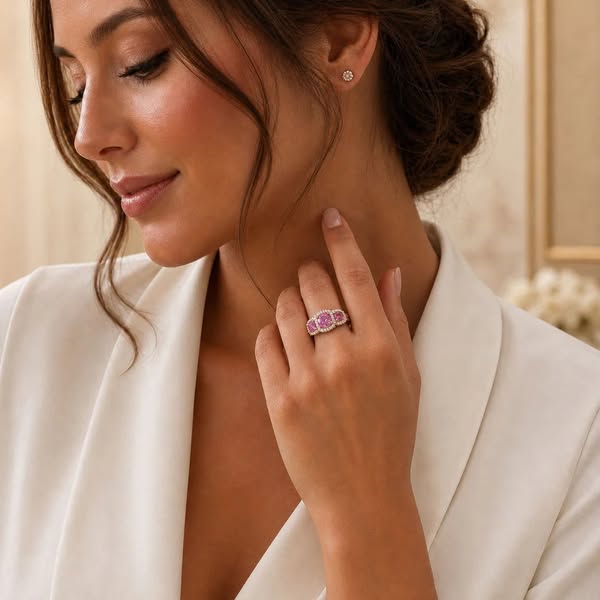
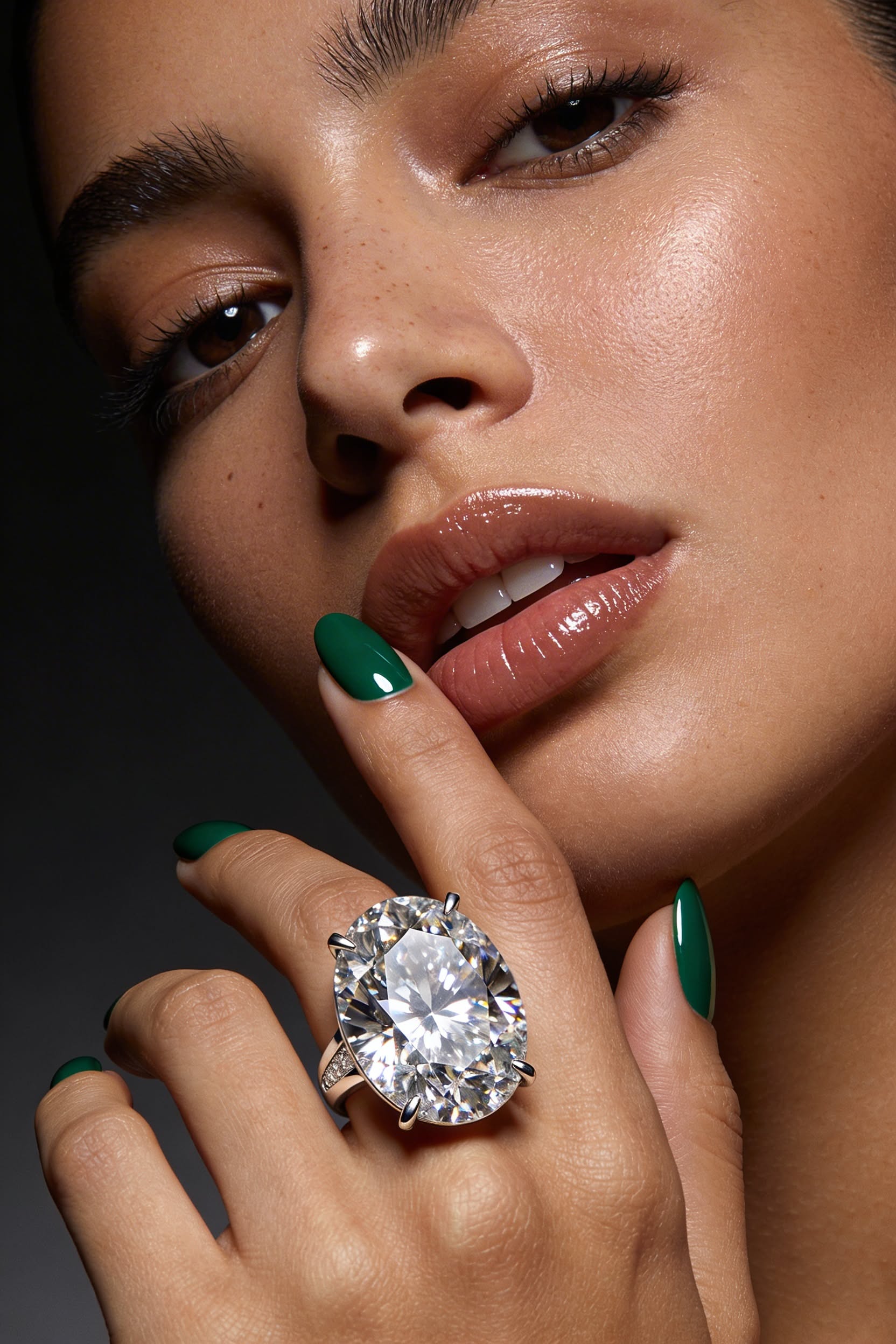
For wrist and hand shots, the hand is the set. Ask for relaxed fingers, a clear dial or stone and a sleeve or skin tone that contrasts with the metal.
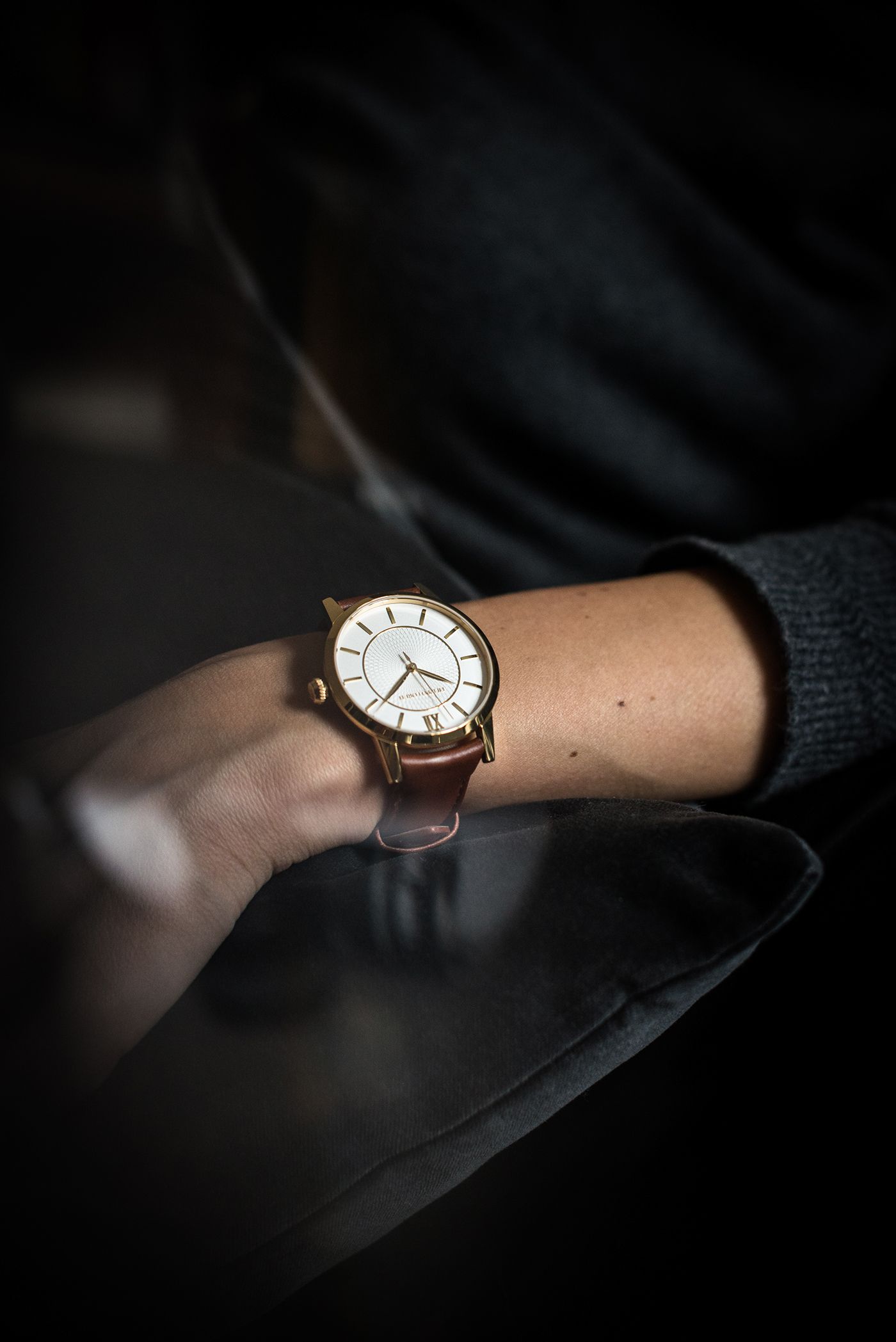
 Diamond Ring Luxury BeautyCopy this prompt on Pinitup
Eyewear and earring model shots
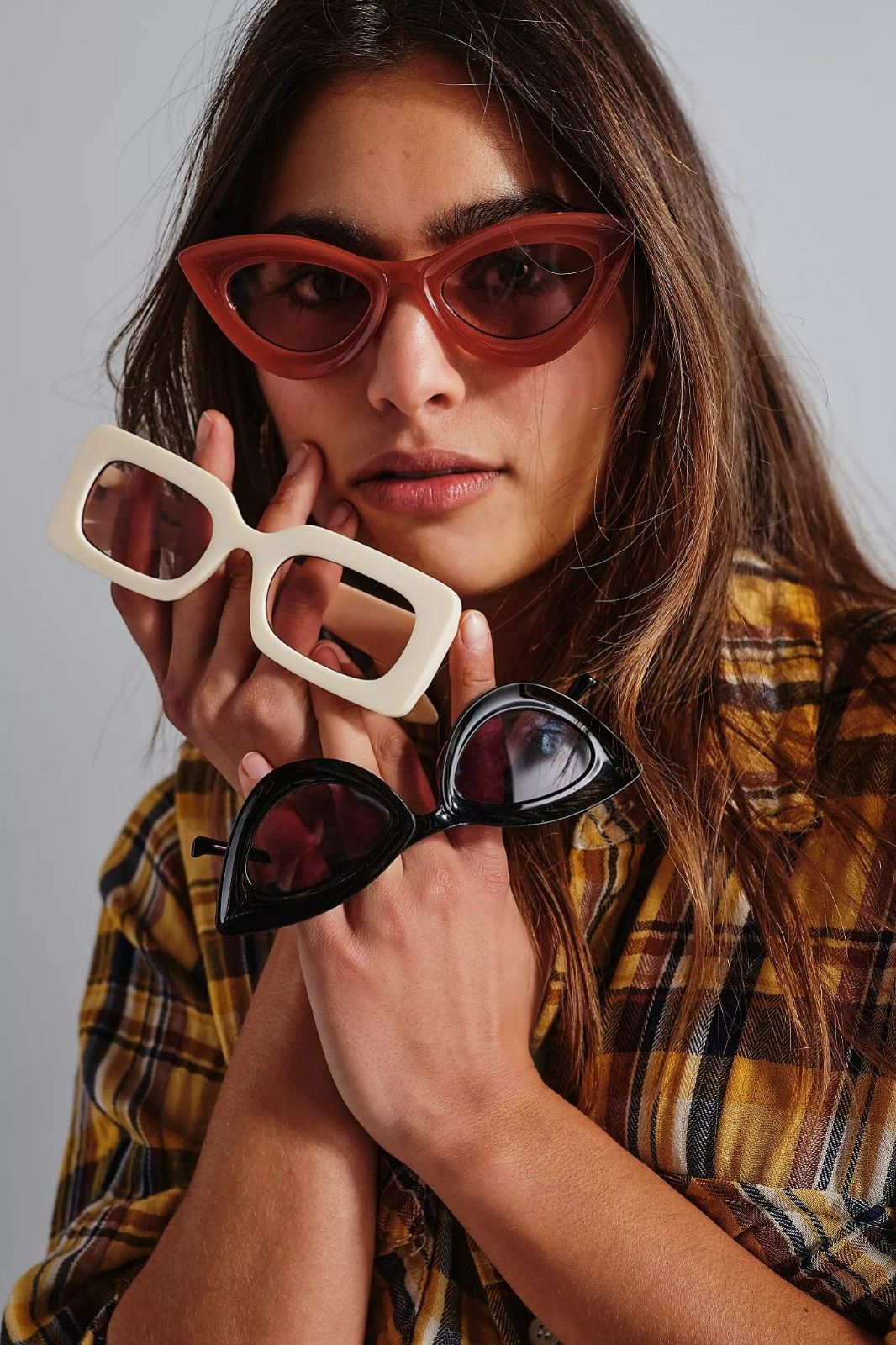
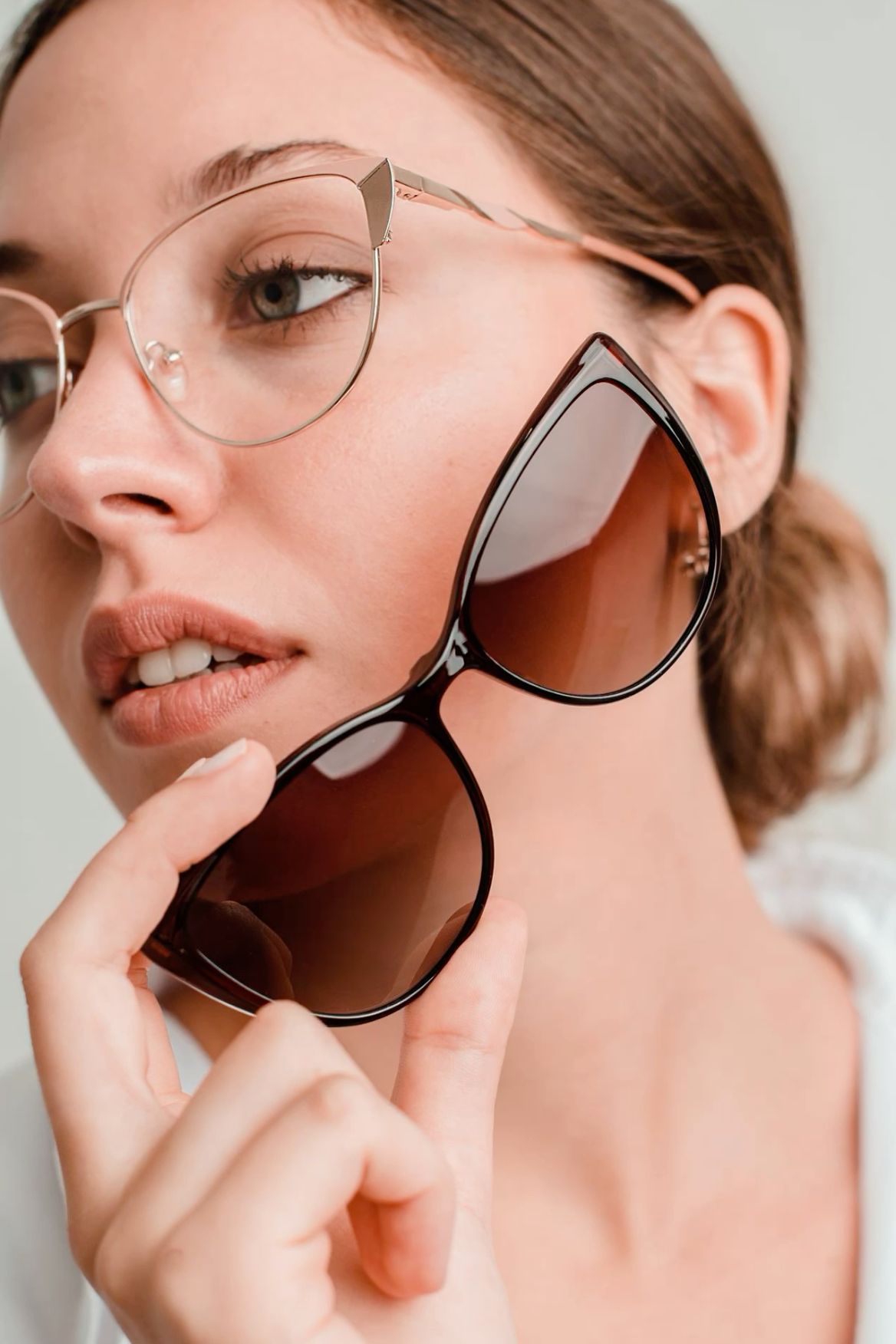
Face crops need even light. Glare on lenses and harsh shadows under earrings are the two most common failures, so name a large soft light and the head angle.

 Black Angular SunglassesCopy this prompt on Pinitup
Handbag model shots
Bags read best when the model's clothes are quieter than the bag. Neutral tailoring, one strong color on the bag and a clear view of the hardware.
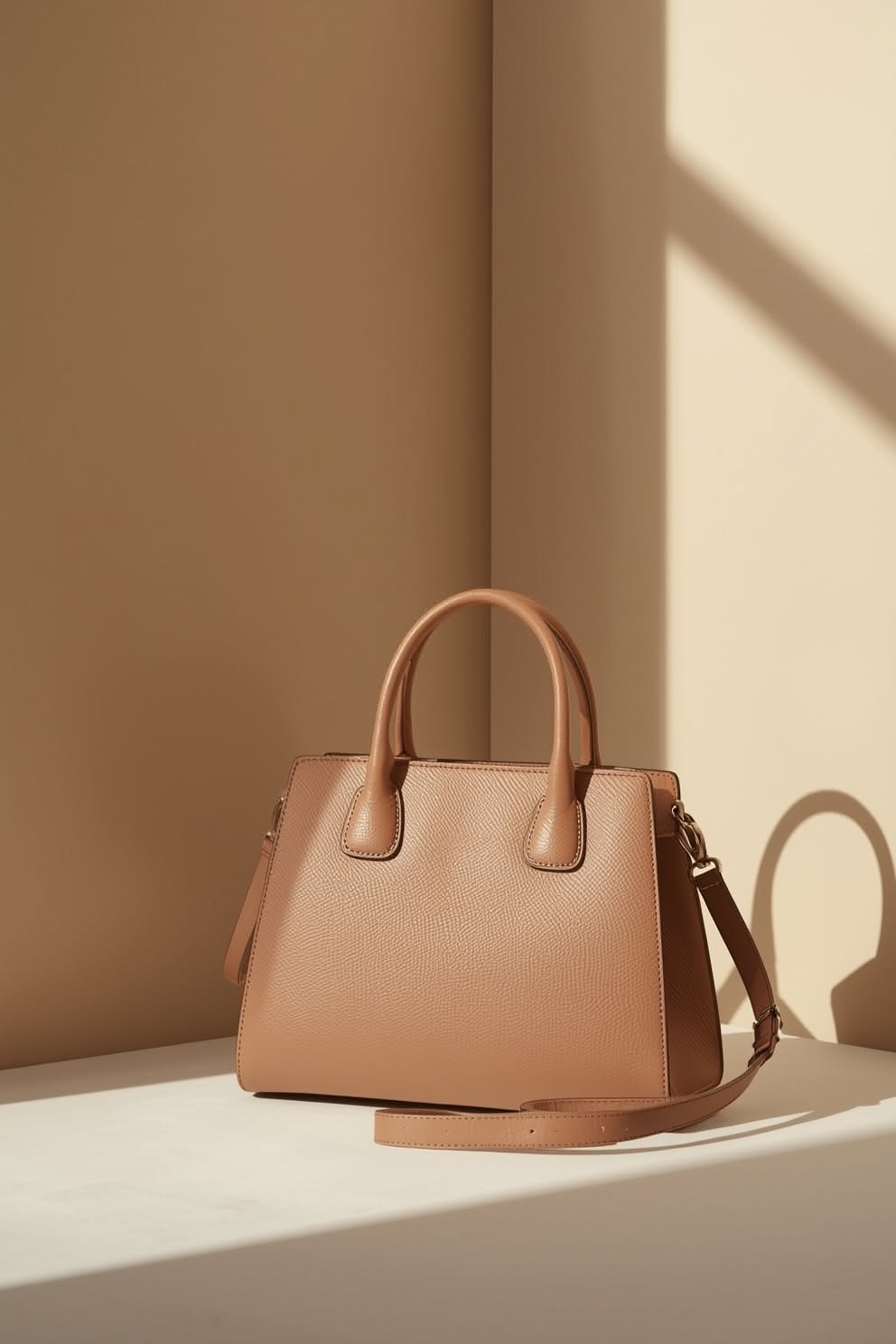
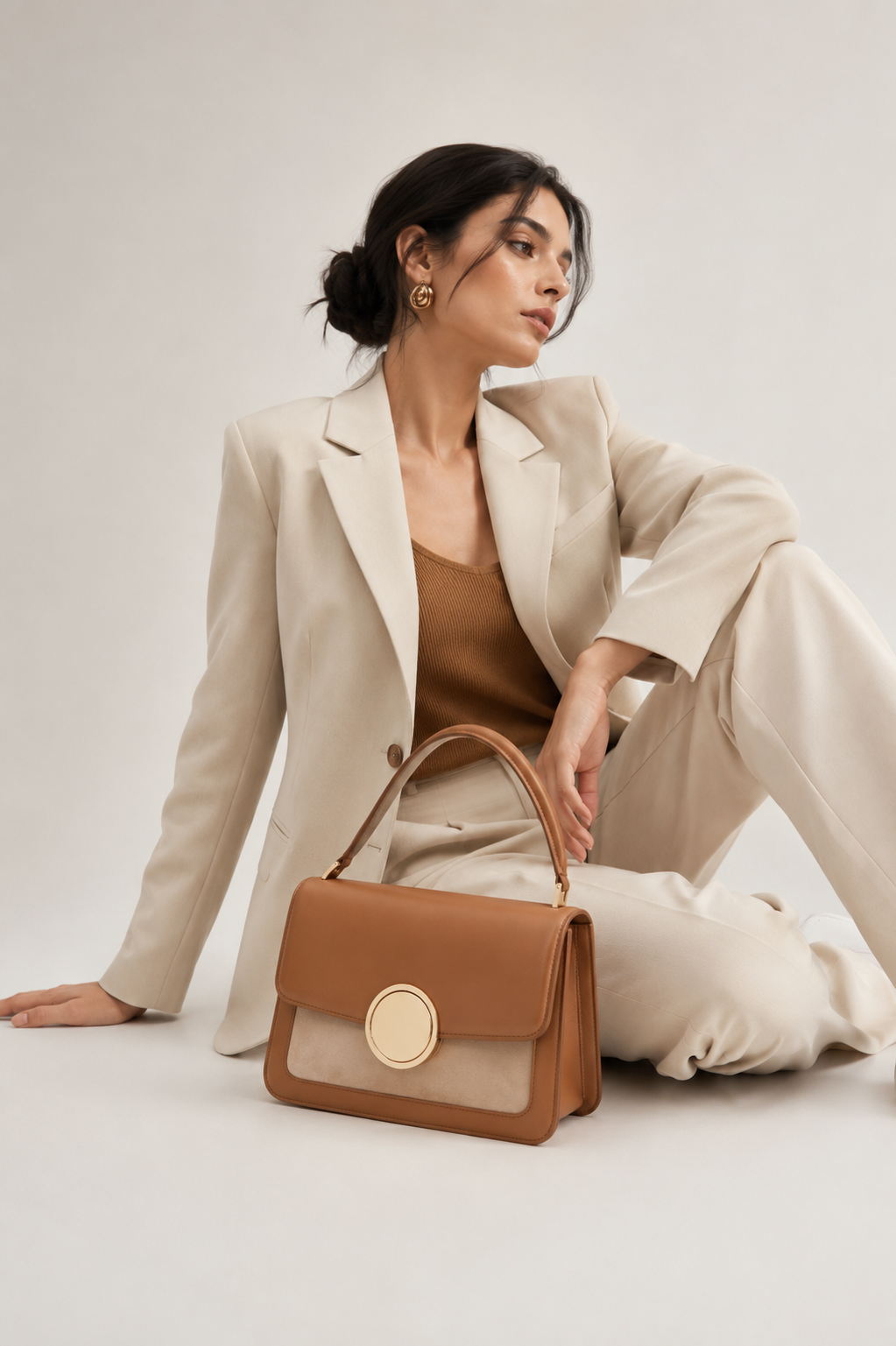

Find the shot. Copy the prompt. Every on-model image on Pinitup opens to its full prompt, with the product lock already written for you. Browse watch prompts on Pinitup
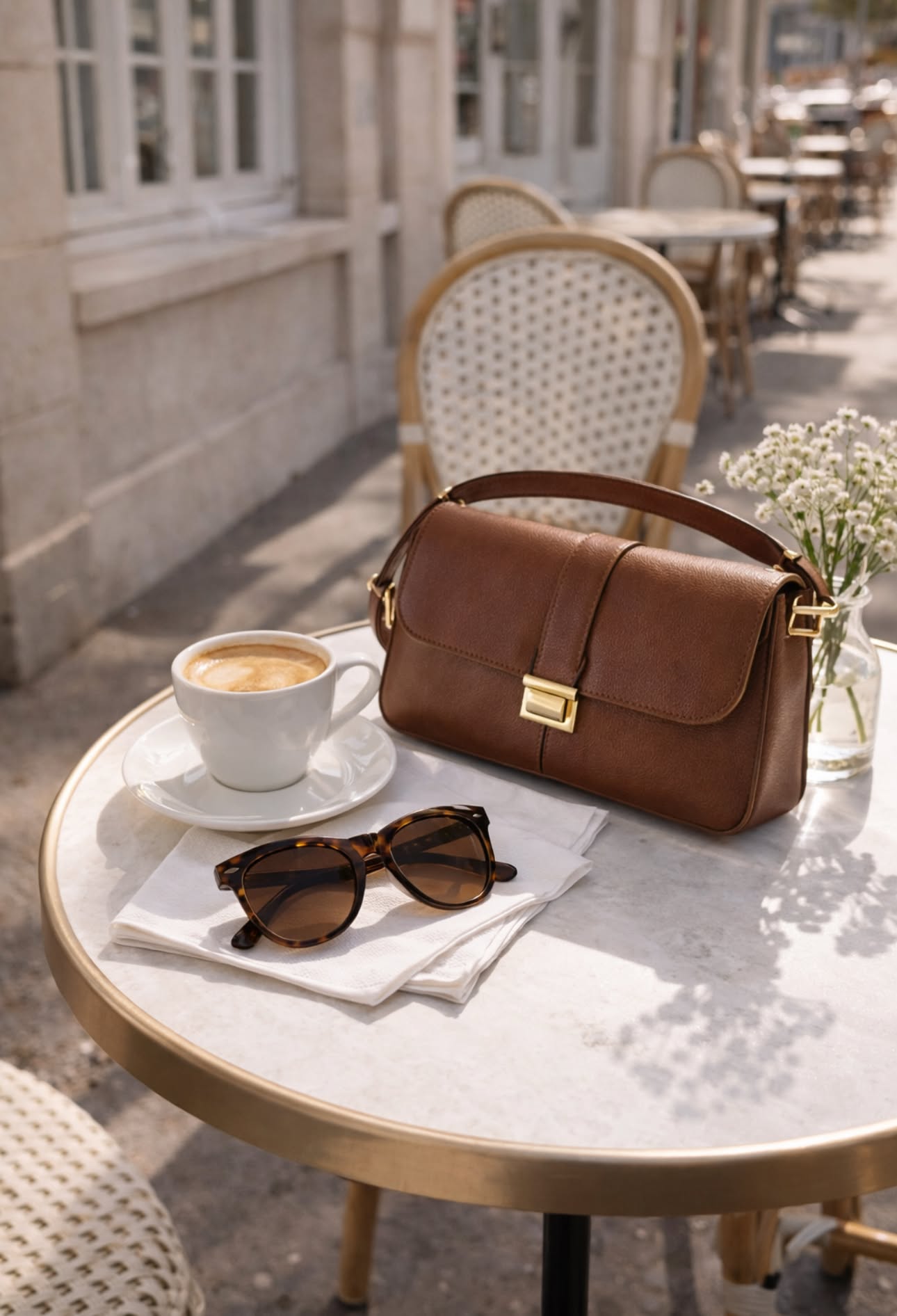 Leather Shoulder Bag Cafe LifestyleCopy this prompt on Pinitup
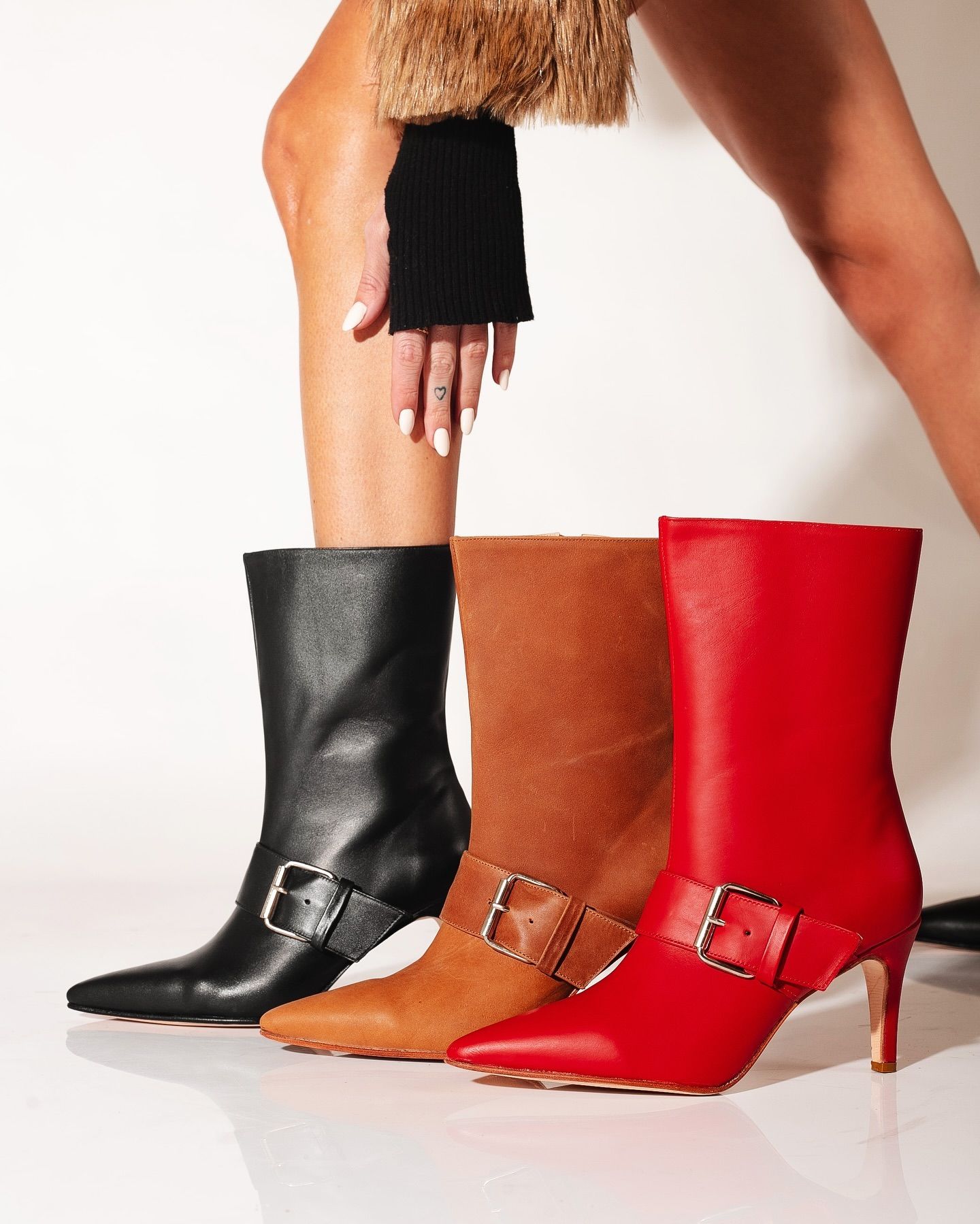
Footwear model shots
AI model photoshoot prompts: pose, hands and gaze
The product decides the pose. Write the pose first in plain body terms, then add one emotional cue. Models follow physical instructions far better than moods.
| Product | Pose line that works | Why it works |
|---|---|---|
| Watch | Left forearm across the body, wrist turned so the dial faces camera | The dial stays flat to the lens and readable |
| Ring | Hand resting on the collarbone, fingers relaxed and slightly apart | Shows the ring finger without a claw grip |
| Eyewear | Three-quarter head turn, chin slightly down, eyes past the lens | Frames the temples and hinge, avoids glare |
| Handbag | Bag on the near shoulder, hand on the strap, walking mid-step | Shows scale and drape in one frame |
Model holding product prompt lines
When the product sits in the hand, describe the grip: "holding the bottle by its base between thumb and two fingers, label facing camera, nails short and natural." Naming the fingers and the side that faces camera prevents most warped hands.
Fix common model shot problems
| Problem | Fix in the prompt |
|---|---|
| Extra or fused fingers | Ask for "relaxed hand, five fingers, natural knuckles" and avoid complex grips |
| Product details change | Lead with the reference lock and repeat "exactly as shown" for hardware and logos |
| Plastic-looking skin | Add "natural skin texture, visible pores, no retouching glow" |
| Outfit competes with product | Ask for neutral styling in one or two tones |
| Product turned away | State "product facing camera" in the pose line |
AI fashion photography prompts for each channel
Use the same prompts across channels by changing only the crop line and the ratio. Keep the product lock and the pose identical so the campaign reads as one shoot.
- Instagram feed and Meta ads: 4:5 crops at wrist or three-quarter length, product in the upper two-thirds.
- Stories and Reels covers: 9:16 full length with space at the top and bottom for text.
- Product pages: one on-model image after the packshot shows scale and fit.
FAQ
What is a good prompt for an AI fashion model photo?
A good prompt attaches your product photo and says to keep it exactly as shown. Then it describes the model, the styling, the crop and the pose, with the product facing camera. Add the setting, the light direction, the lens and the aspect ratio. Asking for natural skin texture and relaxed hands avoids the most common flaws.
Can AI put my real product on a model?
Yes, with a reference-capable model such as GPT Image 2 or Nano Banana Pro. Attach a sharp photo of the product and tell the model to keep its shape, color, hardware and logo unchanged. Check small details like dial markers, clasps and stitching at full size before you publish.
How do I avoid weird hands in AI model shots?
Keep the hand pose simple: resting, holding a strap or touching the face lightly. Ask for a relaxed hand with five fingers and natural knuckles. Avoid grips where fingers overlap, and choose crops where the hand is large enough to render well. Regenerate the shot if a finger still looks wrong.
Should the model or the product be the focus?
The product. Describe the model in enough detail to look real, then keep styling neutral so the product stands out. Use crops that put the product near the center of the frame. Shots where the outfit is the hero work for lookbooks, not product ads.
Are AI model photos allowed in ads?
Most ad platforms accept AI-generated images, but rules on disclosure and realistic people change, so check the current policy for each platform you use. Make sure the product shown matches what customers receive, and avoid prompts that copy the likeness of a real person.
How many model shots do I need per product?
Plan three as a minimum: a close crop that shows the product on skin, a waist-up frame that shows scale and styling, and a full or three-quarter look for ads. Generate each from the same reference photo and lock line, so the product stays identical across the set.
Can I use one AI model across a whole campaign?
You can keep a model consistent by describing the same features in every prompt and, where the tool allows, attaching a reference portrait. Expect small drift between runs. Check face, skin tone and hair across the set before you publish, and regenerate any frame that breaks the match.
Copy more on-model shots on Pinitup
Pick a category, open any model shot and swap in your product. These pages hold the on-model frames used in this guide and many more:
- Watch prompts
- Eyewear prompts
- Handbag prompts
- Jewelry prompts
- Lifestyle prompts
- 75 AI Product Photography Prompts for Ecommerce Campaigns
- Top AI-Generated Jewelry Ad Concepts and Prompts
- How to Use Pinitup
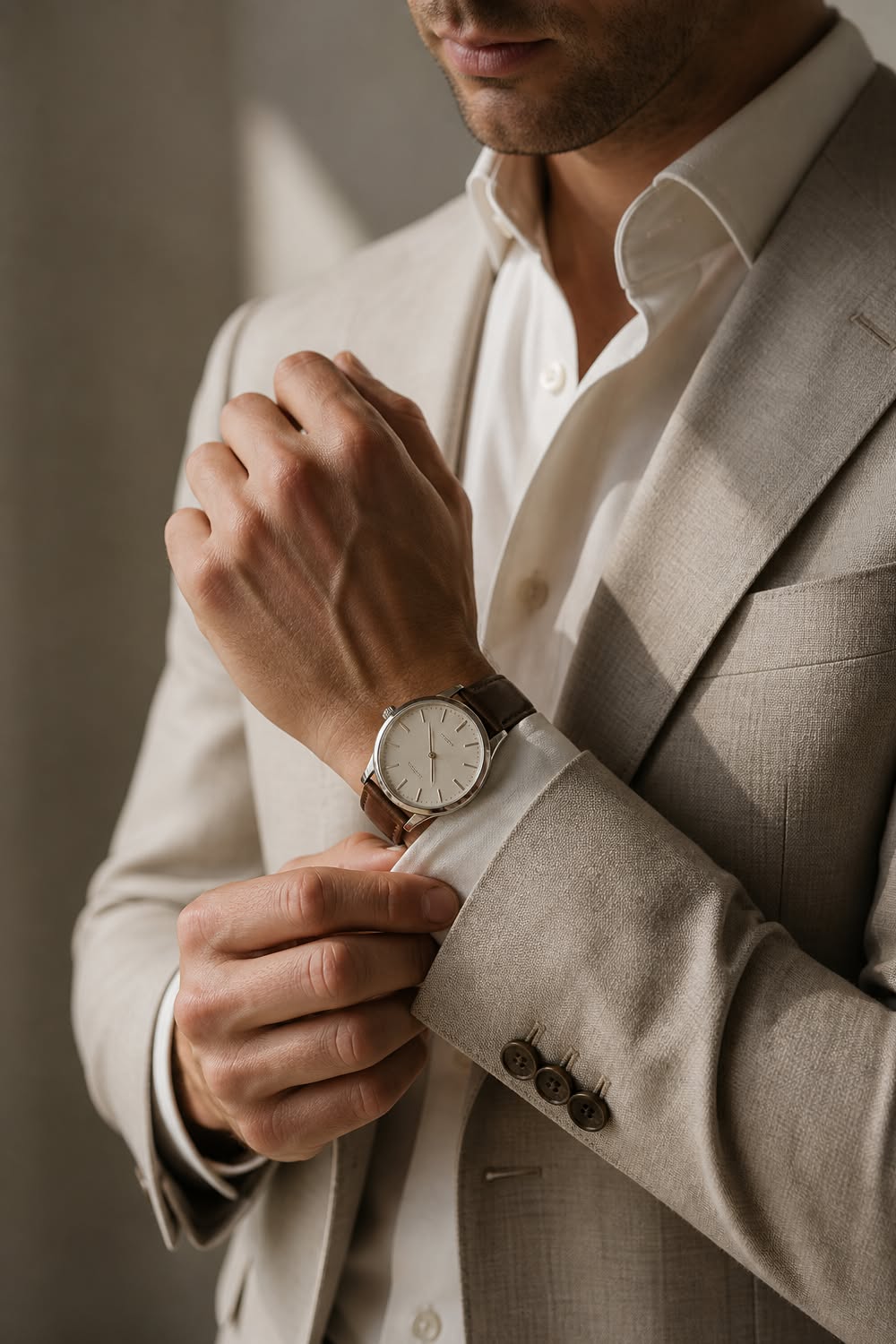 Luxury Mens Dress WatchCopy this prompt on Pinitup
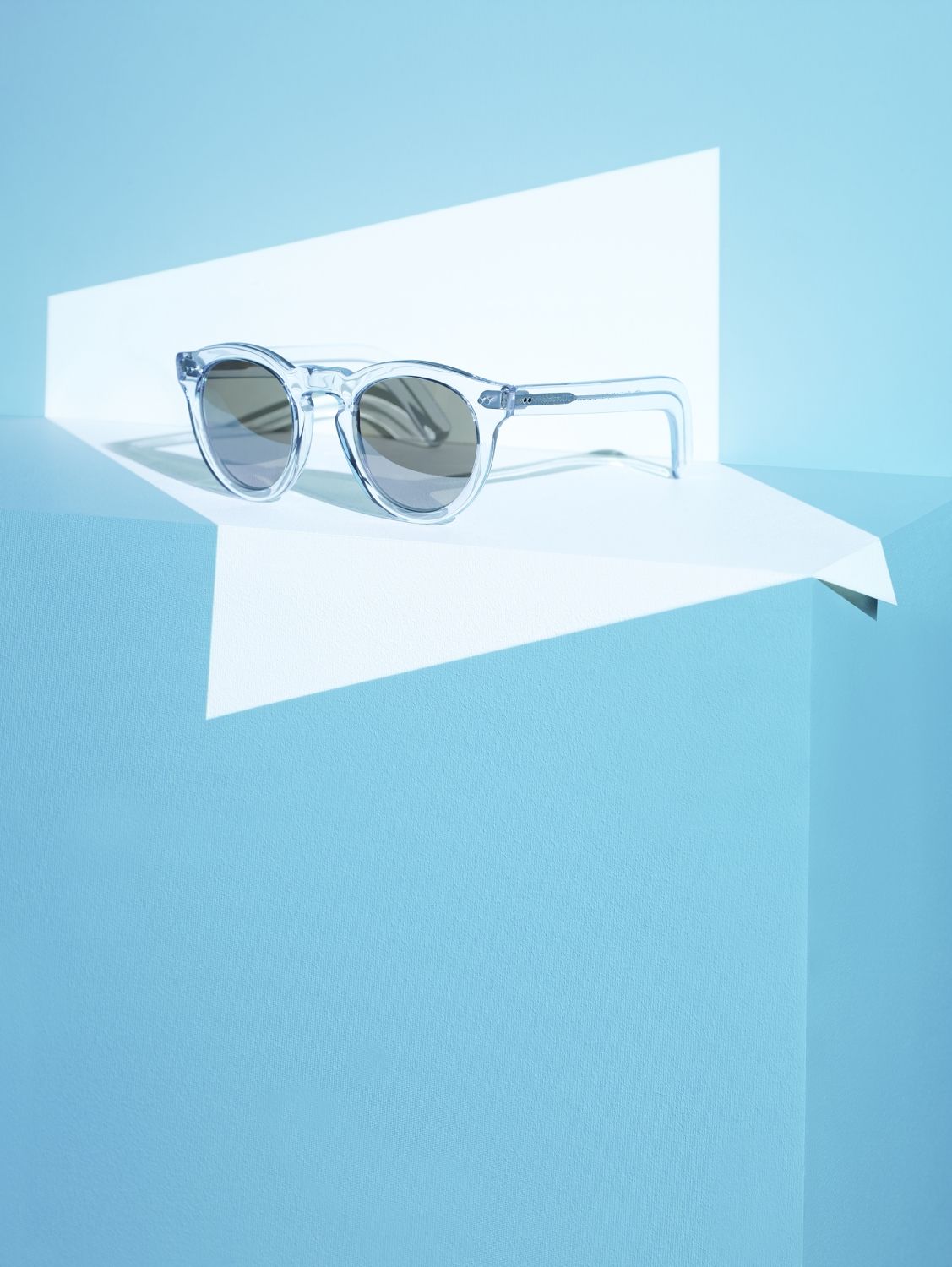 Clear SunglassesCopy this prompt on Pinitup
Every image on Pinitup opens to the full prompt behind it. Find the shot, copy the prompt, and swap in your own product.


