A five-second product clip can outperform a full photoshoot in the feed, if the product stays the same shape from the first frame to the last. These AI product video prompts are written to hold the product still in identity while the light, liquid and camera move around it.
The jewelry prompts are embedded with the Seedance videos they produced on Pinitup, so you can press play before you copy. Use them for Reels, TikTok and short ads, or lift the template further down for your own product.

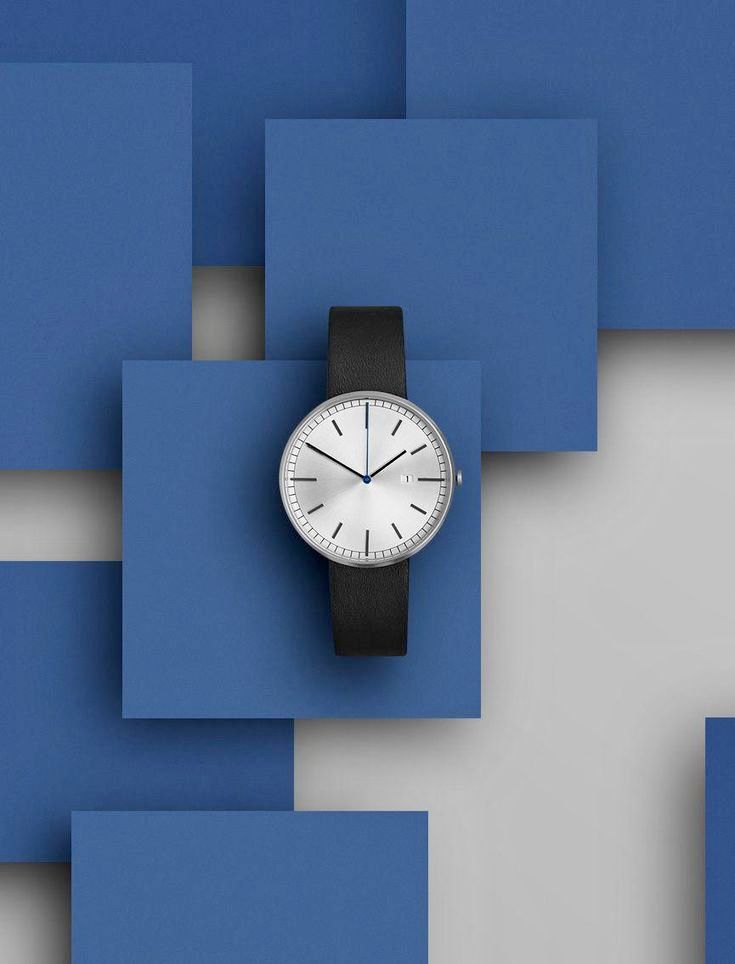 Minimalist WatchCopy this prompt on Pinitup
What makes a product video prompt work?
A still image prompt describes one moment. A video prompt describes a sequence: what the viewer sees first, how the camera moves, what changes and where it ends. If the prompt only describes the scene, the model invents the motion, and the motion is usually where products warp.
The videos below share three habits. They name a short list of shots in order. They give each shot one camera move. They keep the product the brightest, sharpest object in every frame.
Write it as a shot list
Think in four beats for a short ad: hook, detail, context, end card. The table shows the vague version of each beat and the specific one.
| Beat | Vague | Specific |
|---|---|---|
| Hook | "Cinematic product reveal" | "Open on the serum bottle half in shadow, a slow push-in as a soft light sweeps across the label" |
| Detail | "Close-ups of the product" | "Macro of the pump and cap, water droplets sliding down the glass, shallow focus" |
| Context | "Beautiful background" | "Peach roses and glossy leaves drift past in the foreground, background stays soft" |
| End card | "Logo at the end" | "Product centered and still on a pale pink set, empty space on the right for the logo" |
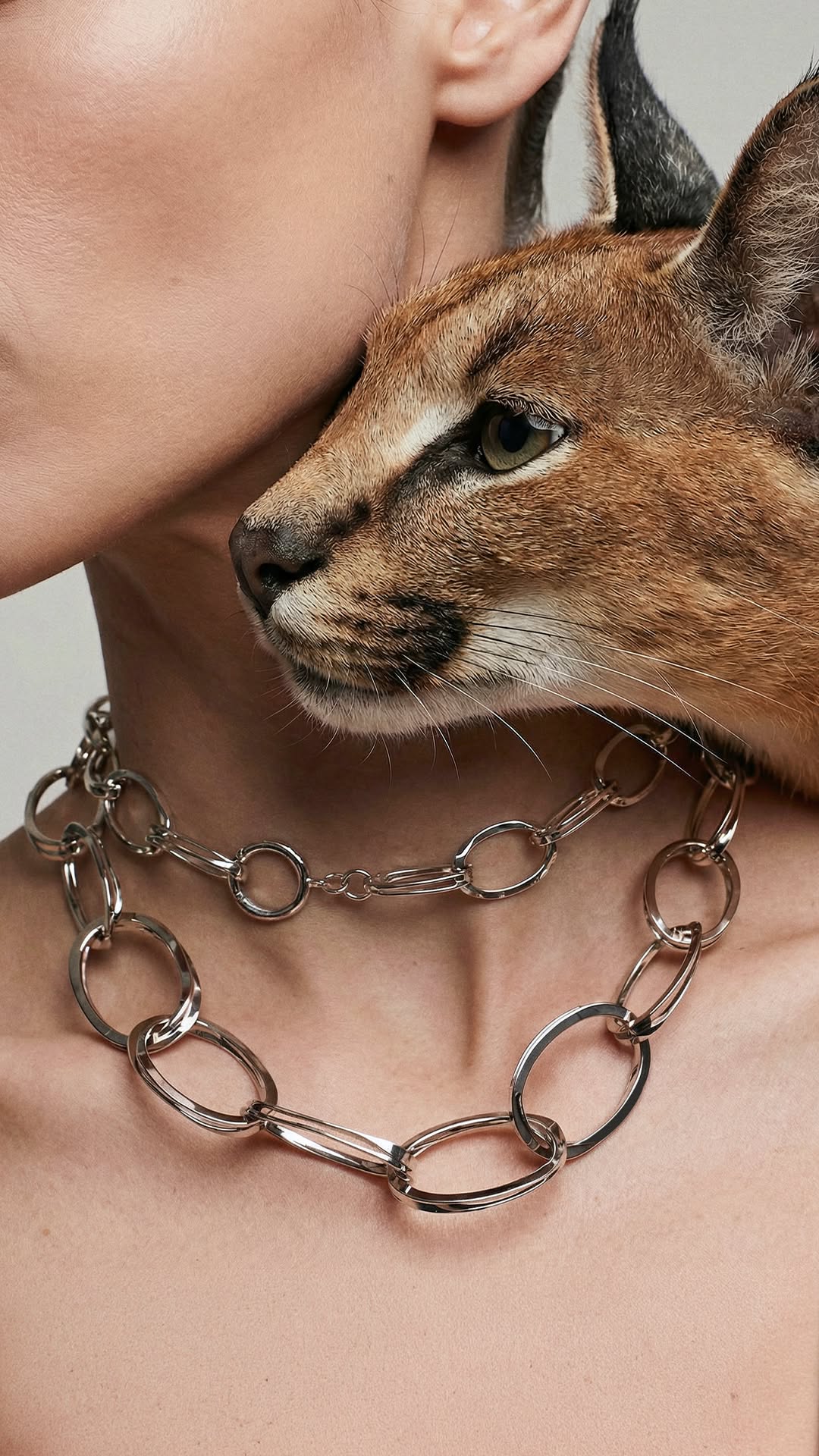
Image to video prompts start with the right still
If your tool accepts a start frame, give it a still that already looks like the first second of the ad: one clear product, clean background, room for the camera to move. The prompt then only has to describe motion, not invent the whole scene.

 Luxury Gemstone Jewelry SetCopy this prompt on Pinitup
The template behind these AI product video prompts
Template prompt: copy and fill the brackets
Use the attached image for the product. Keep its shape, color, label and logo exactly as shown in every shot.
Shot 1 (hook): [OPENING FRAME], camera [ONE MOVE], [SPEED].
Shot 2 (detail): macro of [PRODUCT DETAIL], [TEXTURE OR LIQUID MOTION], shallow focus.
Shot 3 (context): [SETTING AND PROPS], [ENVIRONMENT MOTION], product stays centered.
Shot 4 (end card): product still on [SURFACE], [SPACE FOR LOGO OR TEXT].
Lighting: [LIGHT SETUP]. Mood: [MOOD]. Format: [RATIO], [LENGTH IN SECONDS].
Here are three filled versions, written for this article.
Original prompt: skincare jar Reel
Use the attached image for the moisturizer jar. Keep its shape, lid and label exactly as shown.
Shot 1: the jar on wet white stone, camera slowly pushes in as morning light moves across the lid.
Shot 2: macro of a fingertip lifting cream from the open jar, the cream holding a soft peak.
Shot 3: thin mist drifts behind the jar, two eucalyptus sprigs sway at the edge of frame.
Shot 4: the jar alone, lid on, centered, clean space above for text.
Soft daylight from the left. Calm, clean mood. 9:16 vertical, 8 seconds.
Original prompt: ring product ad
Use the attached image for the gold ring. Keep the band, setting and stone exactly as shown.
Shot 1: the ring stands on black velvet, camera makes a slow half orbit from left to right.
Shot 2: extreme macro of the stone as a pin light sparkles across the facets.
Shot 3: a hand slides the ring on, background a warm blur of candlelight.
Shot 4: ring back on velvet, locked-off camera, space below for the brand name.
Low warm key light, deep shadows. Intimate mood. 4:5 vertical, 6 seconds.
Original prompt: sneaker drop video
Use the attached image for the sneaker. Keep its shape, colors, logo and laces exactly as shown.
Shot 1: the sneaker drops into frame and lands on a concrete block, a puff of dust rises.
Shot 2: tracking macro along the sole from heel to toe.
Shot 3: the camera pulls back to show the block on a sunlit rooftop at golden hour.
Shot 4: the sneaker still, side profile, wide space on the right for the offer.
Hard sunlight, crisp shadows. Energetic mood. 9:16 vertical, 6 seconds.
Seedance product video prompts by category
Skincare
Skincare videos lean on water and botanicals. The serum below sits in a splash with flowers around it, and the bottle never changes shape.
Jewelry
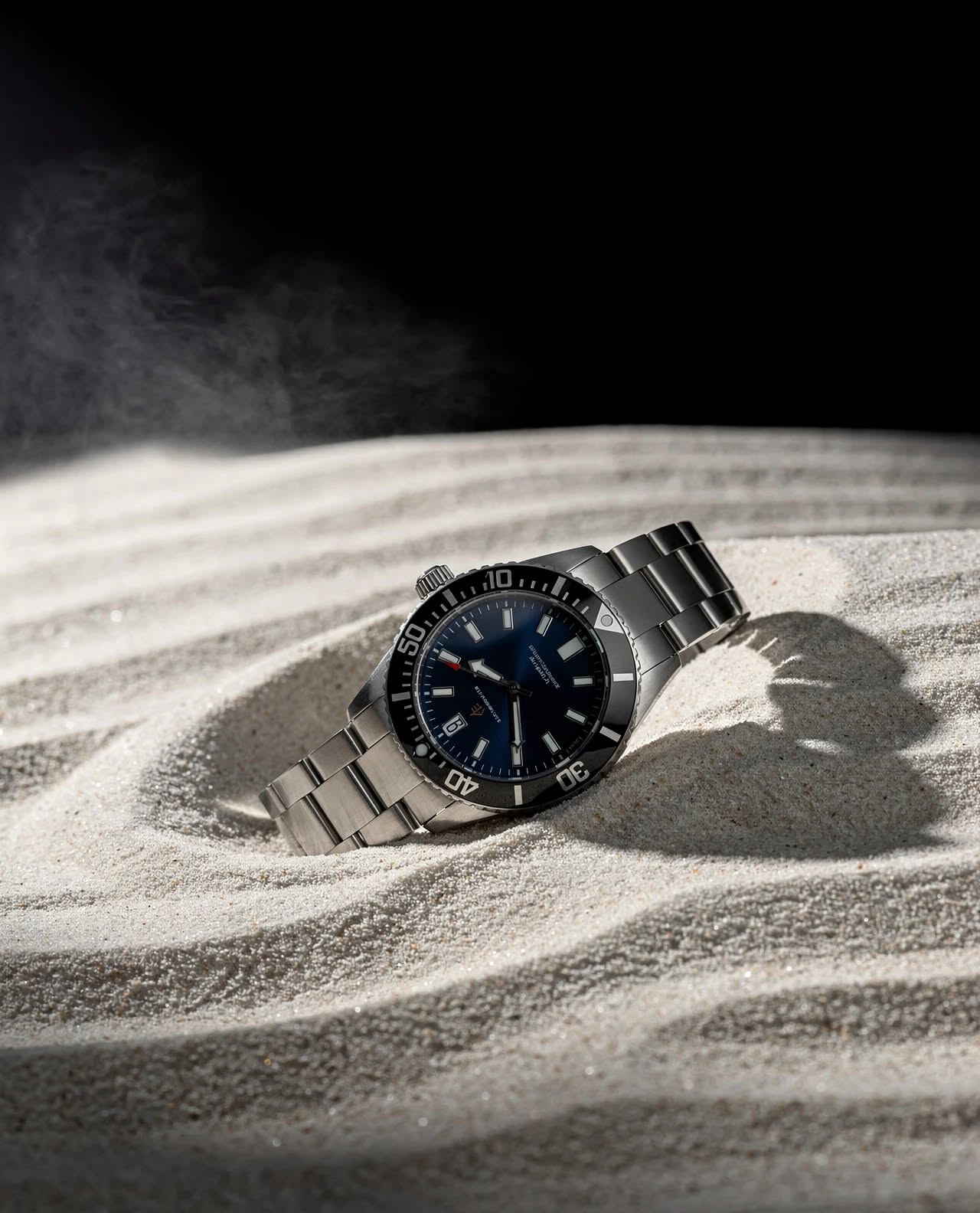
Jewelry videos are mostly macro. Light moving across facets does the work, so the camera moves slowly and the background stays dark or saturated.
Luxury Dive Watch on SandCopy this prompt on Pinitup
Fragrance
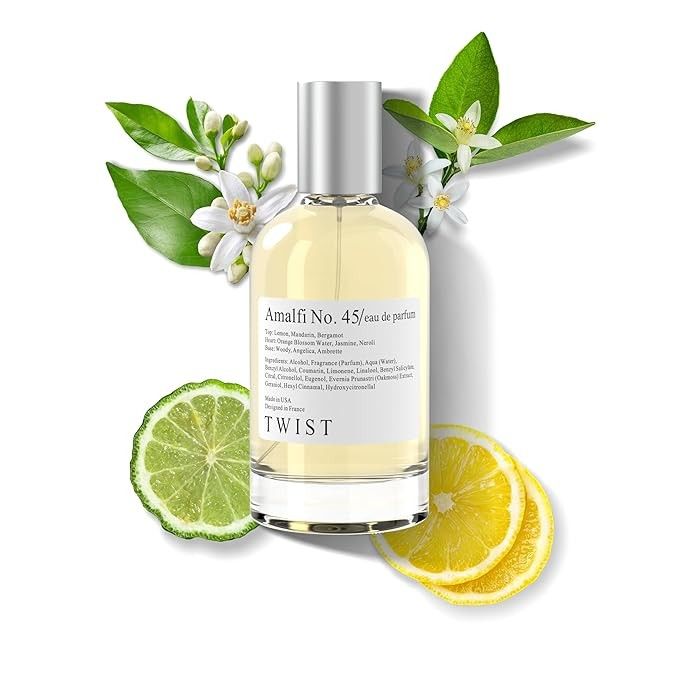
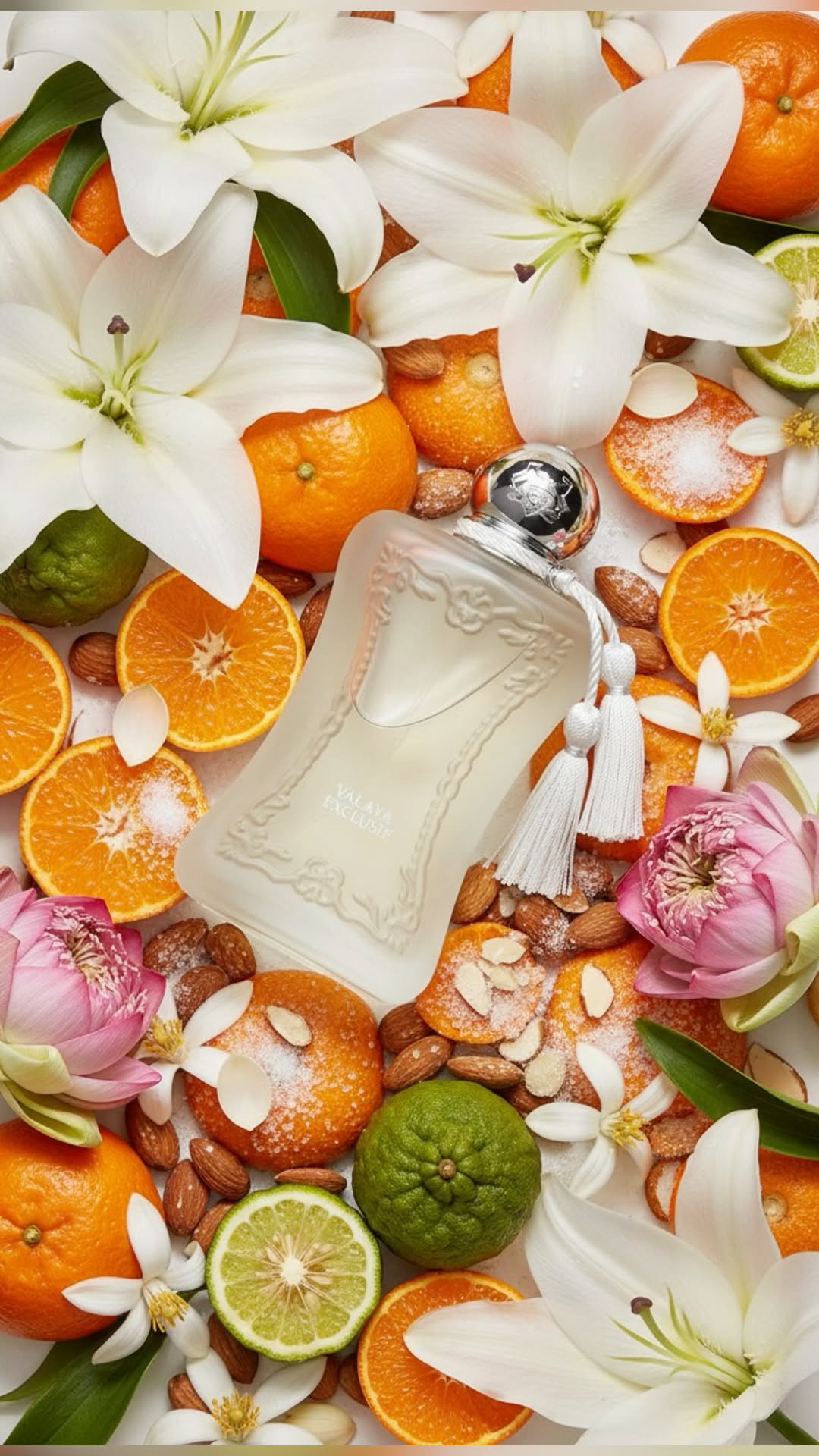
Fragrance videos sell the notes. Fruit, cream and flowers move around a still bottle so the scent reads before any text appears.
Find the clip. Copy the prompt. Every video on Pinitup opens to the full Seedance prompt behind it, ready to adapt to your product. Browse prompts on Pinitup
Do these AI video prompts work as Veo 3 prompts or in Kling?
They were written for and tested on Seedance, the model behind the videos on Pinitup. The structure carries over to other video models: lock the product, describe the opening frame, give one camera move and one action, and state the duration. What changes between tools is clip length, how literally each model follows camera terms and whether audio is generated.
Treat these as starting points rather than guarantees in Veo 3 or Kling. Run one prompt on your product, compare the first and last frames for drift, then shorten or simplify the action line until the product holds.

Fix common product video problems
| Problem | Likely cause | Fix |
|---|---|---|
| Label letters change between shots | The prompt describes the label instead of locking it | Attach a sharp reference and say "keep the label exactly as shown in every shot" |
| Product melts or bends | Too many moves at once | Give each shot one camera move and keep the product still |
| Video feels random | No order of shots | Number the shots and describe the first and last frame |
| Background steals focus | Busy props with bright colors | Keep props at the edge of frame and the product the brightest object |
| End card is unusable | No space planned for text | Ask for clean space on one side in the final shot |
Fit product reel prompts to each platform
- Reels and TikTok: 9:16 vertical. Put the hook in the first second and keep text away from the bottom fifth of the frame, where captions and buttons sit.
- Instagram feed and Meta ads: 4:5 vertical reads larger in the feed than 1:1. Plan an end card with space for the offer.
- Product pages: a quiet loop works better than a fast cut. Use one slow orbit with no text.
Generate two or three versions of the same prompt and keep the one where the product matches your reference in every frame. Check the end card at full size before you post.
FAQ

What is a good prompt for an AI product video?
A good product video prompt attaches a clean product photo and tells the model to keep it unchanged. It then lists three or four numbered shots, each with one camera move, and ends with a still frame that leaves room for a logo or offer. Add lighting, mood, aspect ratio and length on the last line.
Which AI model makes the videos on Pinitup?
The video prompts shown here are labeled Seedance 2.5 on Pinitup. The same shot-list structure works in other text-to-video and image-to-video tools, including Veo 3, because it describes what each shot shows rather than relying on settings unique to one model. Expect some differences between tools and test first.
How long should an AI product video be?
For Reels, TikTok and Meta ads, aim for six to fifteen seconds. Short clips keep the product consistent and are easier to loop. If you need a longer ad, generate each beat as its own short clip with the same reference photo and join them in an editor.
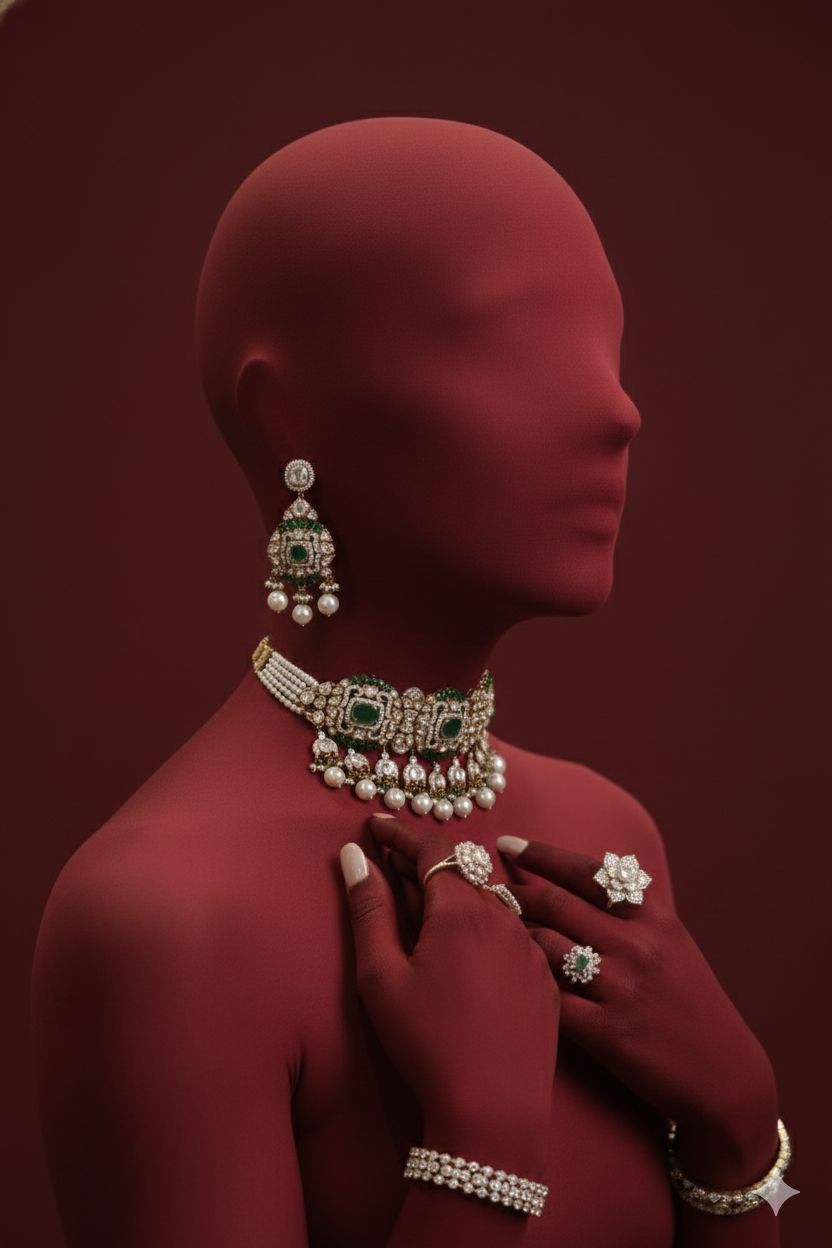 Luxury Indian Jewelry SetCopy this prompt on Pinitup
How do I stop my product changing shape in AI video?
Use image-to-video or a reference image so the model starts from your real product. Keep the product still and let the camera or the environment move. Avoid asking the product to spin, open and change light in one shot. If a frame drifts, regenerate that shot only.
Can I add text and logos in the prompt?
You can ask for clean space, but add text and logos in an editor afterward. Video models often misspell or warp lettering as the camera moves. Planning empty space in the final shot gives you a clean end card for the logo, price or offer without fighting the model.
Can I turn a product photo into a video with AI?
Yes. Image-to-video tools take your product photo as the first frame and animate it from a motion prompt. Keep the motion small, such as a slow push in, a turning bottle or falling droplets, and the product is far more likely to stay identical through the clip.
What makes a good product reel prompt?
A good reel prompt names one product, one opening frame, one action, one camera move and a vertical 9:16 format. Keep the clip between five and eight seconds, add sound and text in editing, and end on a frame clean enough to hold a call to action.
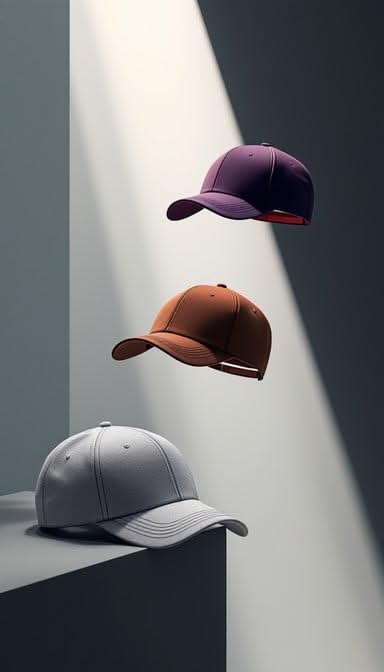
Copy more product video prompts on Pinitup
Open any video prompt, swap in your product and keep the motion line short. Useful next stops:
- All Pinitup prompts
- Skincare prompts
- Jewelry prompts
- Fragrance prompts
- Top 20 Canva-Style Templates for Aesthetic Videos
- 75 AI Product Photography Prompts for Ecommerce Campaigns
- How to Use Pinitup
 Aquamarine PendantCopy this prompt on Pinitup
 Diamond RingCopy this prompt on Pinitup
Every image on Pinitup opens to the full prompt behind it. Find the shot, copy the prompt, and swap in your own product.