
Prompt Library
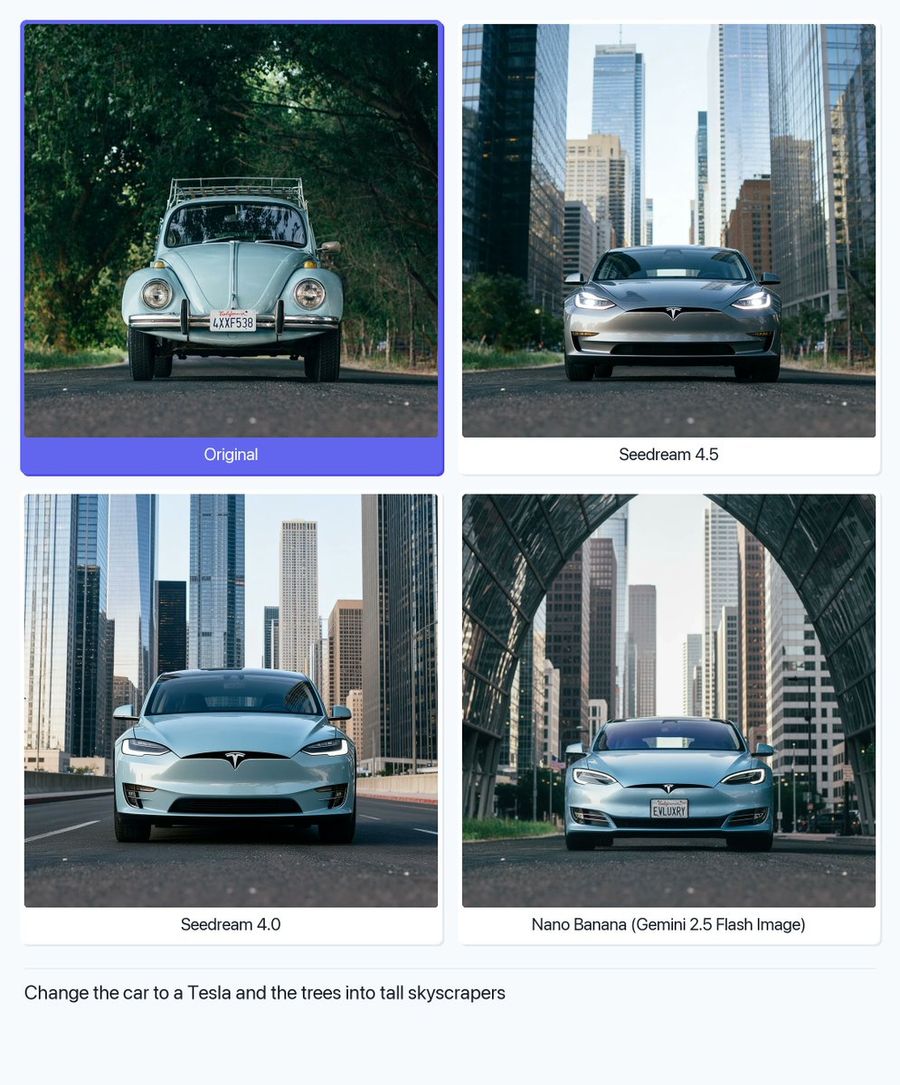
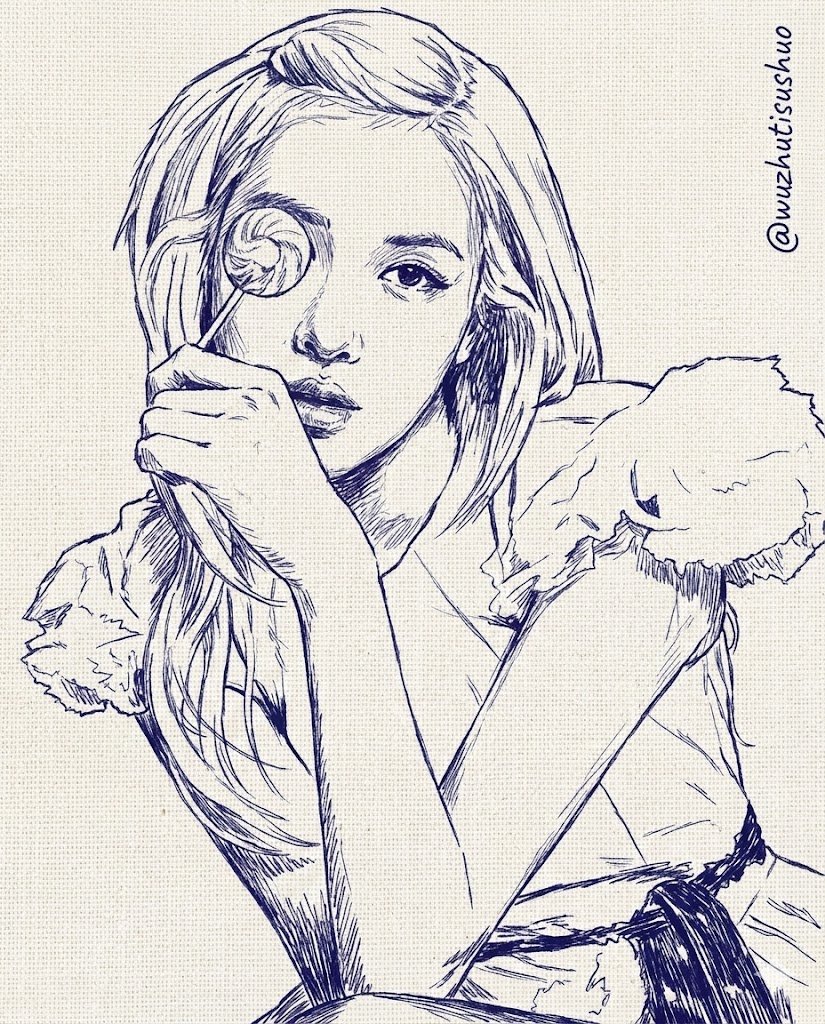
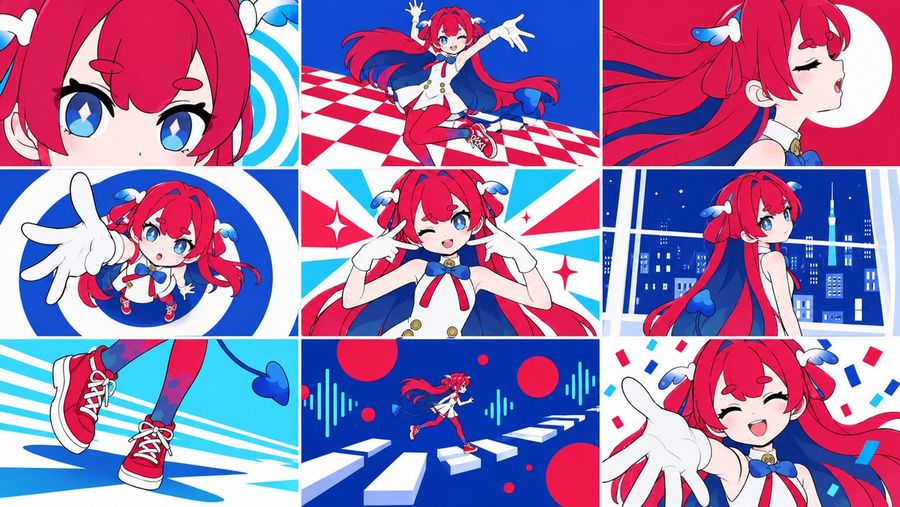
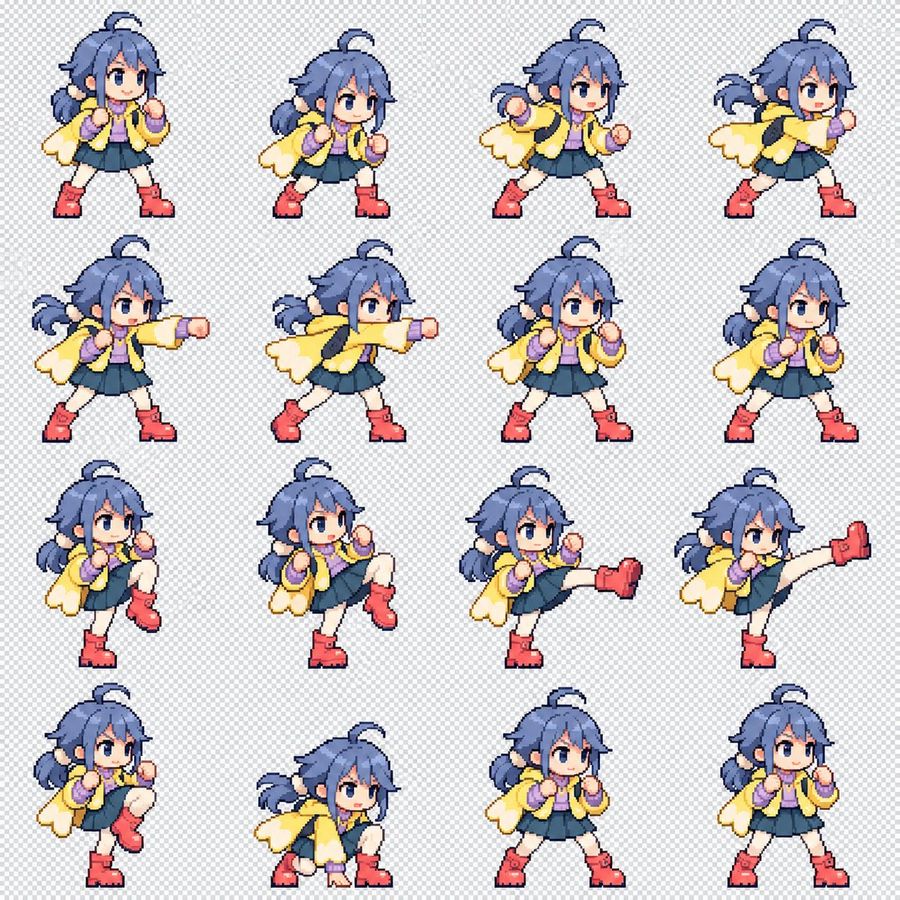
Browse prompts by model.
Choose an image or video model first, then explore its dedicated prompt library.









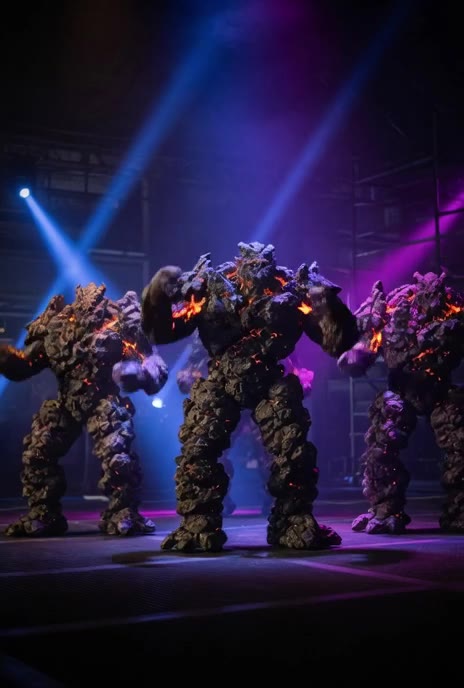
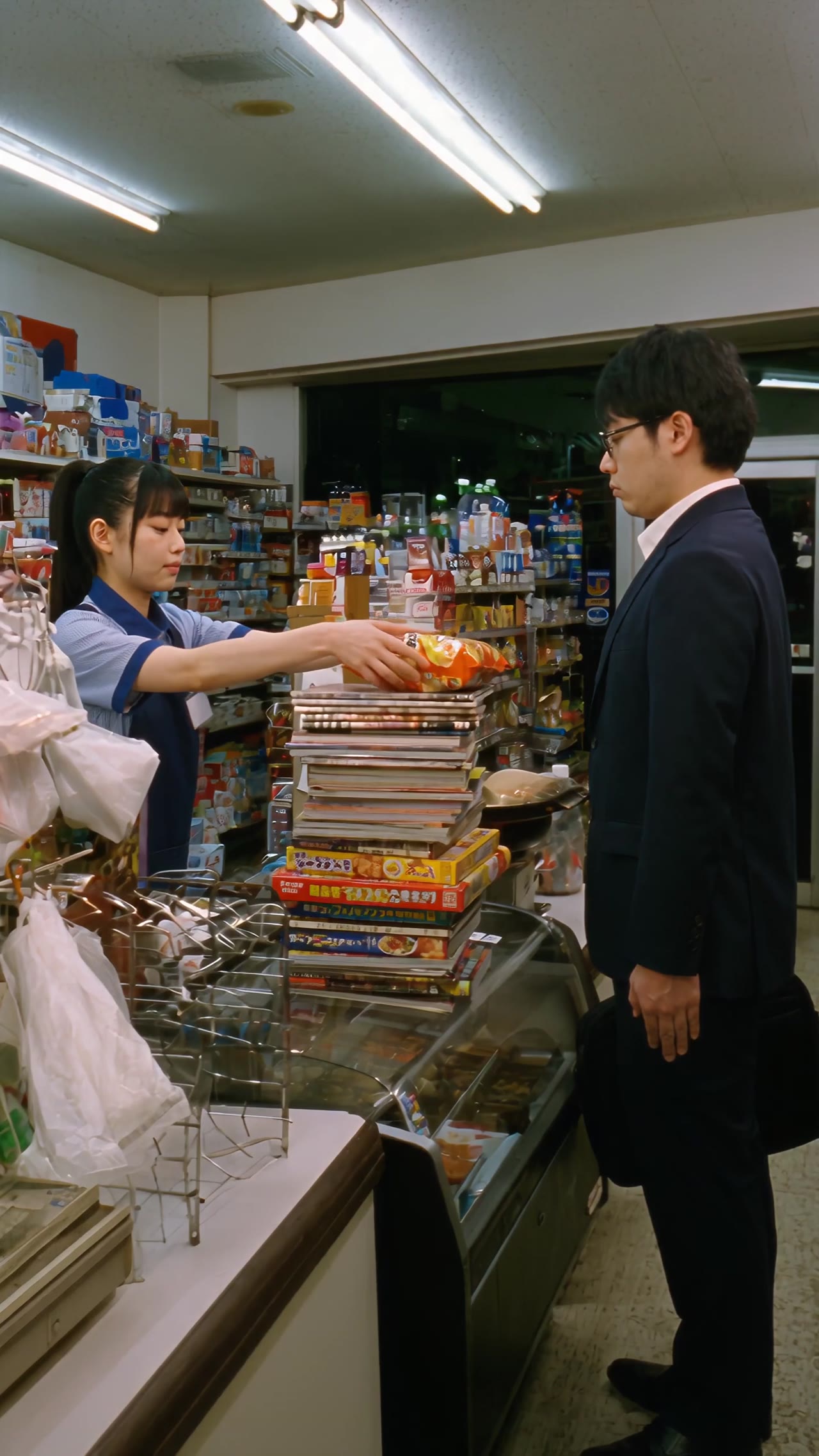


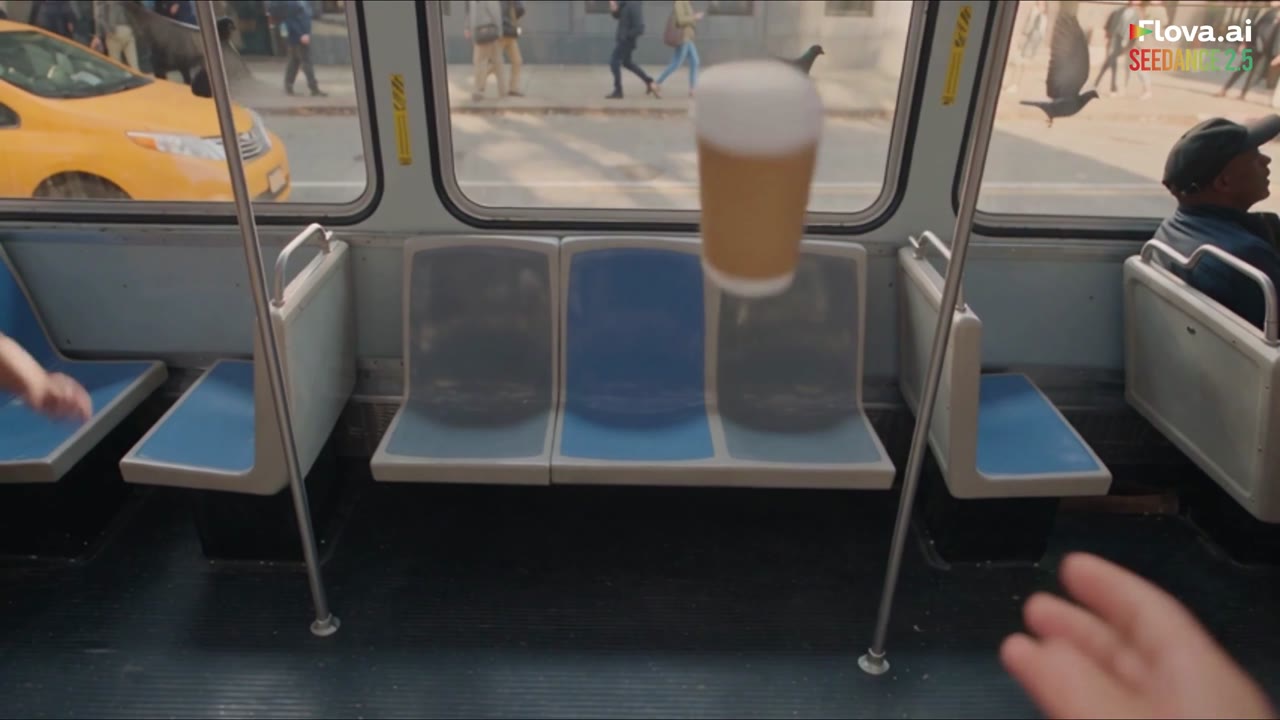
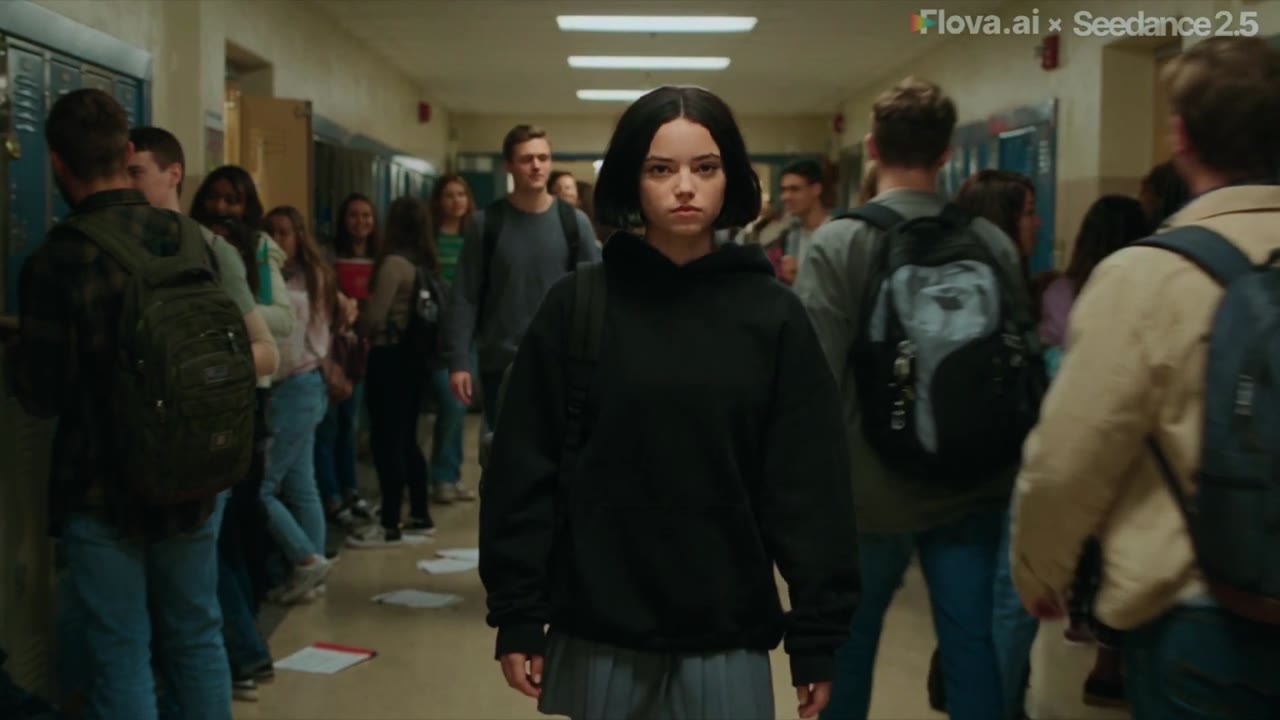
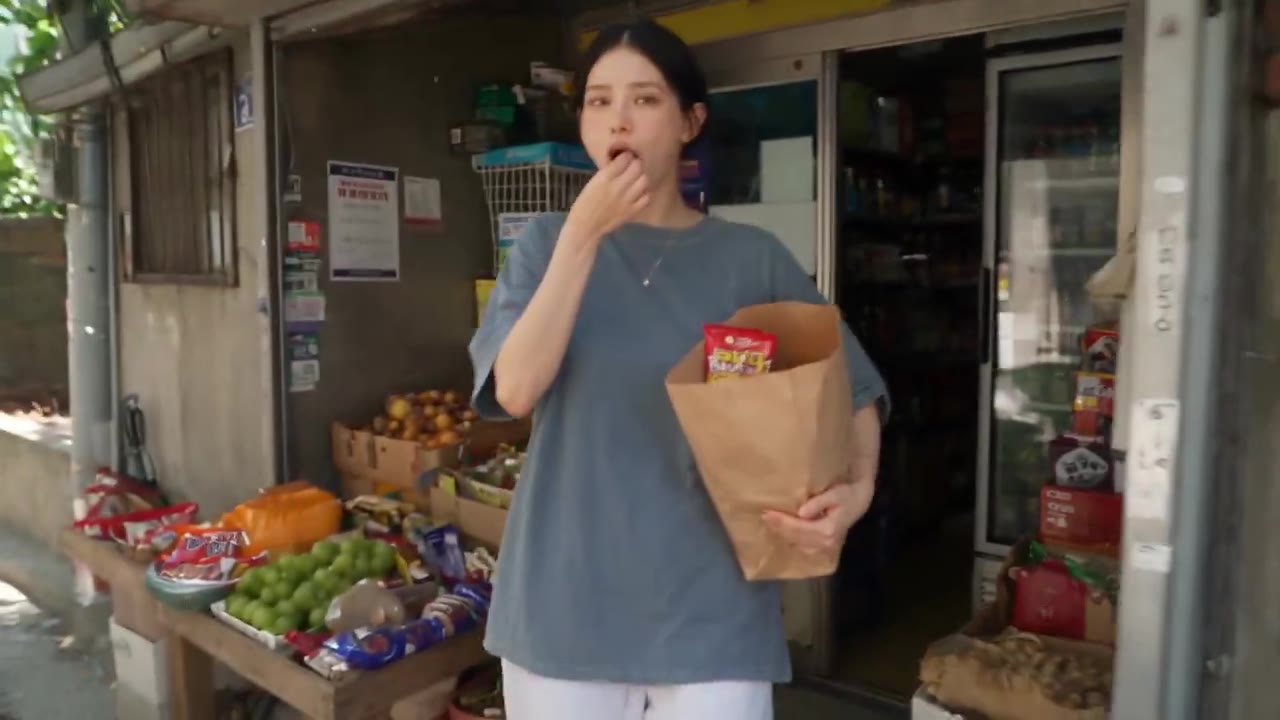
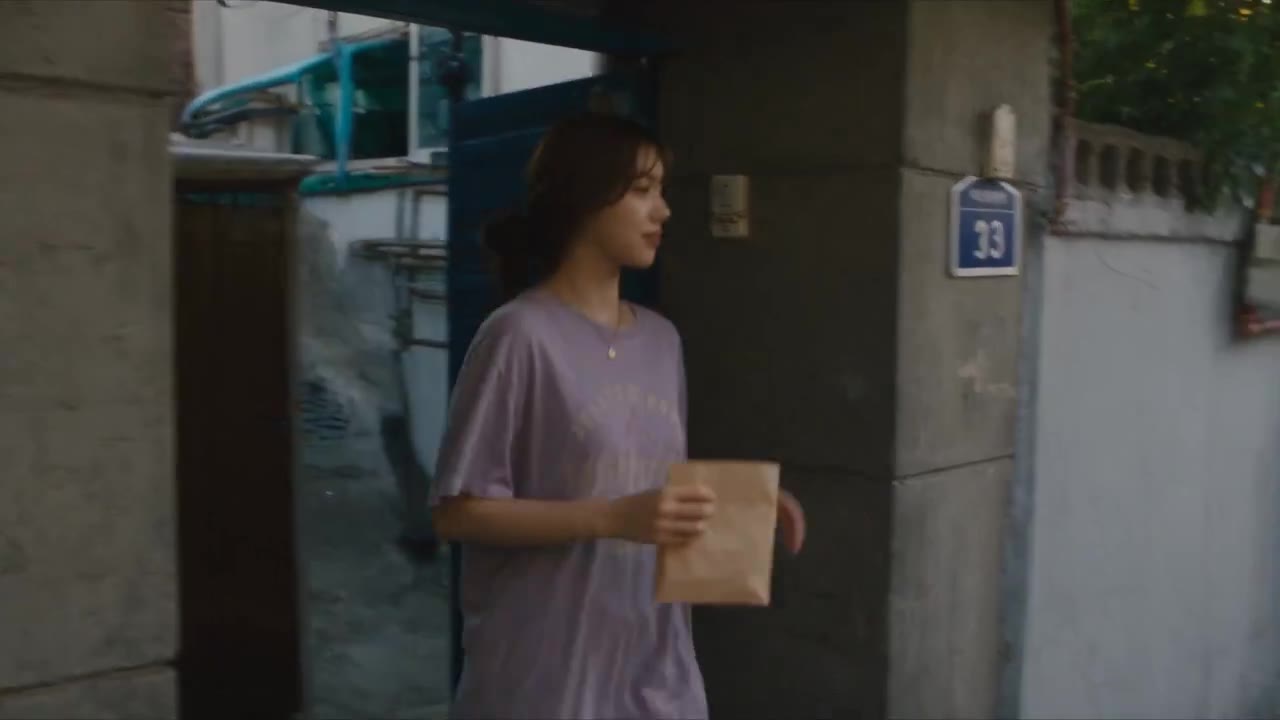
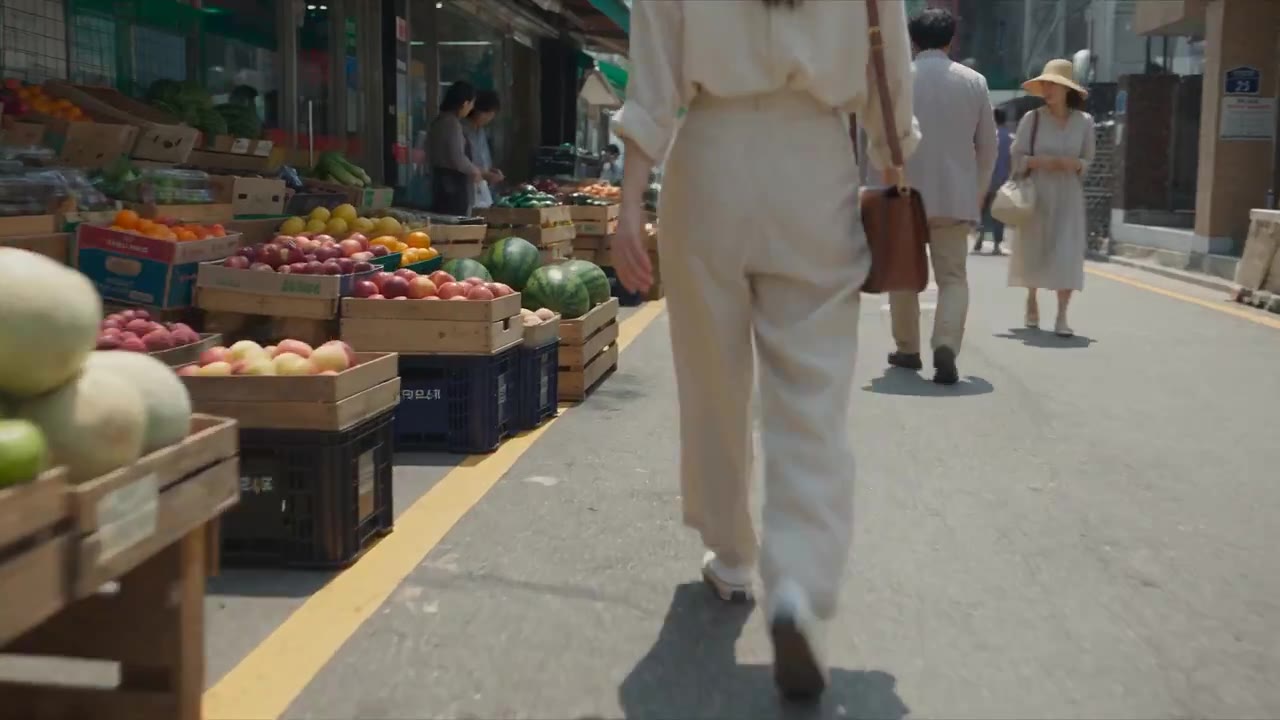
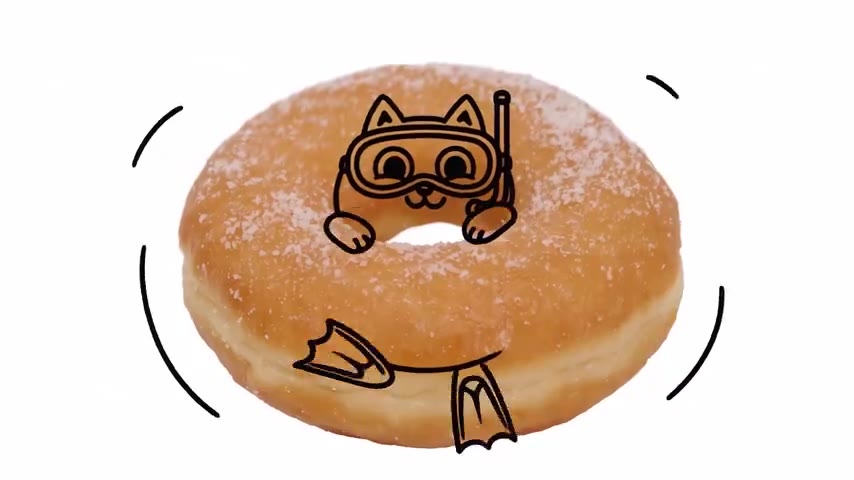
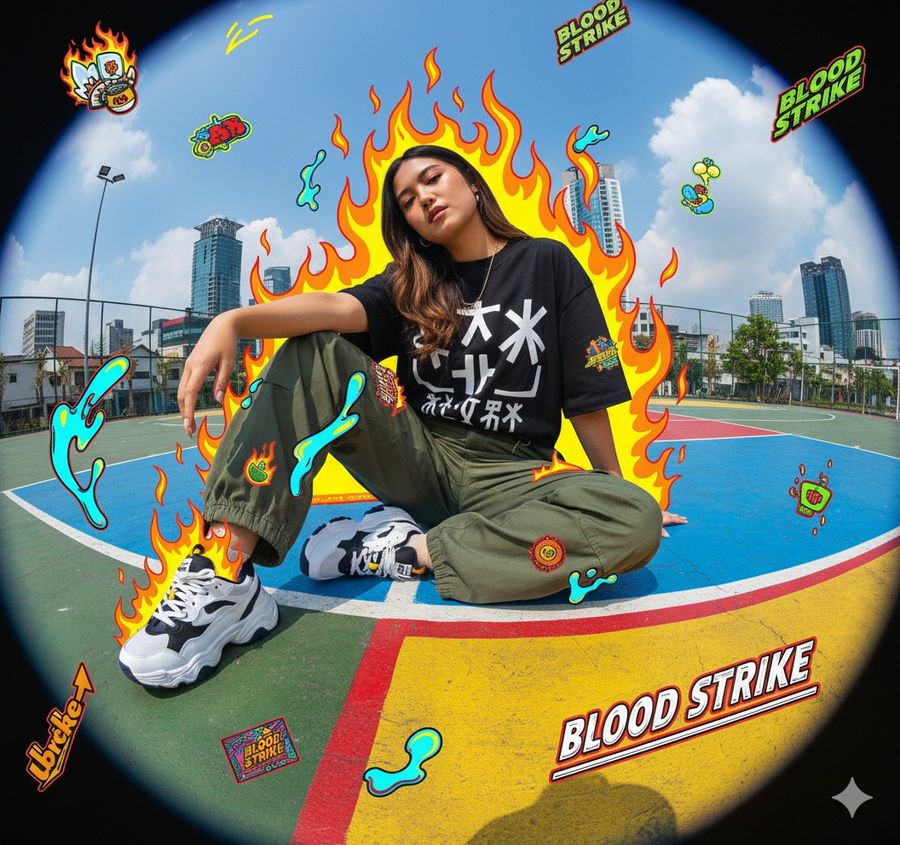
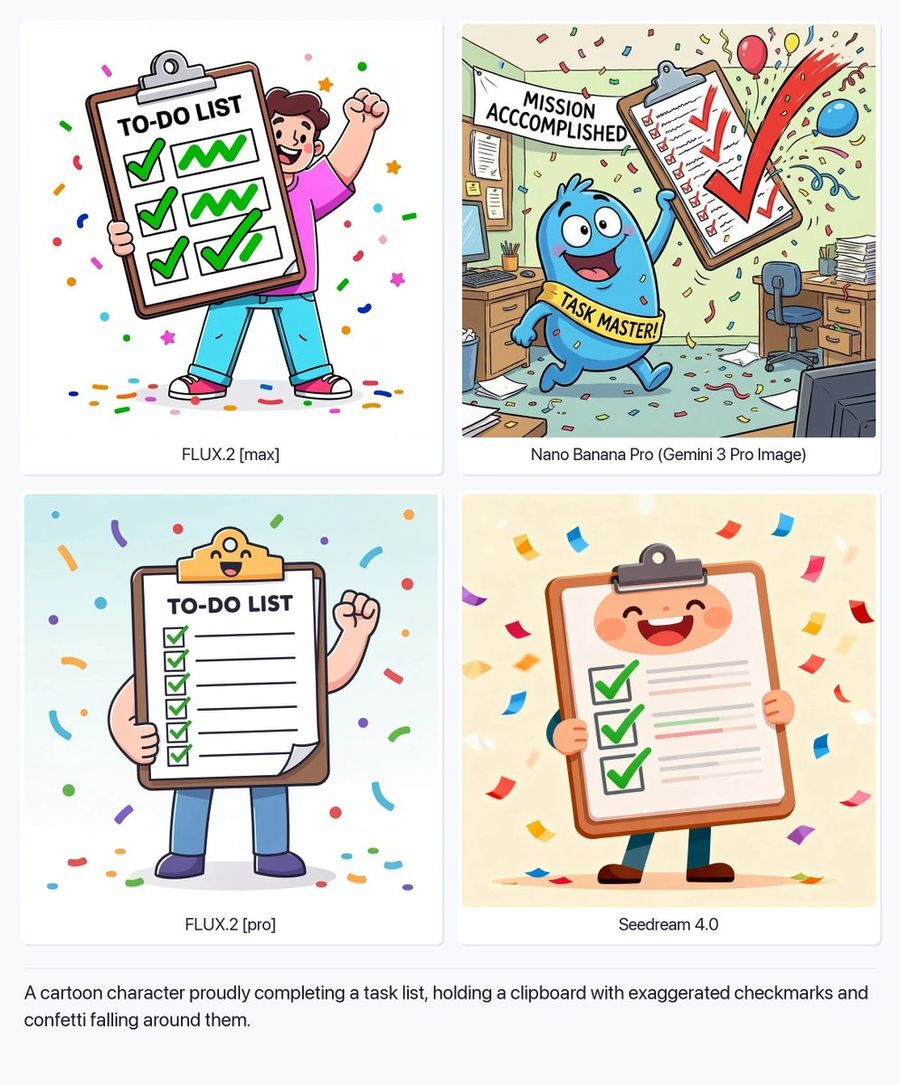

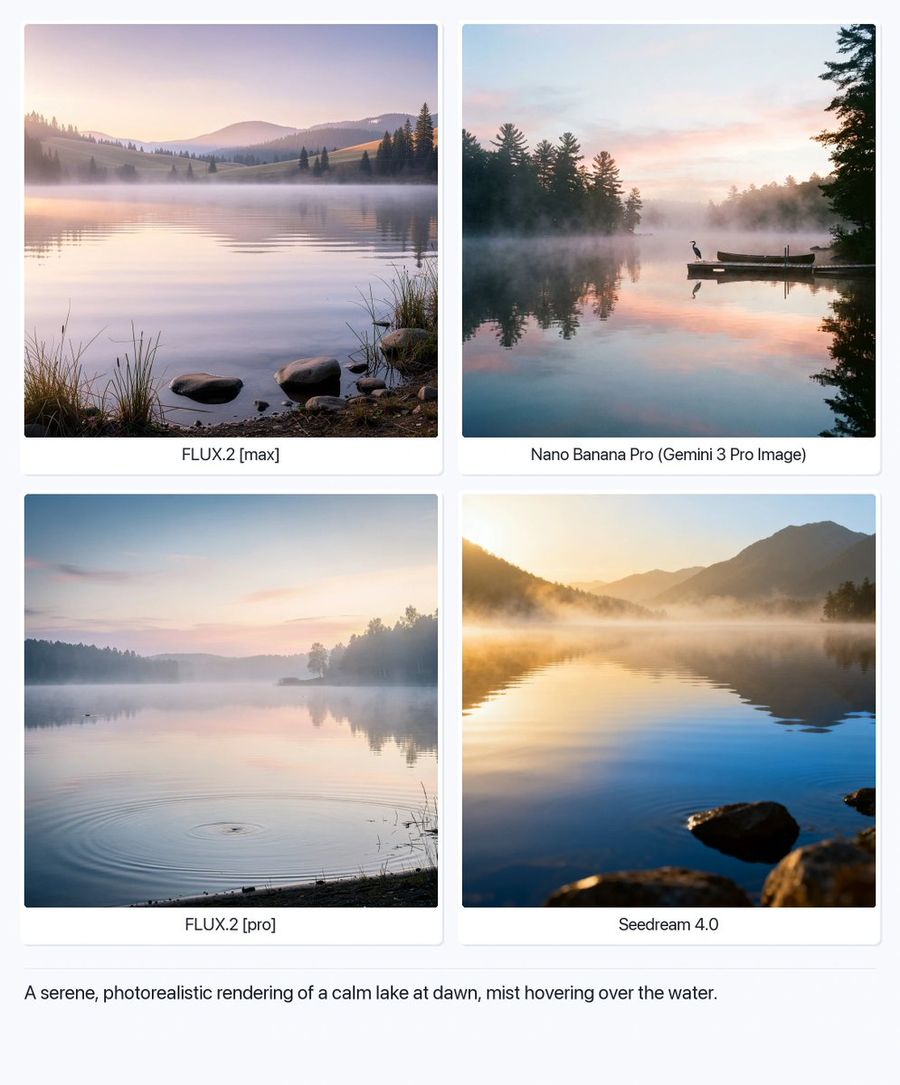


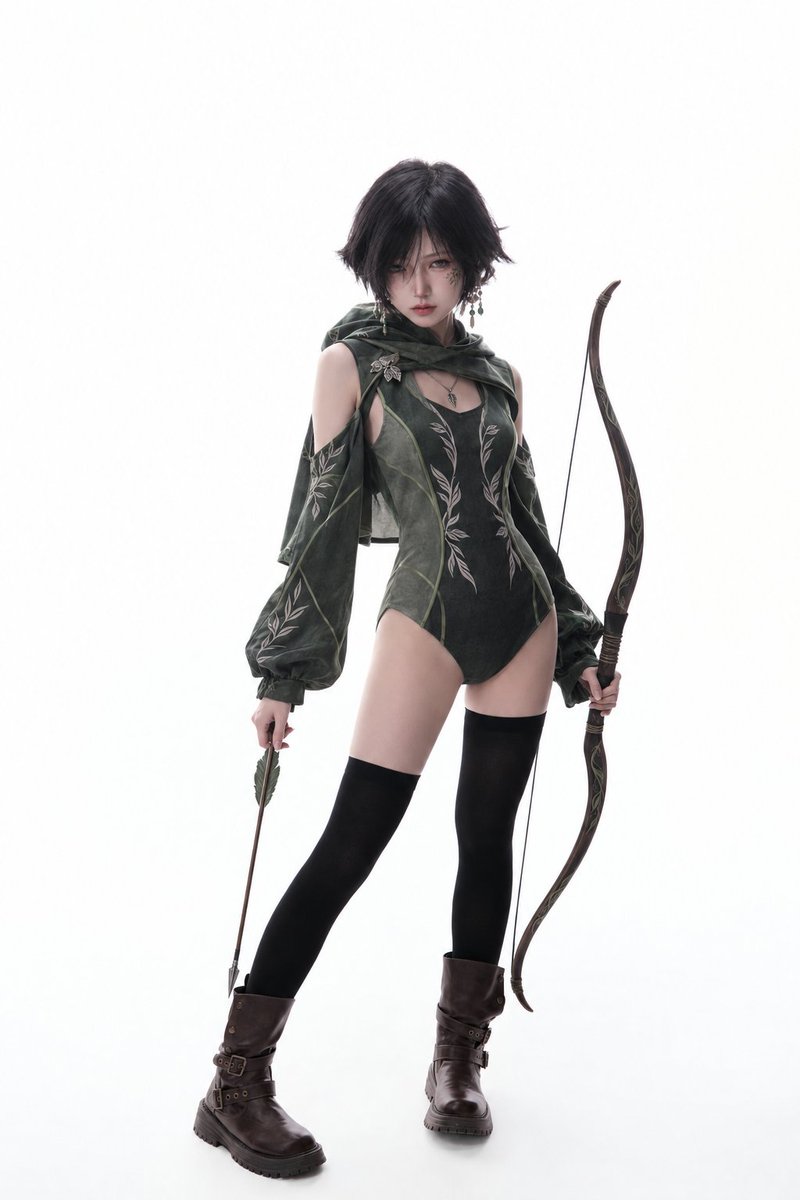
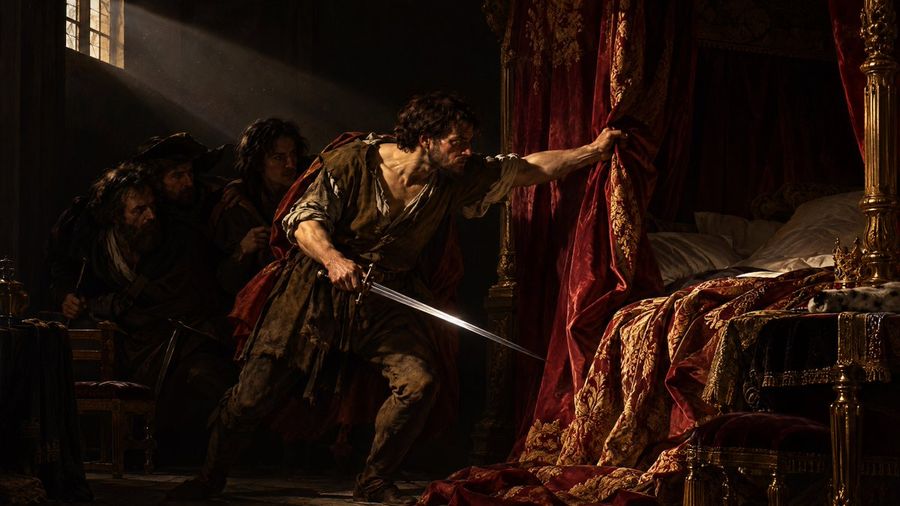
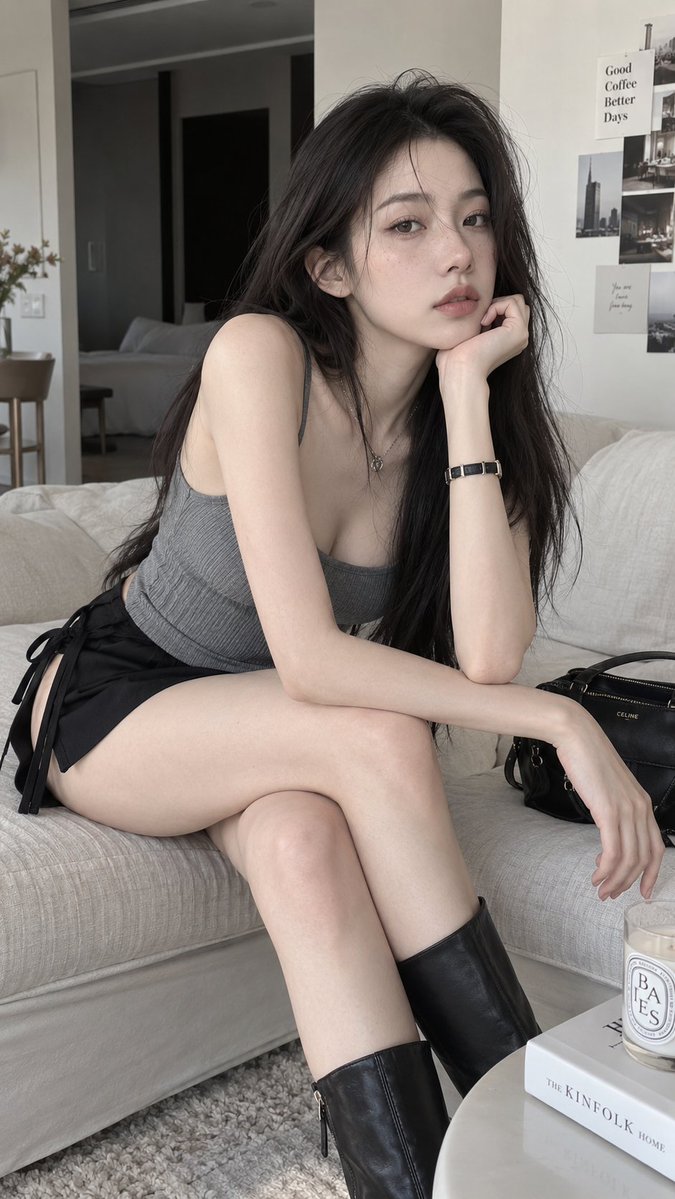
Categories
10


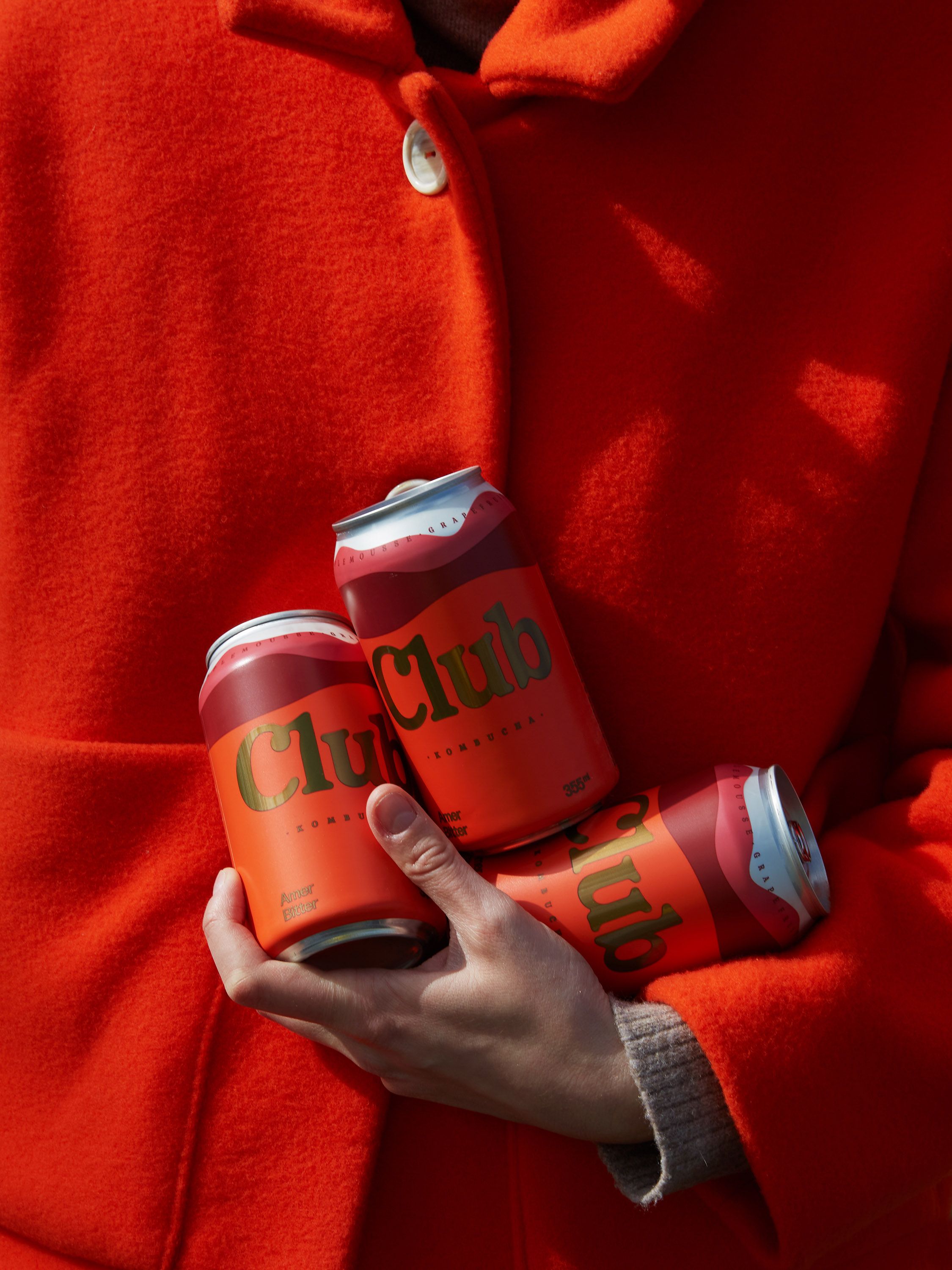
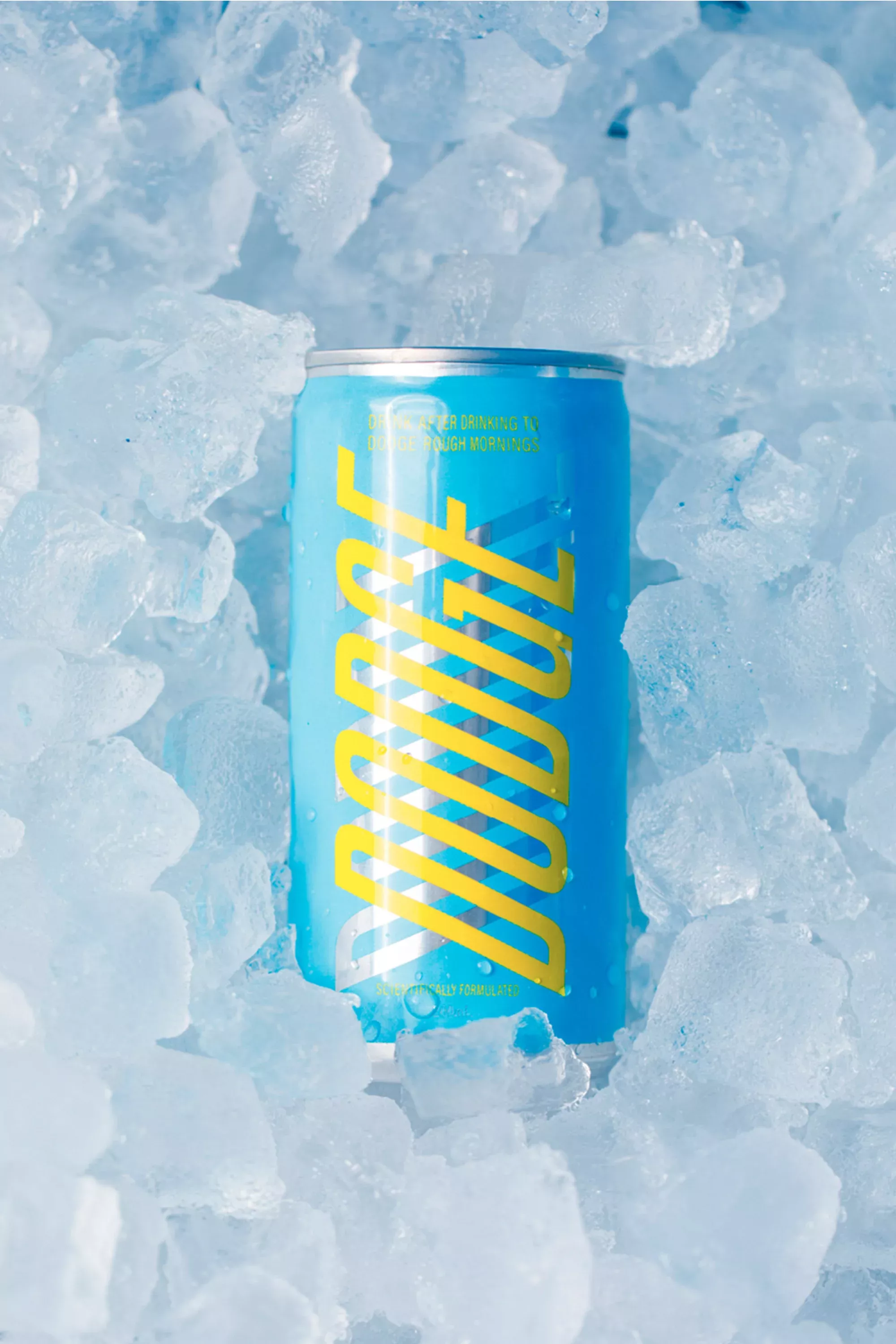
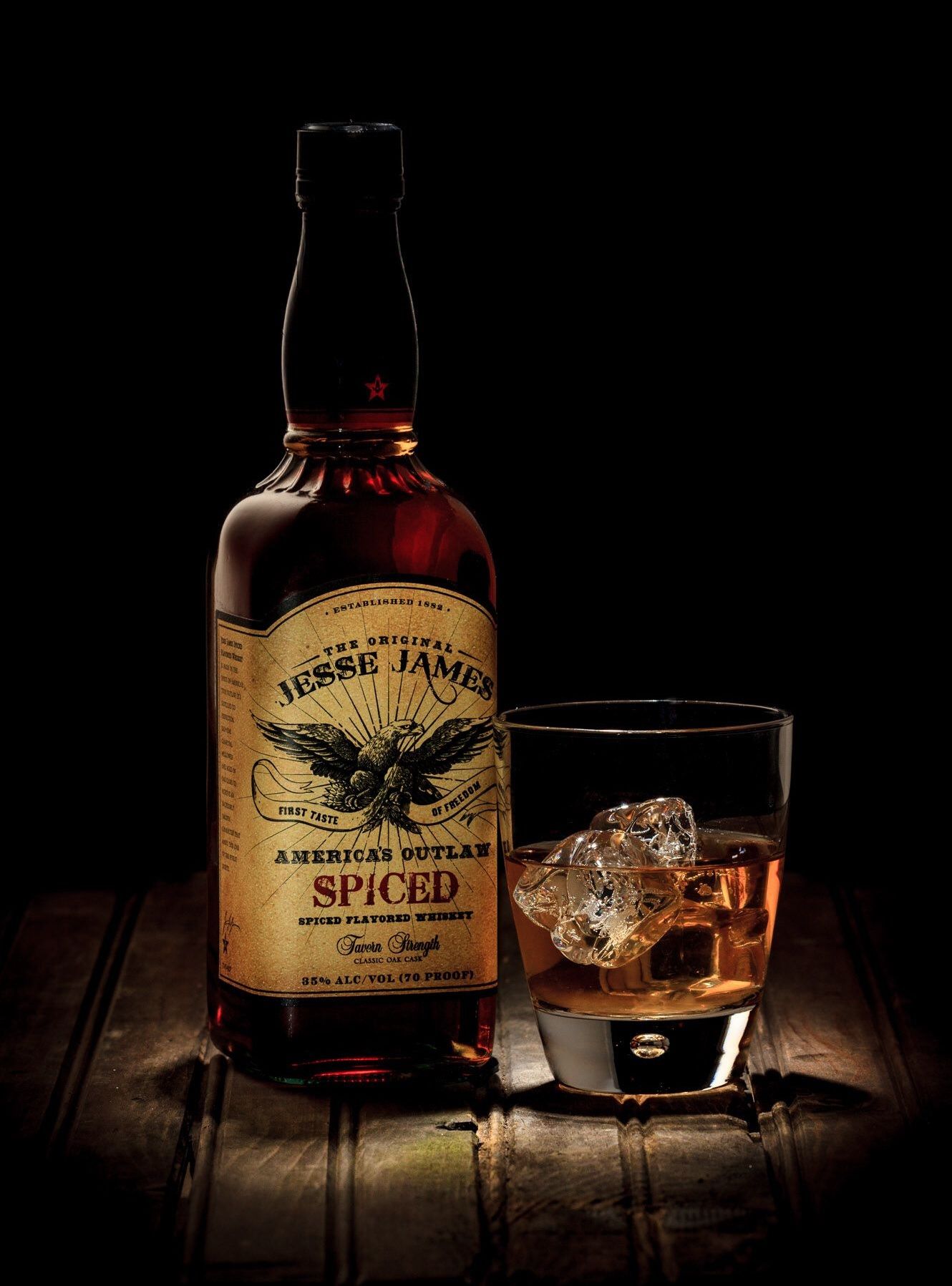
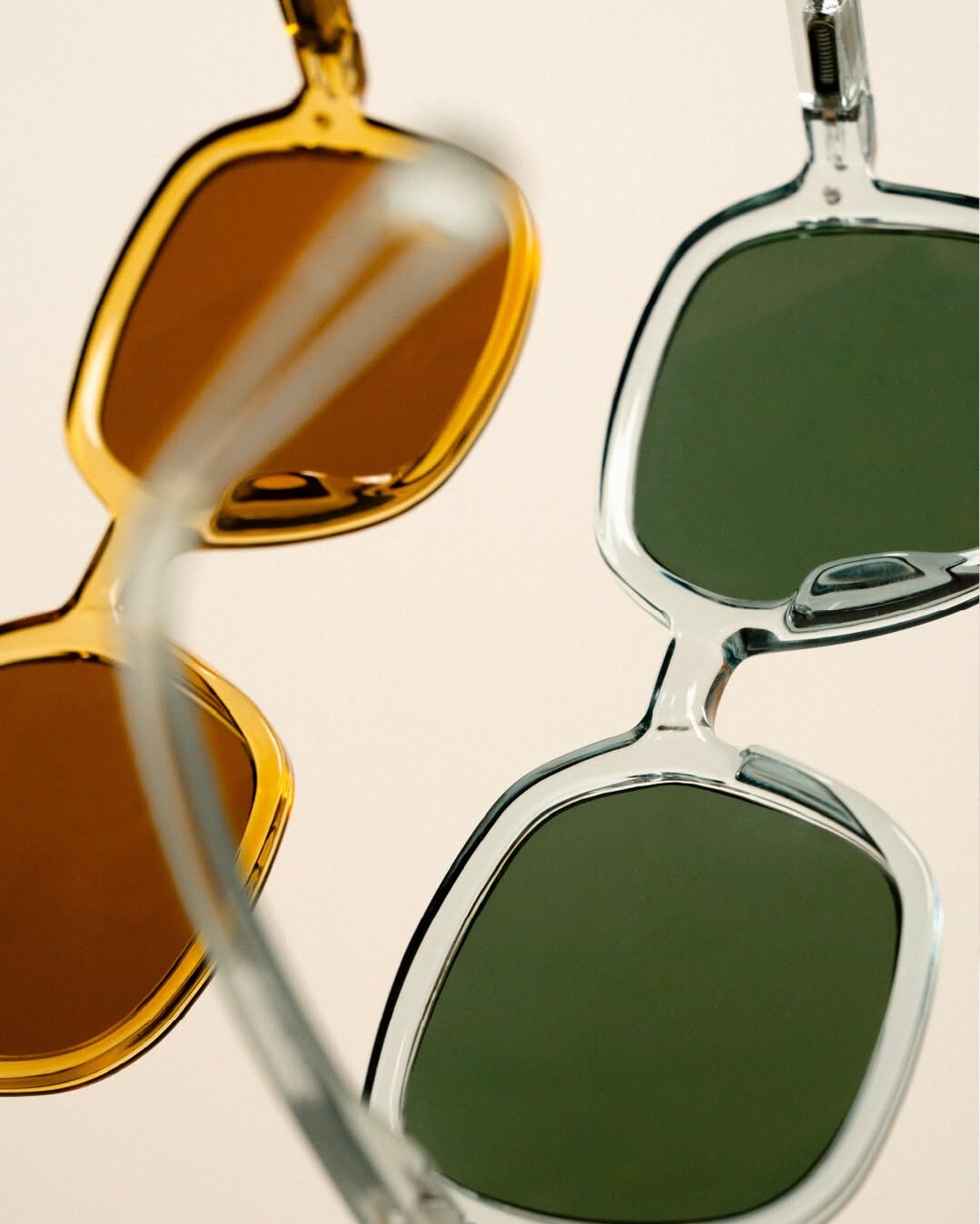


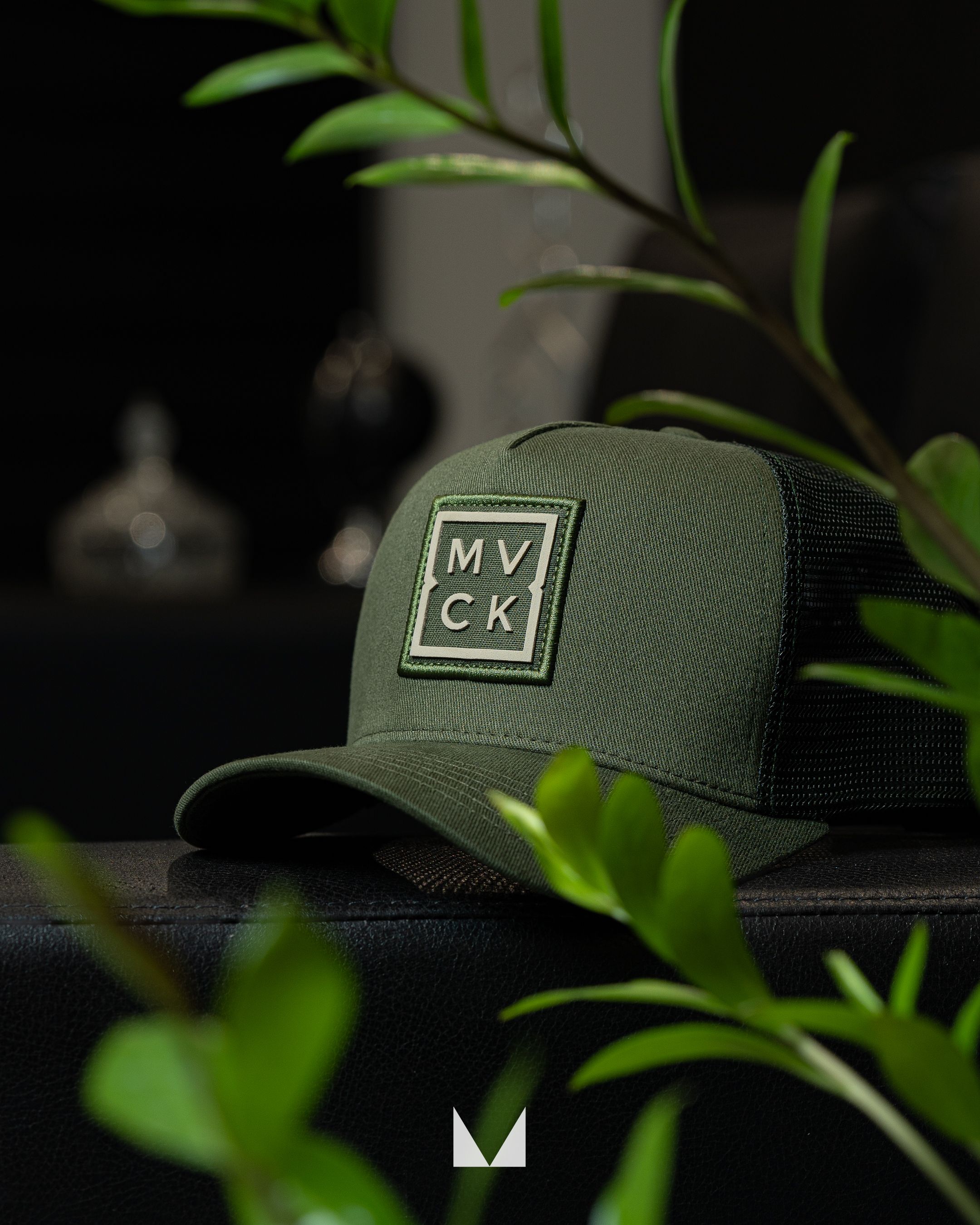
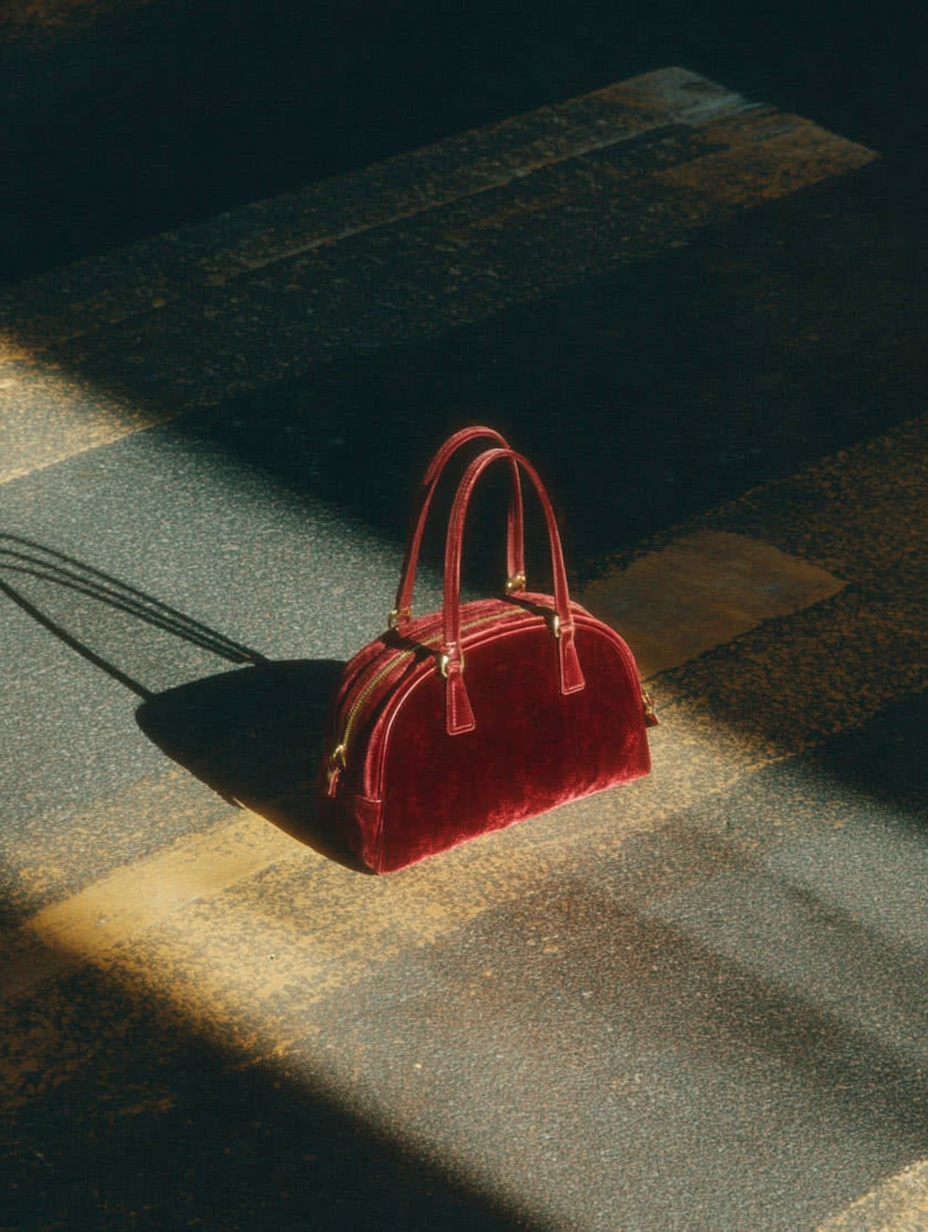


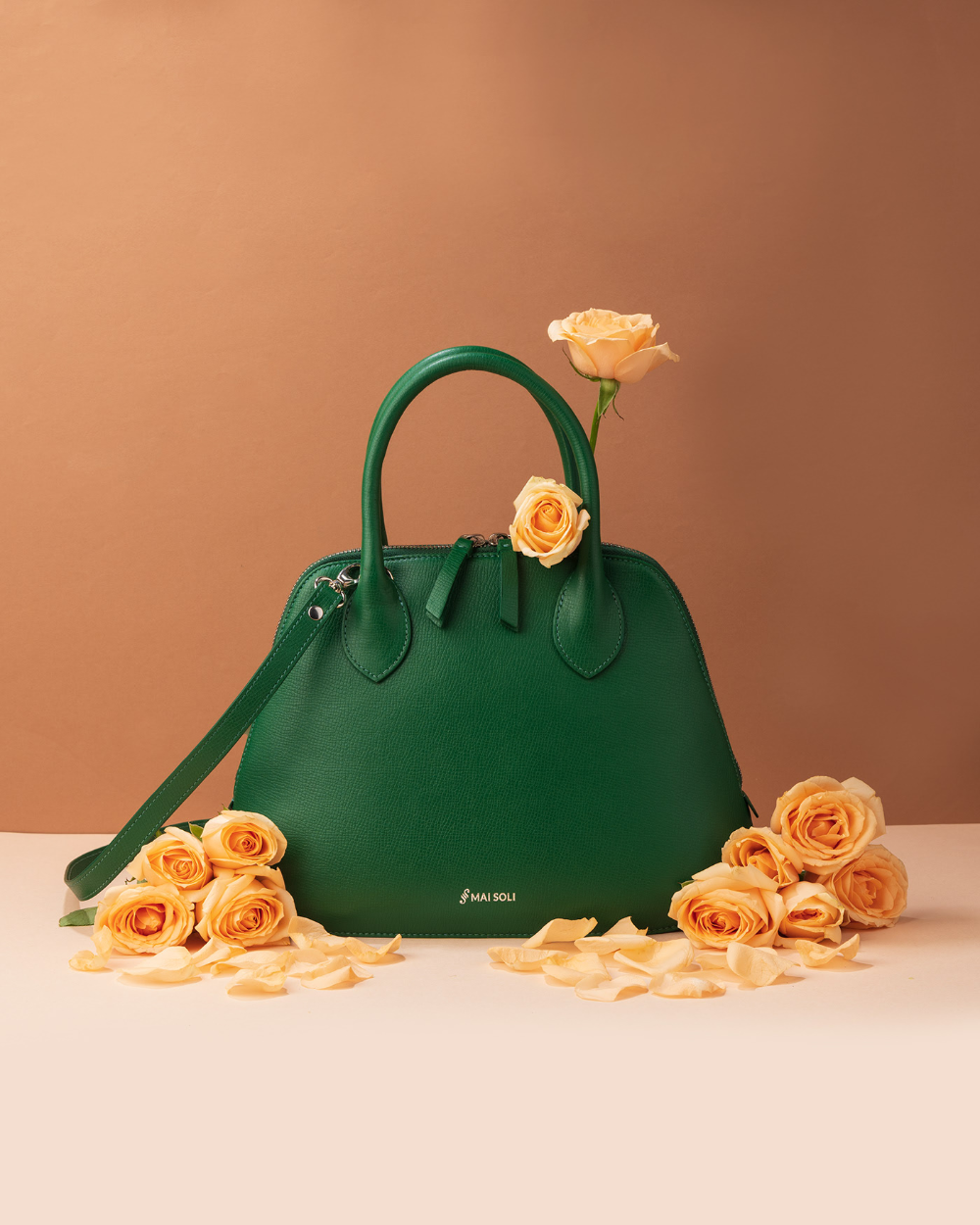

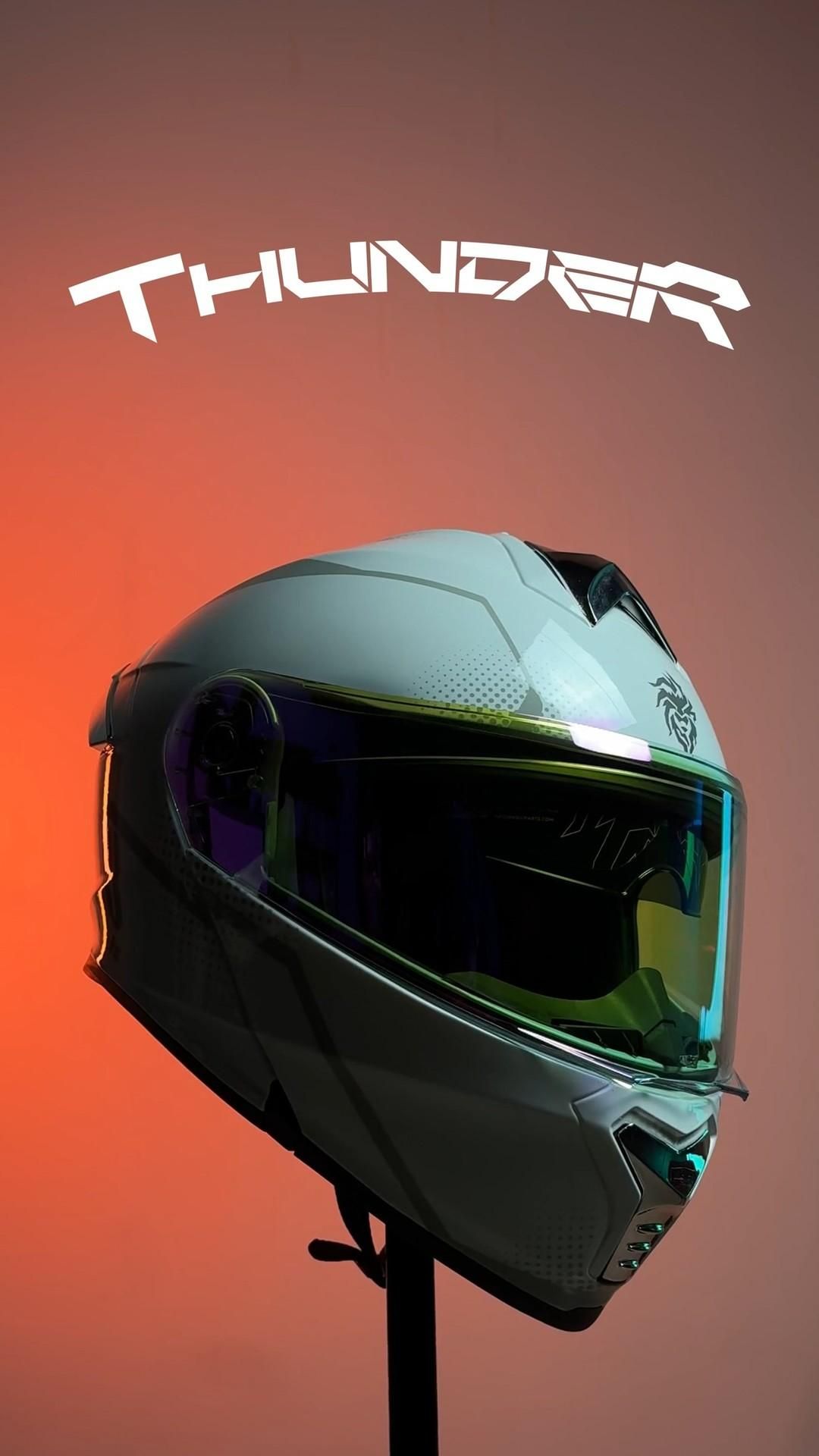
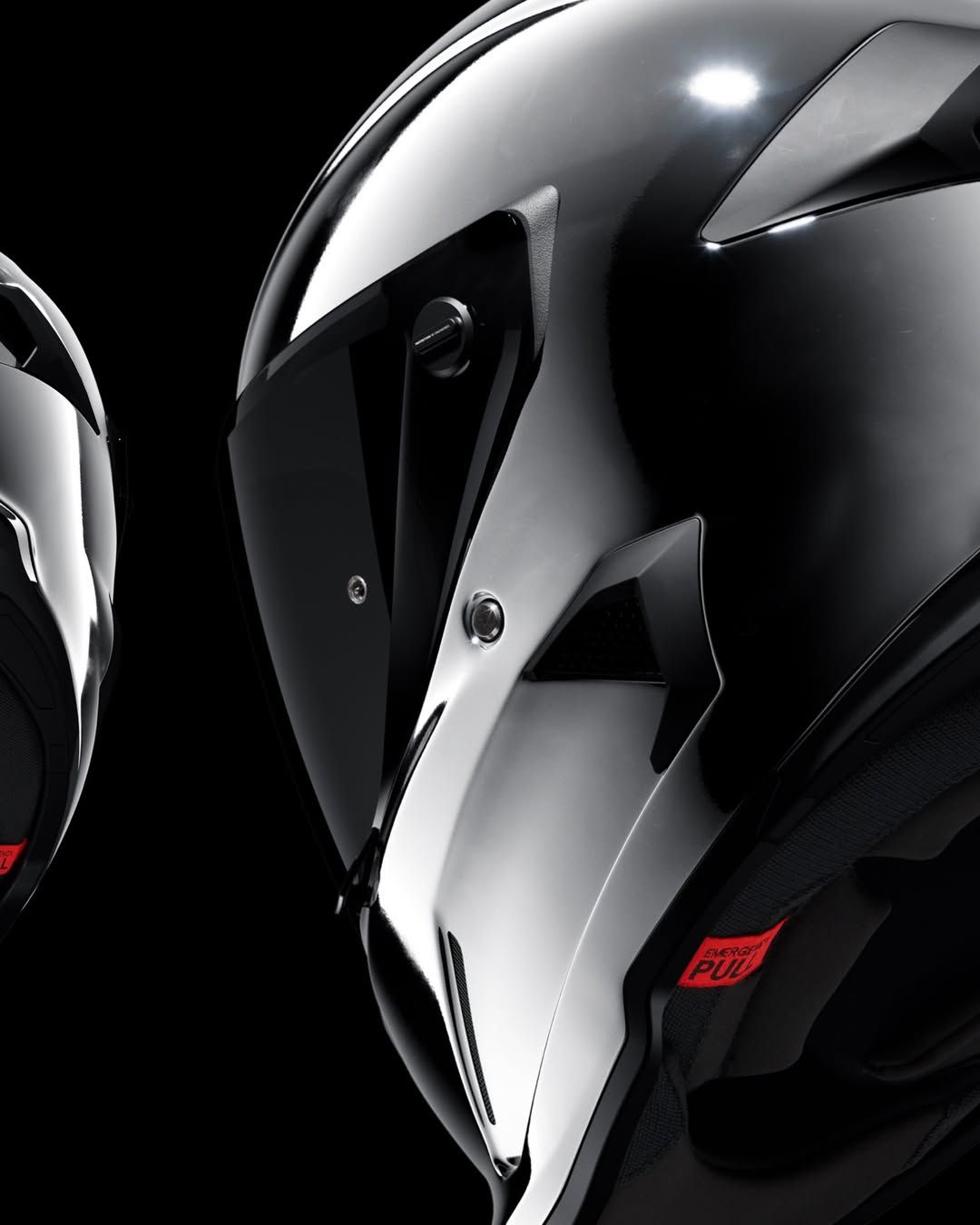

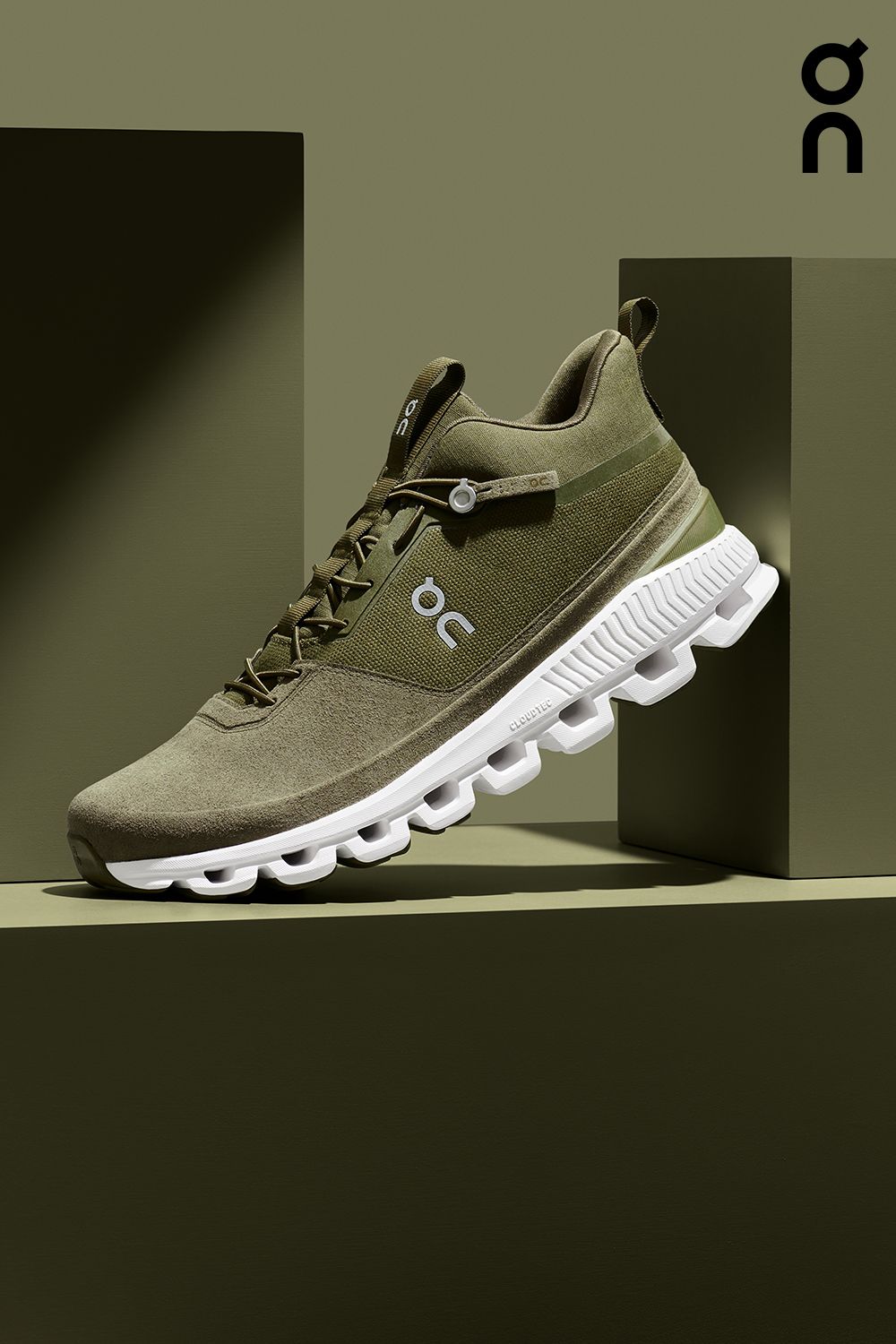
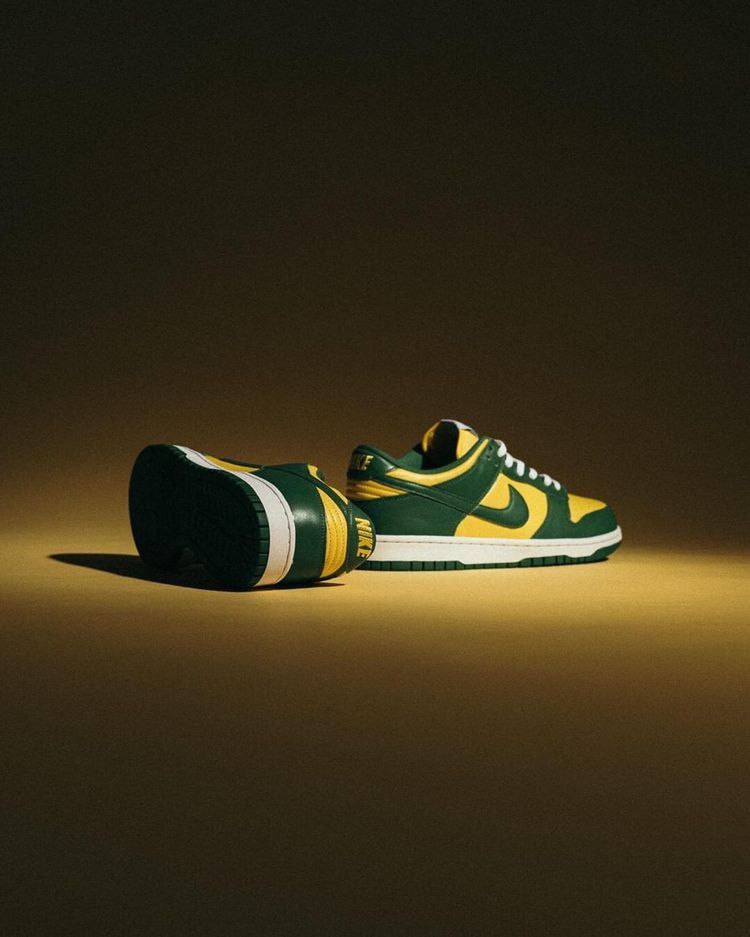
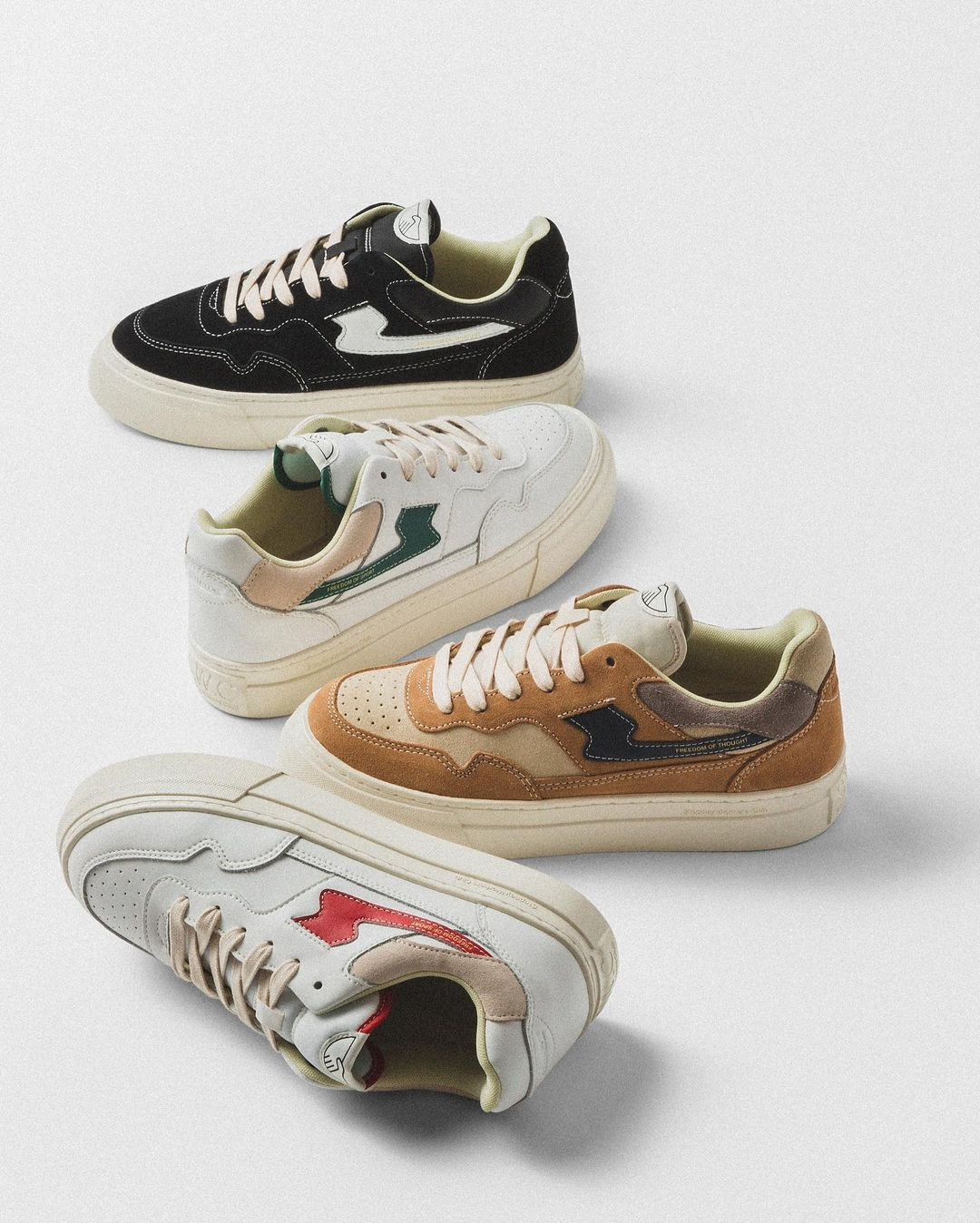
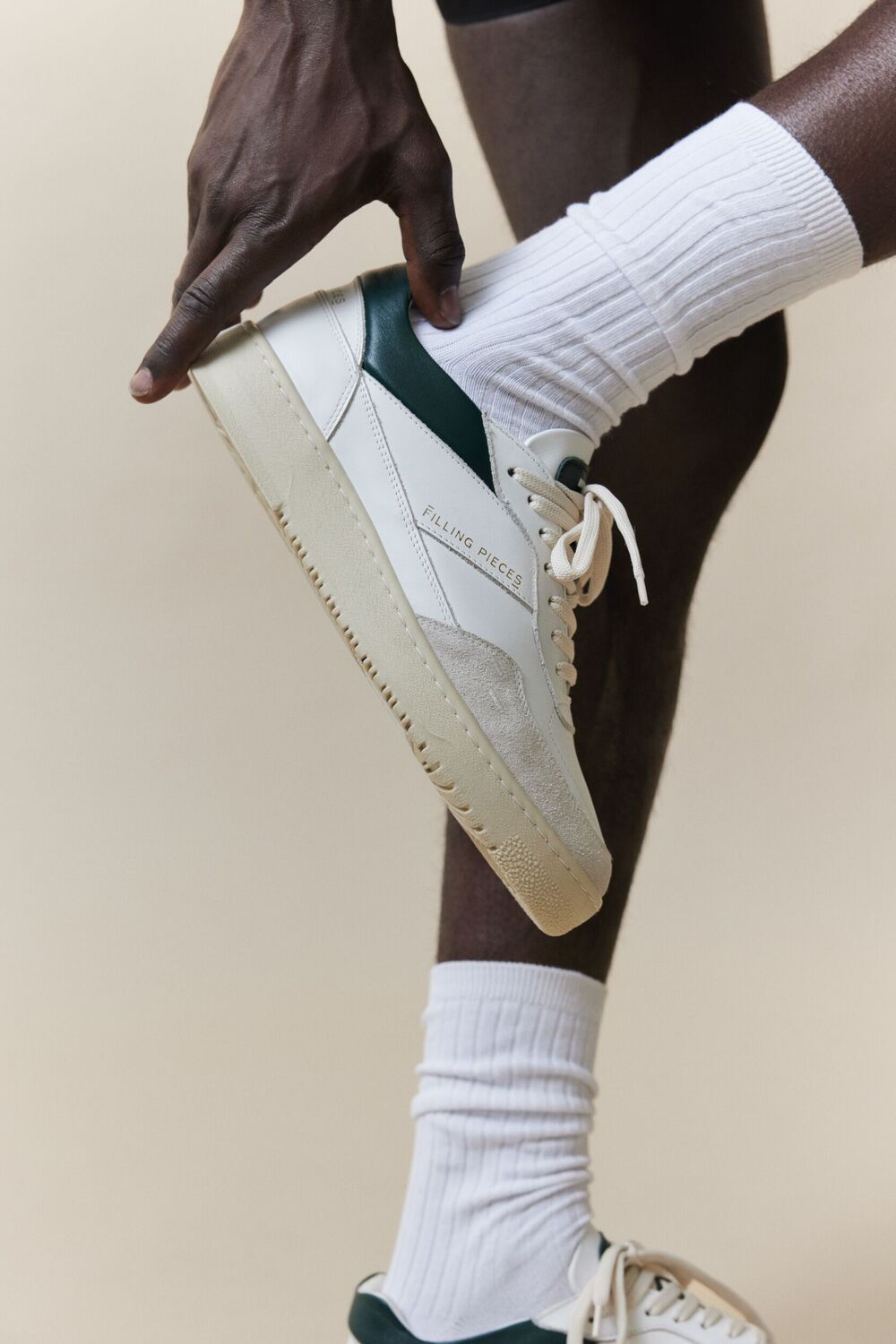
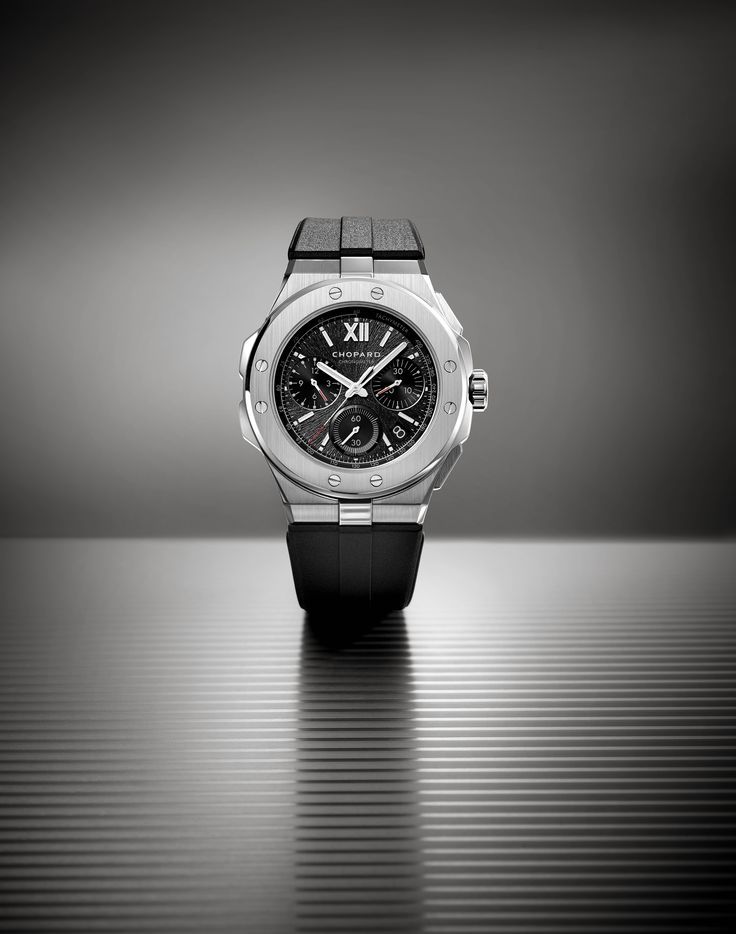
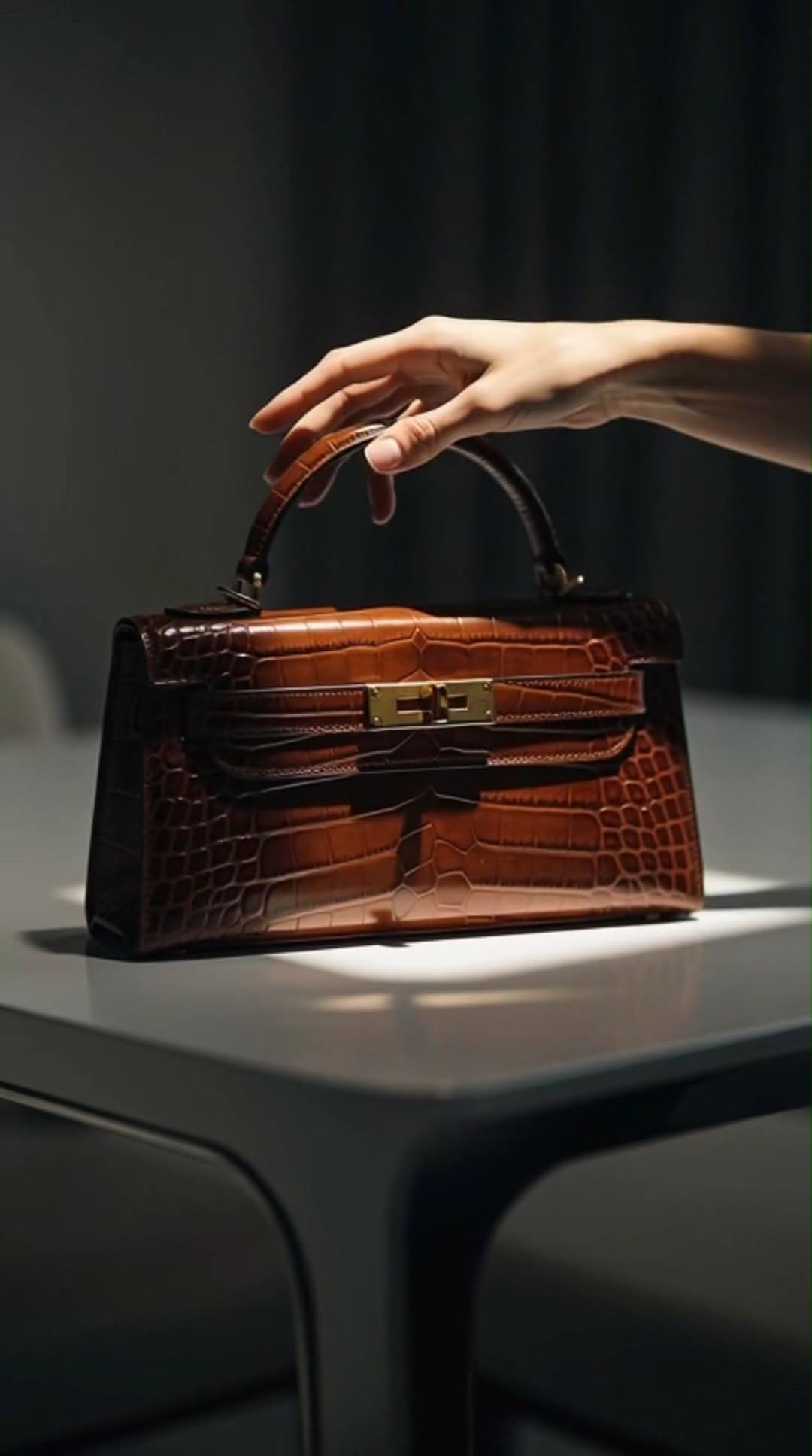
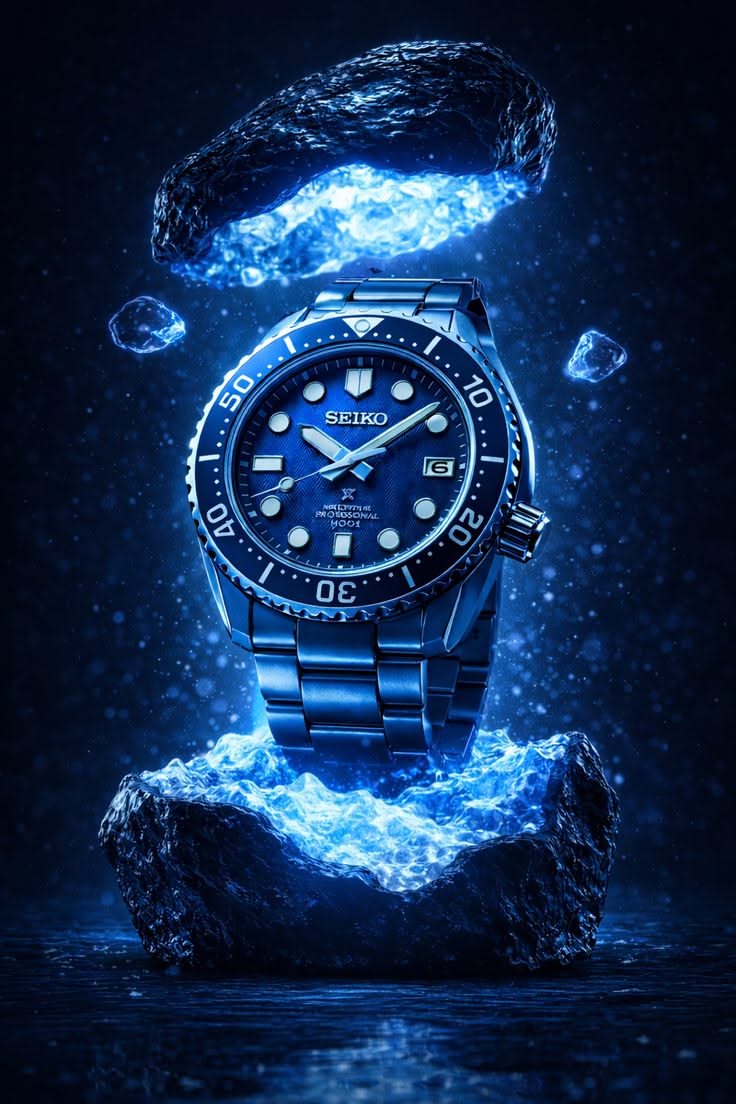




Prompt guides
All blog guides Make your next prompt stronger.

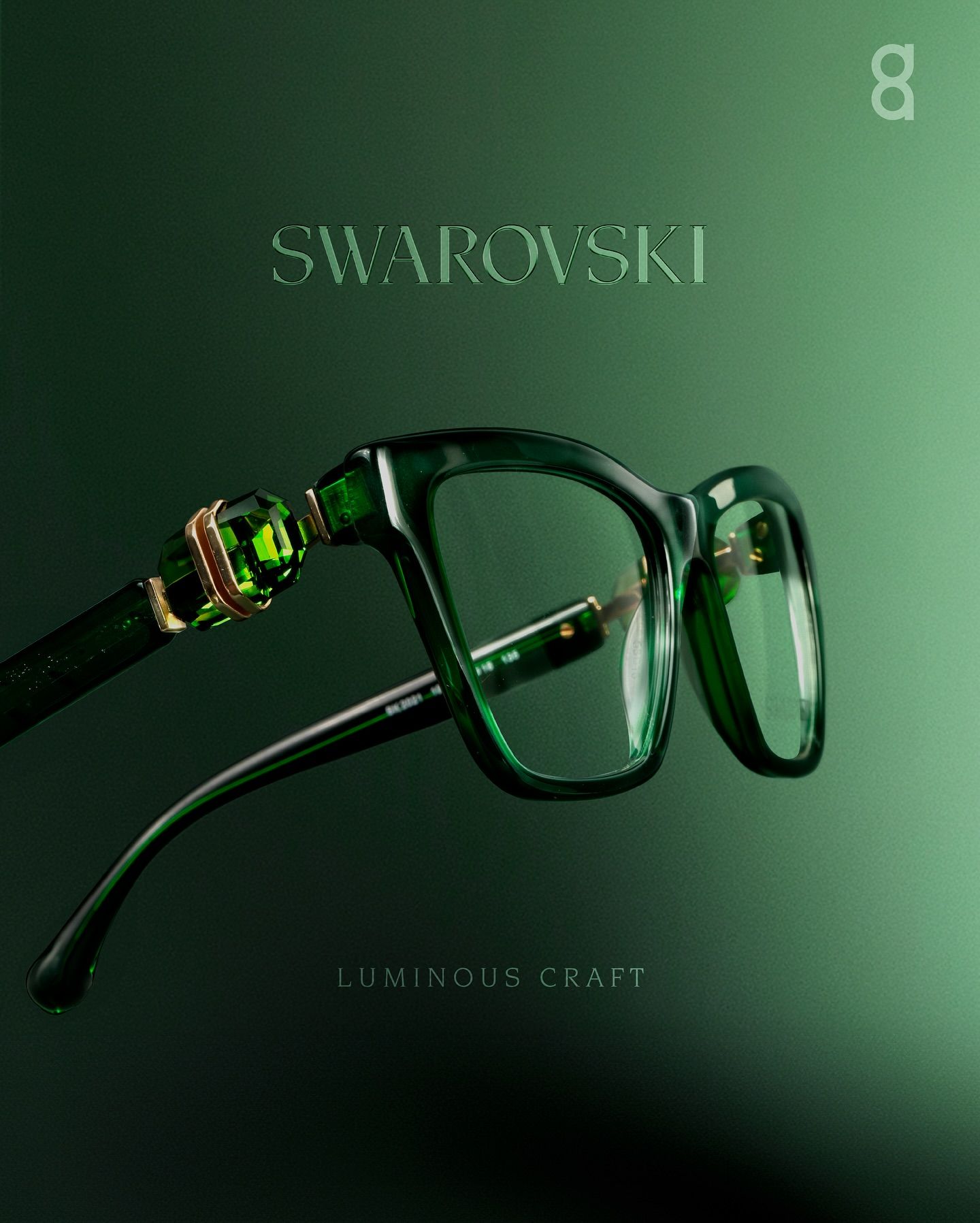
Guide25 AI Fashion Model Photo Prompts for Watches, Bags, Eyewear and Jewelry
25 fashion model photo prompts for on-model accessory shots, each shown with its Pinitup result. Keep your real product intact while the model, pose and light change.
Read guide
GuideNano Banana Pro Prompts for Product Photos: A Guide with 23 Examples
Nano Banana Pro prompts for product photos, shown with real Pinitup results: a product template, examples for fragrance, skincare, jewelry, bags and gear, and fixes for labels that drift.
Read guide
Guide50 فكرة لتصوير العطور بالذكاء الاصطناعي مع برومبتات جاهزة للتعديل
دليل عربي يضم 50 فكرة لتصوير العطور مع صور مرجعية أصلية وبرومبتات قابلة للتعديل لمنتجك، من لقطات الزجاجة النظيفة إلى المشاهد الإبداعية.
Read guideA few things worth knowing.
What is the Pinitup Prompt Library?
The Pinitup Prompt Library is a curated place to browse practical prompt ideas, explore prompt libraries organised by AI model, and learn from prompt-writing guides.
How do I use a prompt?
Open a prompt, review any available customisation options, then copy it into the AI tool you want to use. The complete prompt is resolved securely only when you choose to copy it.
What is the difference between Pinitup prompts and model prompts?
Pinitup prompts are curated prompt experiences with Pinitup’s normal access and customisation flow. Model prompts are reference libraries organised around a specific AI image or video model.
Can I customise a prompt before using it?
Yes. When a Pinitup prompt supports customisation, you can adjust the available options before copying it. You can also adapt the copied prompt further in your preferred AI tool.
Do I need an account to use the prompts?
No account is required to browse public prompts and model libraries. Some protected prompts and actions such as saving to boards require you to sign in, and anonymous prompt copying is subject to Pinitup’s current free-copy allowance.