

A great product shot on a bad background still looks like a bad product shot. Changing the product photo background is the fastest upgrade a listing can get, and with AI you can do it without cutting out a single pixel by hand, as long as the product itself stays untouched.
This guide covers when to remove and when to replace, a four-step method, the prompt formula and background ideas from Pinitup, each shown with the result it produced.

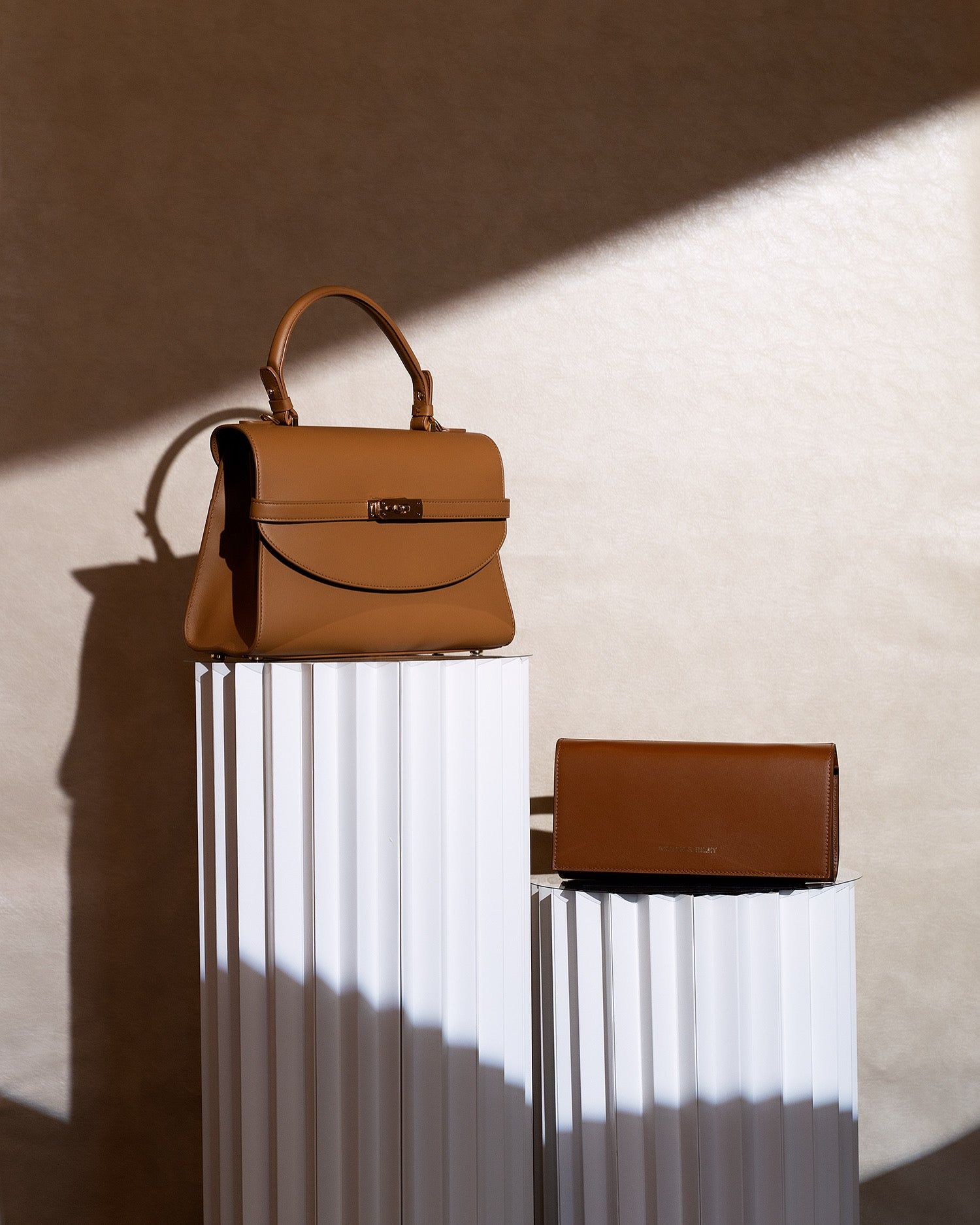
 Beige Handbag SetCopy this prompt on Pinitup
Remove background from product photo, or replace it?
| Goal | Best approach |
|---|---|
| A transparent cutout for a website or design file | A dedicated background removal tool, then check edges by hand |
| A clean white background for a marketplace | An AI prompt asking for pure white, even light and a soft contact shadow |
| A new styled scene for ads and social | An AI prompt that keeps the product and builds a new surface, backdrop and light |
For the last two, a prompt does better than a cutout, because the model relights the product for its new scene. A pasted cutout keeps the old light and often looks stuck on.
Why do replaced backgrounds look fake?
Three things give it away: light that comes from the wrong direction, a missing or floating shadow, and hard halo edges. A good prompt fixes all three by describing the new light source, asking for a contact shadow and naming the surface the product rests on.
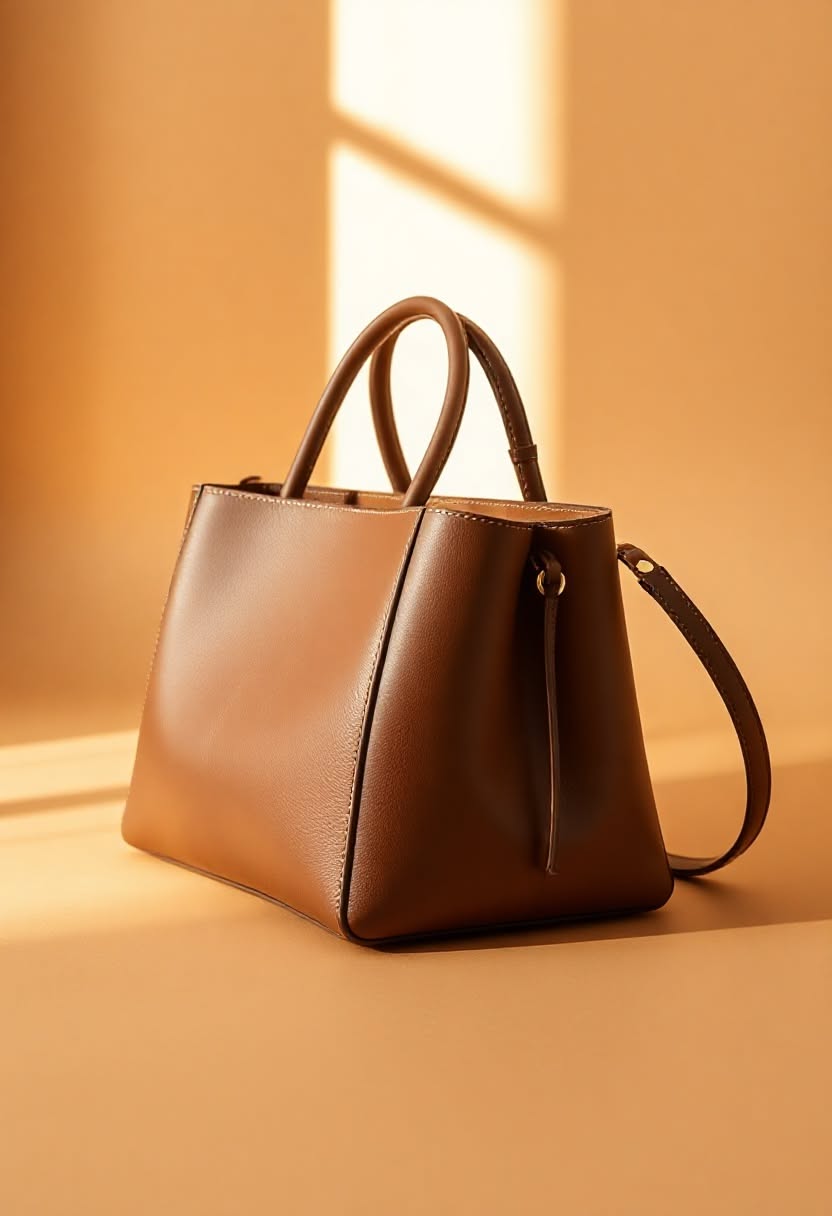
How to change product photo background in four steps
- Shoot a clean source. Even light, product sharp, plain backdrop. The cleaner the source, the less the model guesses.
- Lock the product. First line of the prompt: keep the product exactly as shown, same shape, label and color.
- Describe the new set as a place. Surface, backdrop, light direction and one prop, in that order.
- Match the light. Say where the light comes from in the new scene so the shadow falls the same way as on the product.
Choosing an AI background for product photos
Pick a background that answers a buyer question. Stone and wood say natural, pedestals say premium, color fields say bold, and real rooms say how the product fits a life. If the background does not add meaning, white still wins.
The product photo background formula
Template prompt: copy and fill the brackets
Edit the attached photo. Keep the [PRODUCT] exactly as it is: same shape, color, label, logo and details. Replace everything else.
New surface: [SURFACE THE PRODUCT RESTS ON].
New background: [BACKDROP], [DISTANCE AND BLUR].
Light: [SOURCE AND DIRECTION], matching on the product, with a natural contact shadow where it touches the surface.
Clean edges with no halo. [RATIO].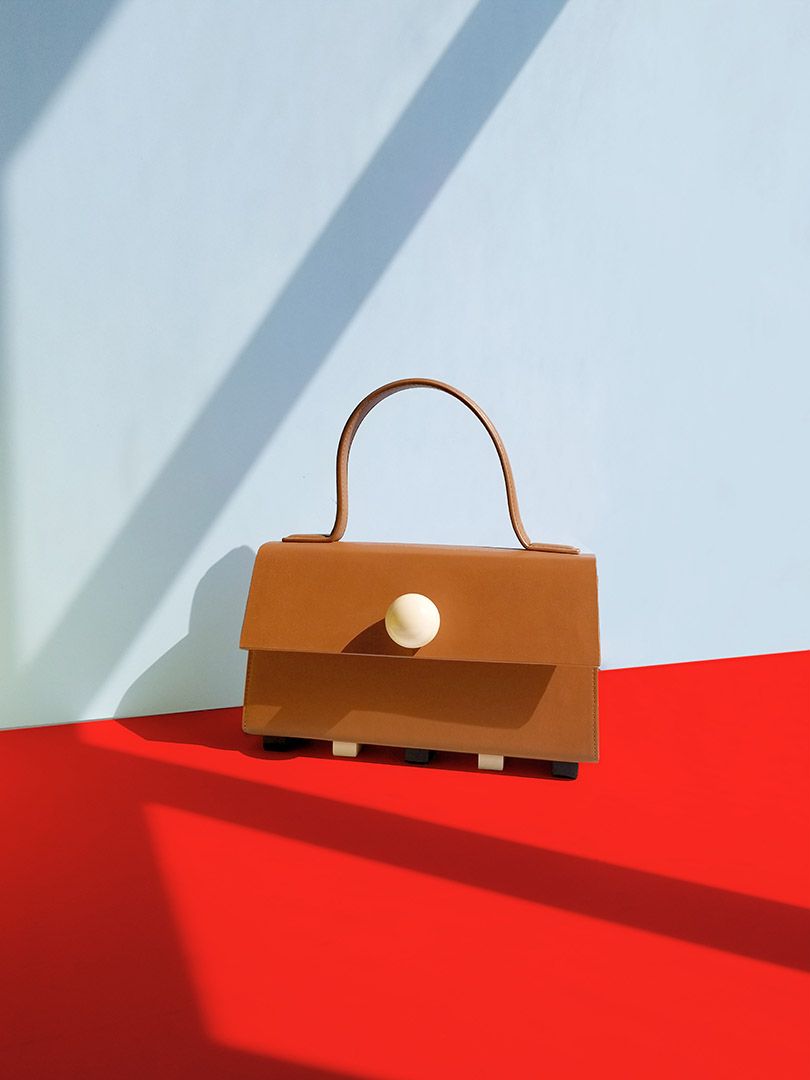
| Vague | Specific |
|---|---|
| "Put it on a nice background" | "Stand it on a white fluted plaster pedestal against a warm beige wall, hard sun from the upper left" |
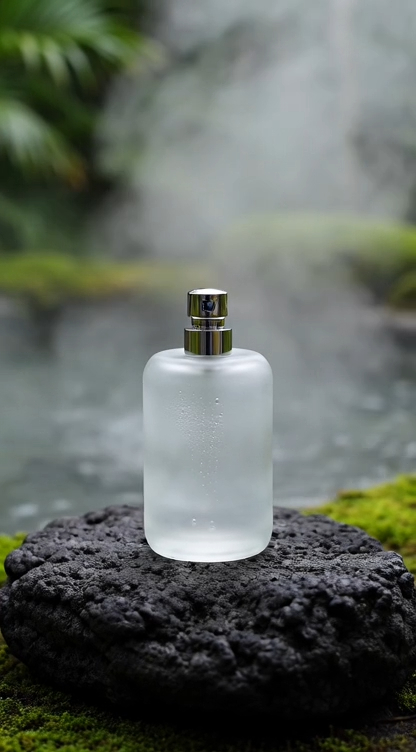
| "Outdoor background" | "Set it on a mossy black lava rock with mist and ferns behind, soft overcast light" |
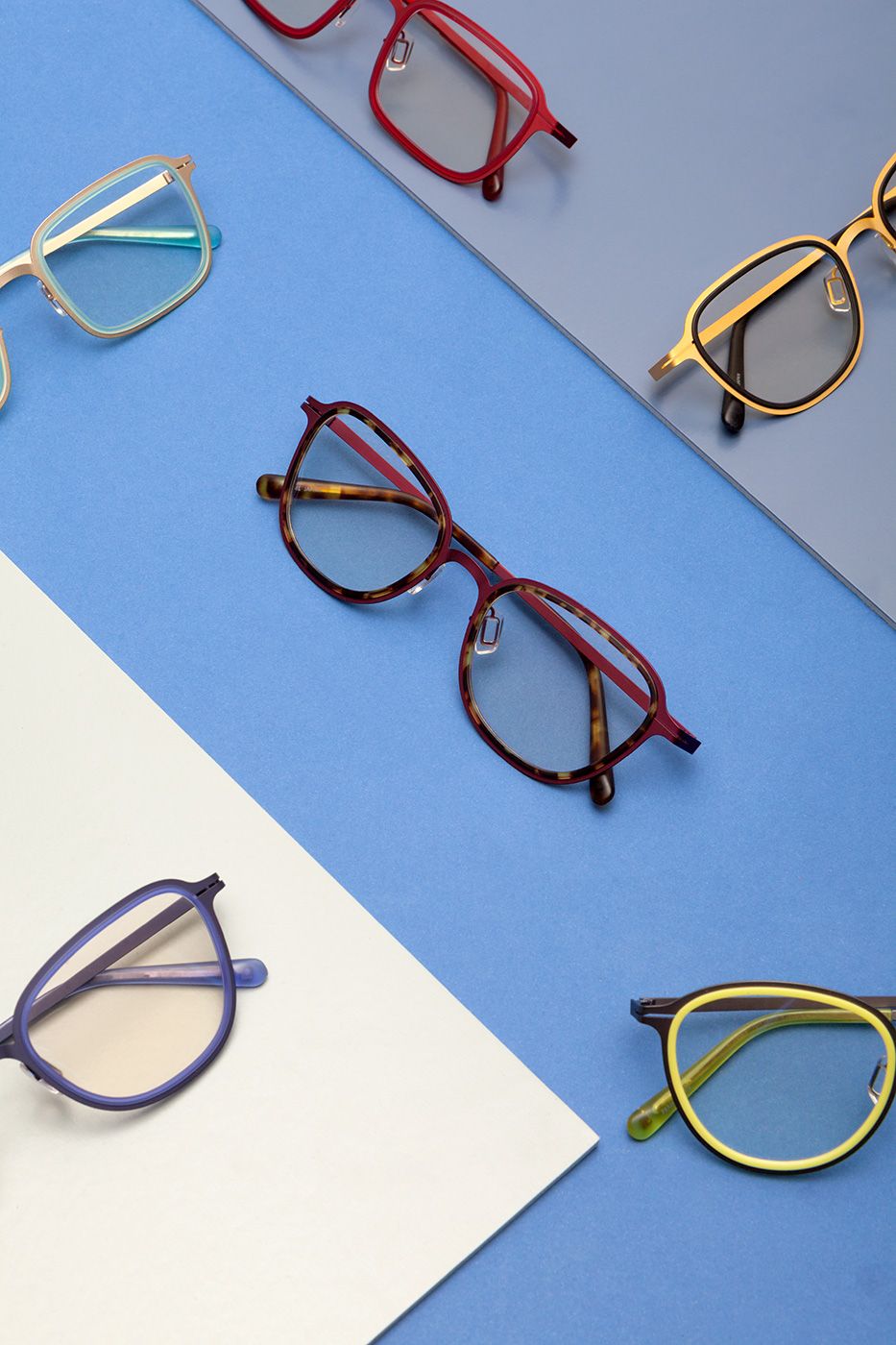
| "Colorful background" | "Seamless sunflower yellow paper, one hard light from the right, crisp shadow" |
Product photography background ideas from Pinitup
Stone and natural surfaces

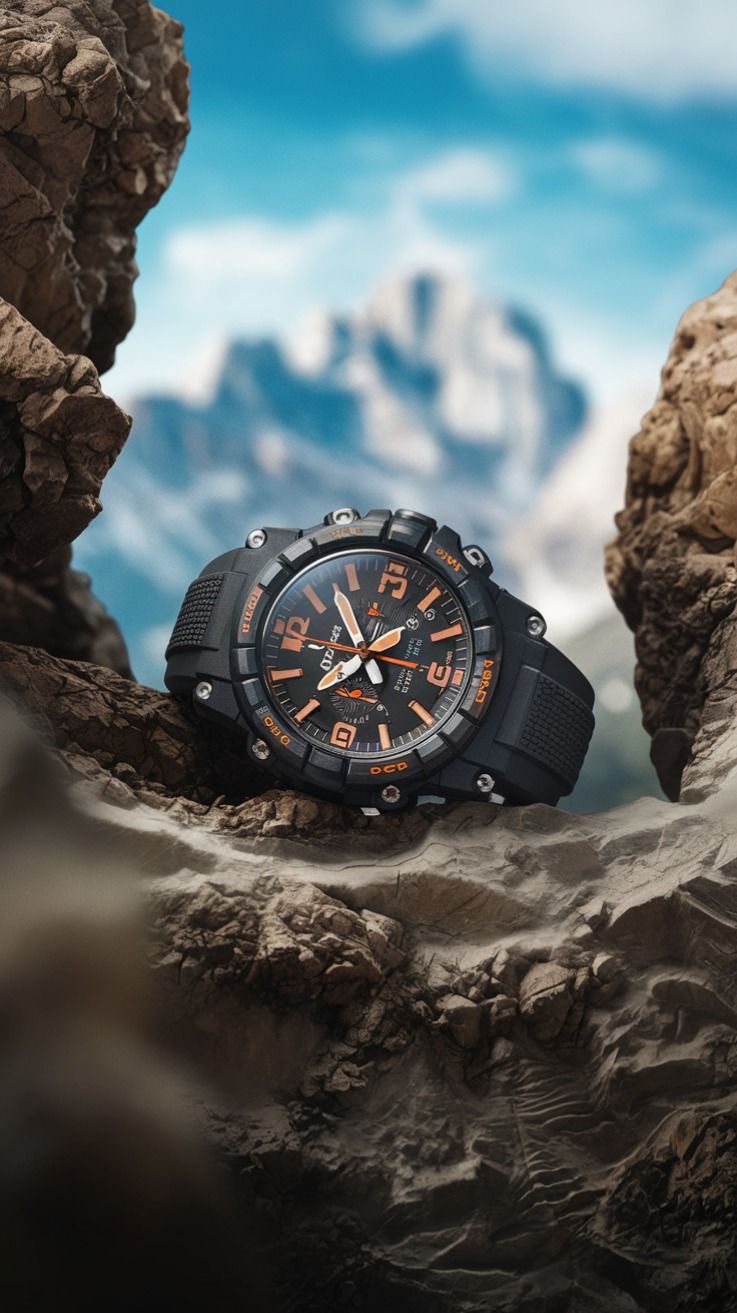 Rugged Sports Watch OutdoorCopy this prompt on Pinitup
Pedestals and architecture
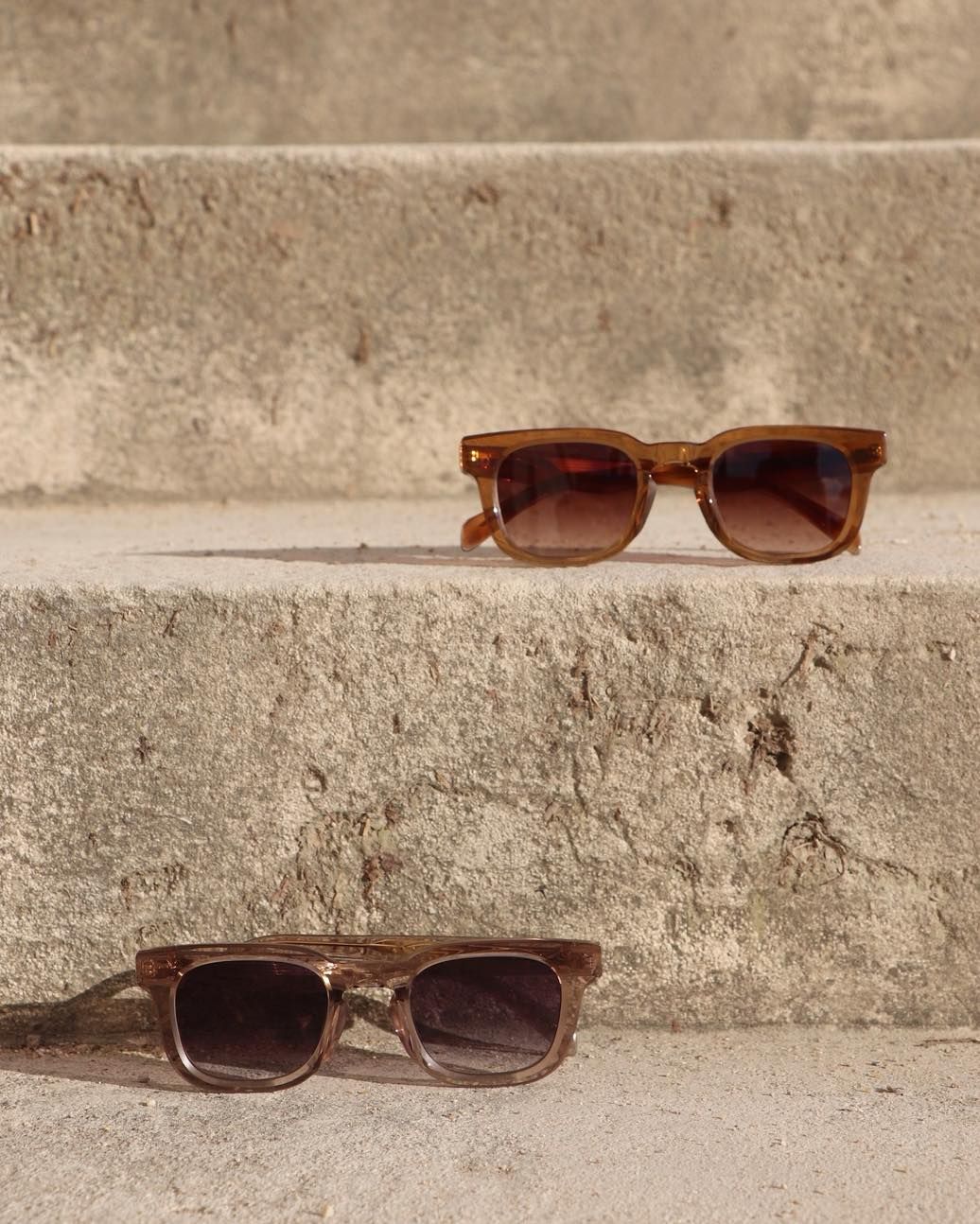 Sunglasses on Concrete StepsCopy this prompt on Pinitup
Paper, color and fabric
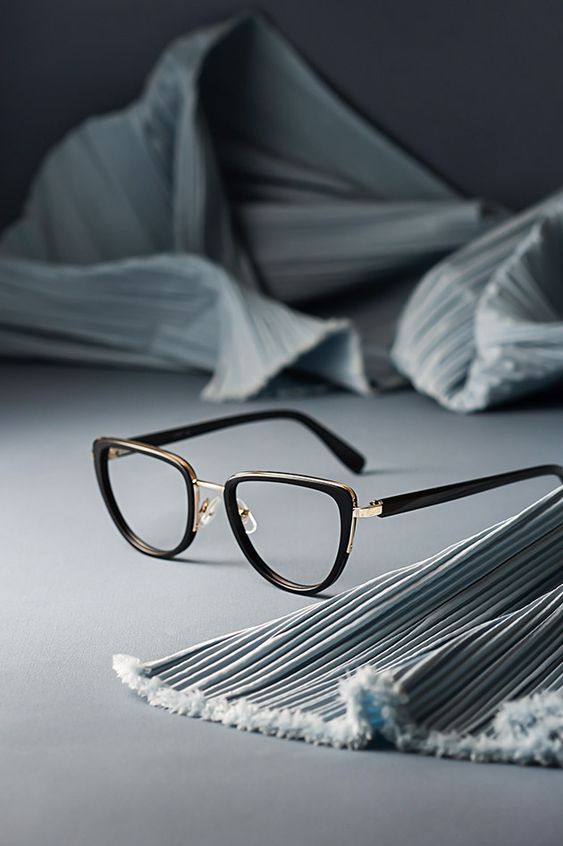
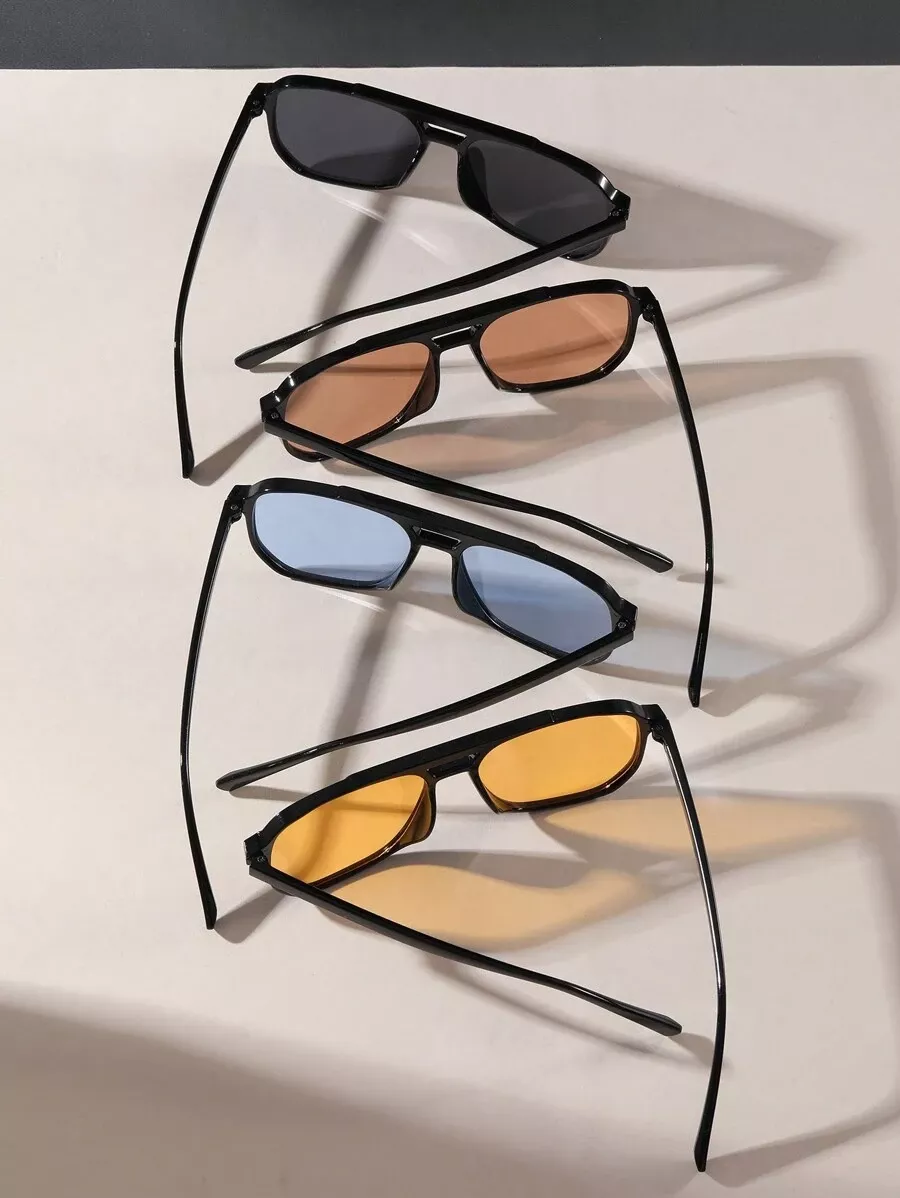
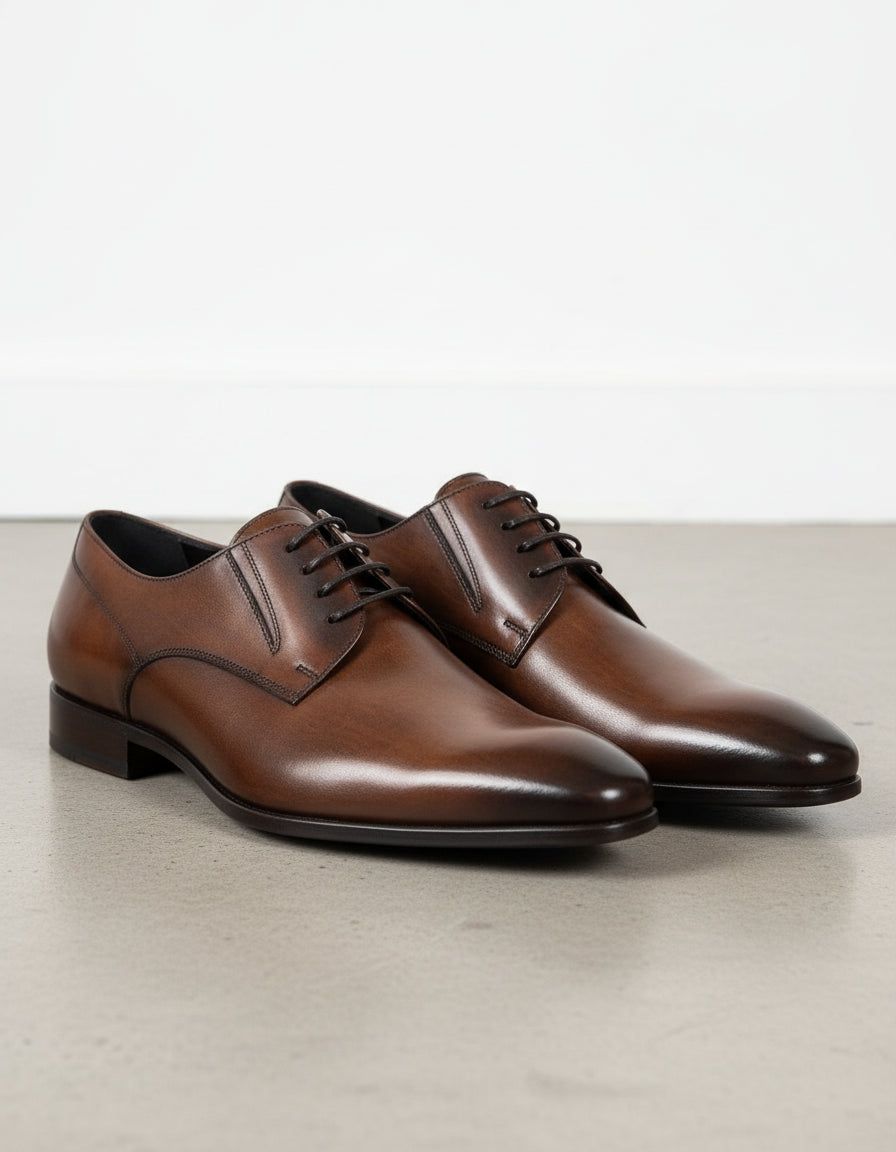 Brown Leather Derby ShoesCopy this prompt on Pinitup
Real-world settings
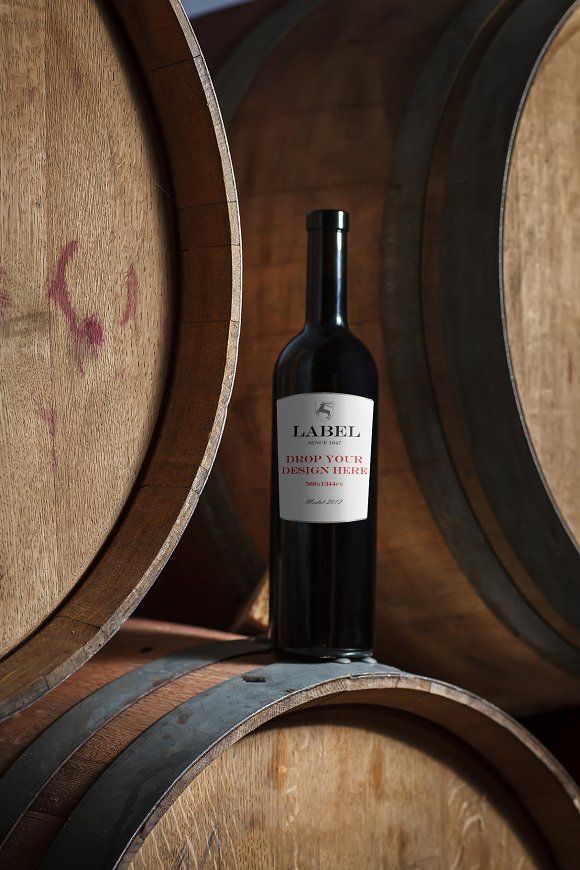
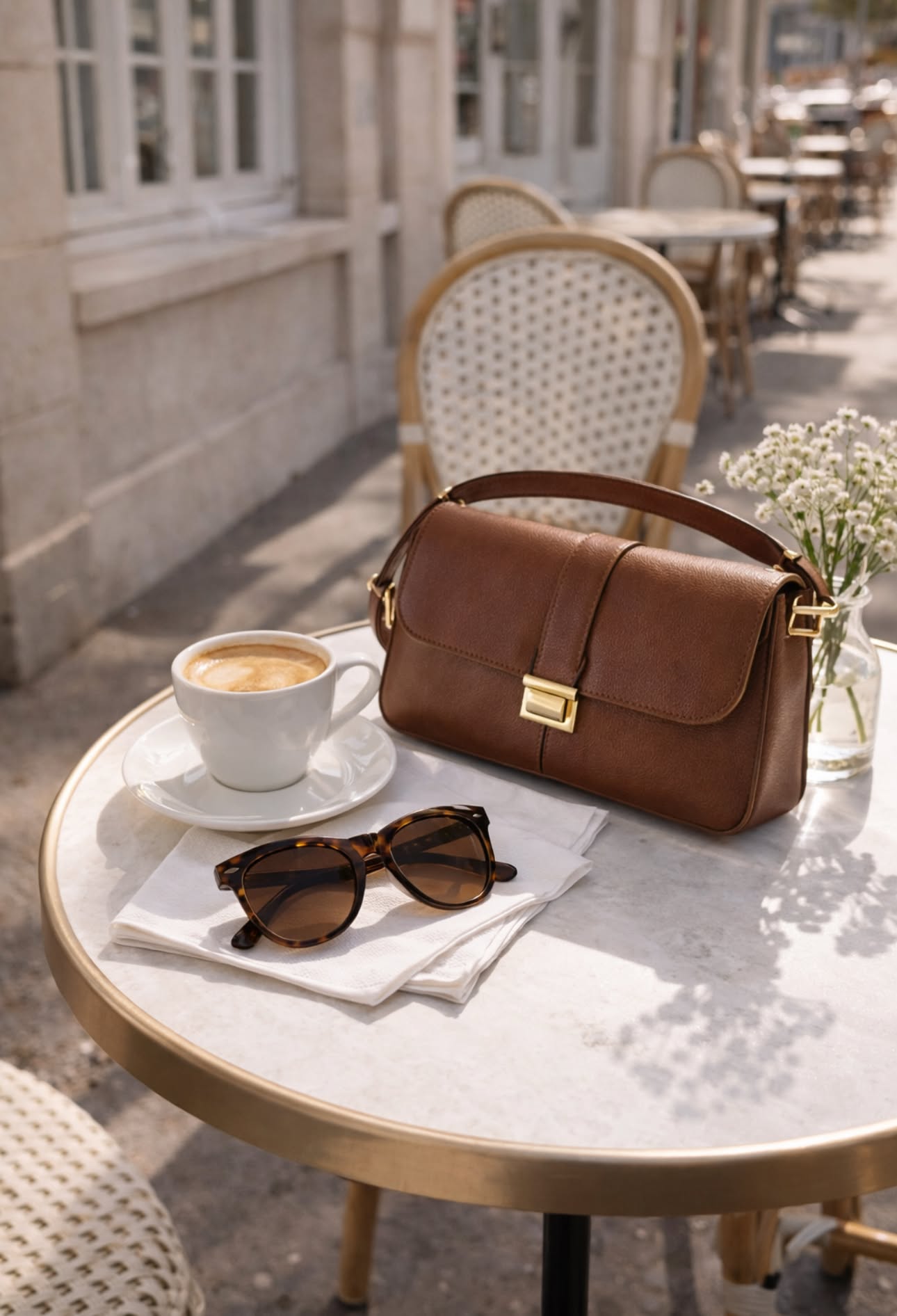

Find the shot. Copy the prompt. Every background idea on Pinitup opens to its full prompt, with the product lock already written for you. Browse product photography prompts on Pinitup
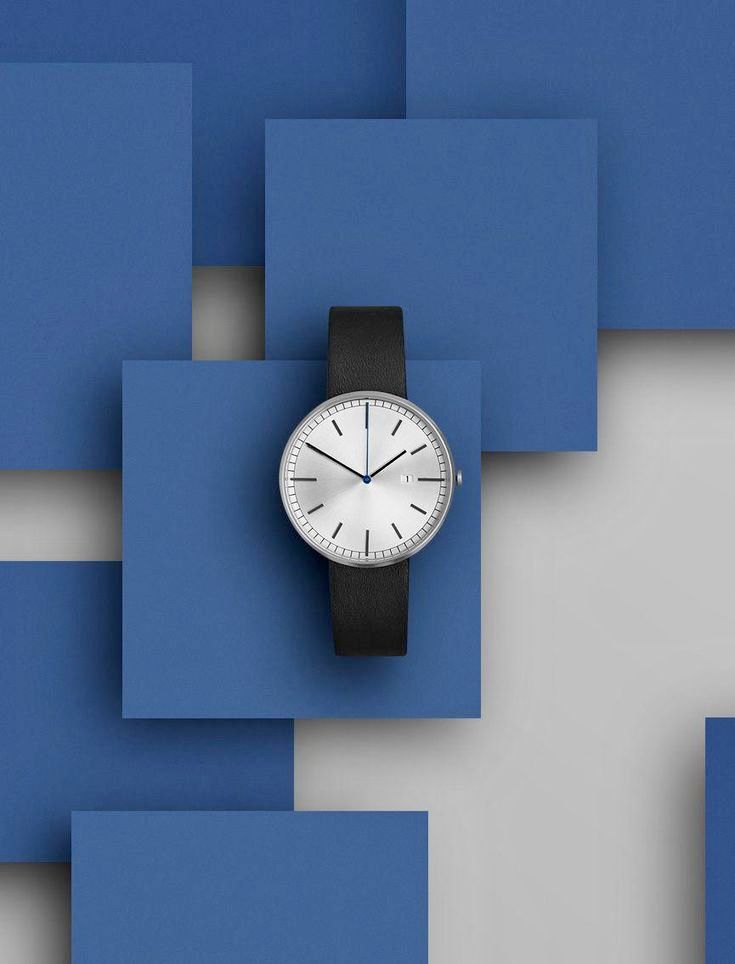 Minimalist WatchCopy this prompt on Pinitup
Three original background prompts
Original prompt: home setting
Edit the attached photo. Keep the candle jar exactly as it is: glass, lid, label and wax color unchanged. Replace everything else.
New surface: a weathered oak side table. New background: a softly blurred living room with a linen sofa and a window.
Light: late afternoon sun from the window on the left, warm, with a soft contact shadow under the jar. 4:5 vertical.
Original prompt: sport setting
Edit the attached photo. Keep the running shoe exactly as it is. Replace everything else.
New surface: a wet asphalt track lane with a painted white line. New background: blurred stadium lights at dusk.
Light: cool blue ambient with a strong warm rim light from behind, reflections on the wet surface. 9:16 vertical.
Original prompt: color studio
Edit the attached photo. Keep the lipstick exactly as it is. Replace everything else.
New surface: a block of pale pink terrazzo. New background: seamless blush paper.
Light: one hard light from the upper right casting a crisp diagonal shadow. 1:1 square.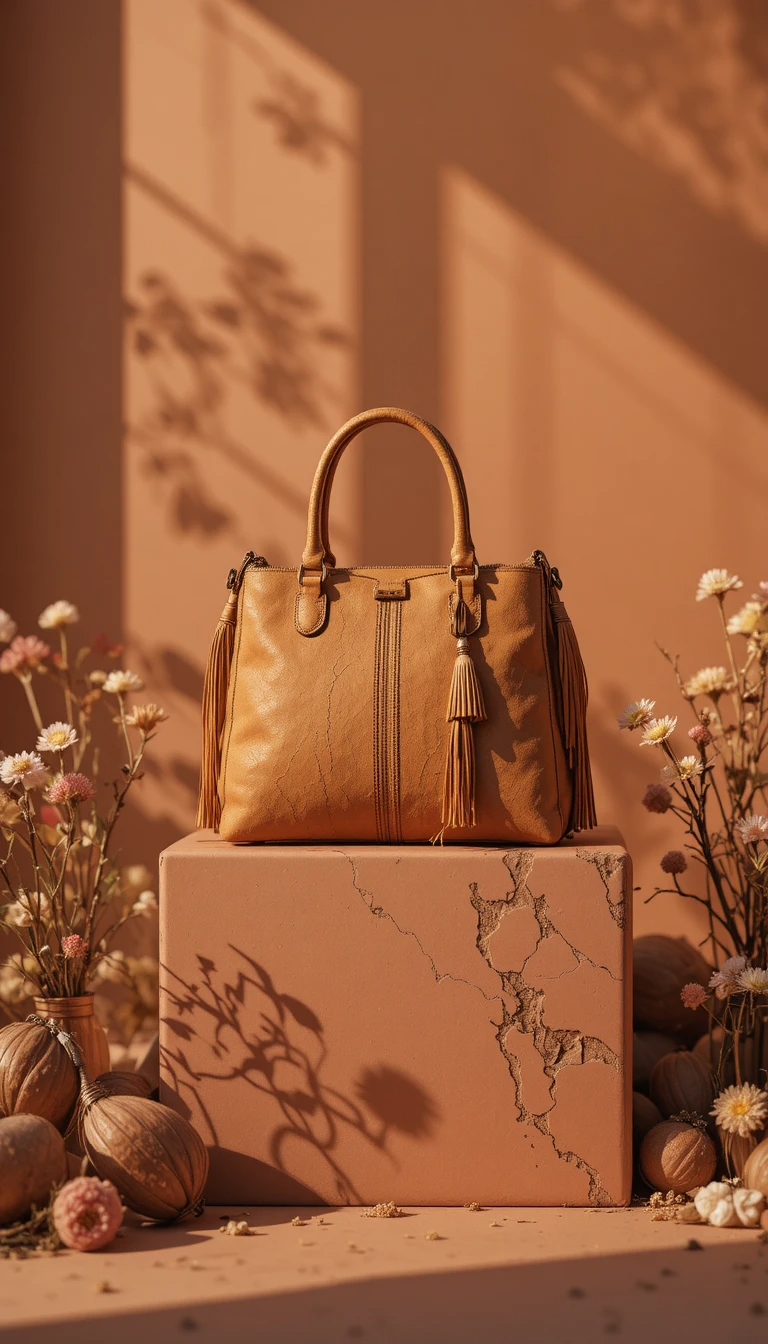
Fix common background problems
| Problem | Fix |
|---|---|
| Product looks pasted on | Describe the new light direction and ask for matching light on the product |
| Product floats | Ask for a natural contact shadow where it touches the surface |
| Halo or jagged edges | Add "clean edges with no halo" and start from a sharp, well-lit original |
| Product changes with the scene | Repeat the lock line and say "replace everything else" |
| Background competes with product | Ask for the background softly out of focus or a single color |
FAQ
How do I remove the background from a product photo with AI?
For a transparent cutout, use a background removal tool and check edges by hand. For a new background, attach the photo to a reference-capable image model and prompt it to keep the product exactly as it is and replace everything else. Describe the surface, backdrop and light so the product looks naturally lit.
Can AI keep my product the same when changing the background?
Usually, if you open the prompt with a lock line naming shape, color, label and logo, and start from a sharp original. Check small text and fine details at full size. If a letter or edge changes, regenerate, or composite your original product onto the new background in an editor.
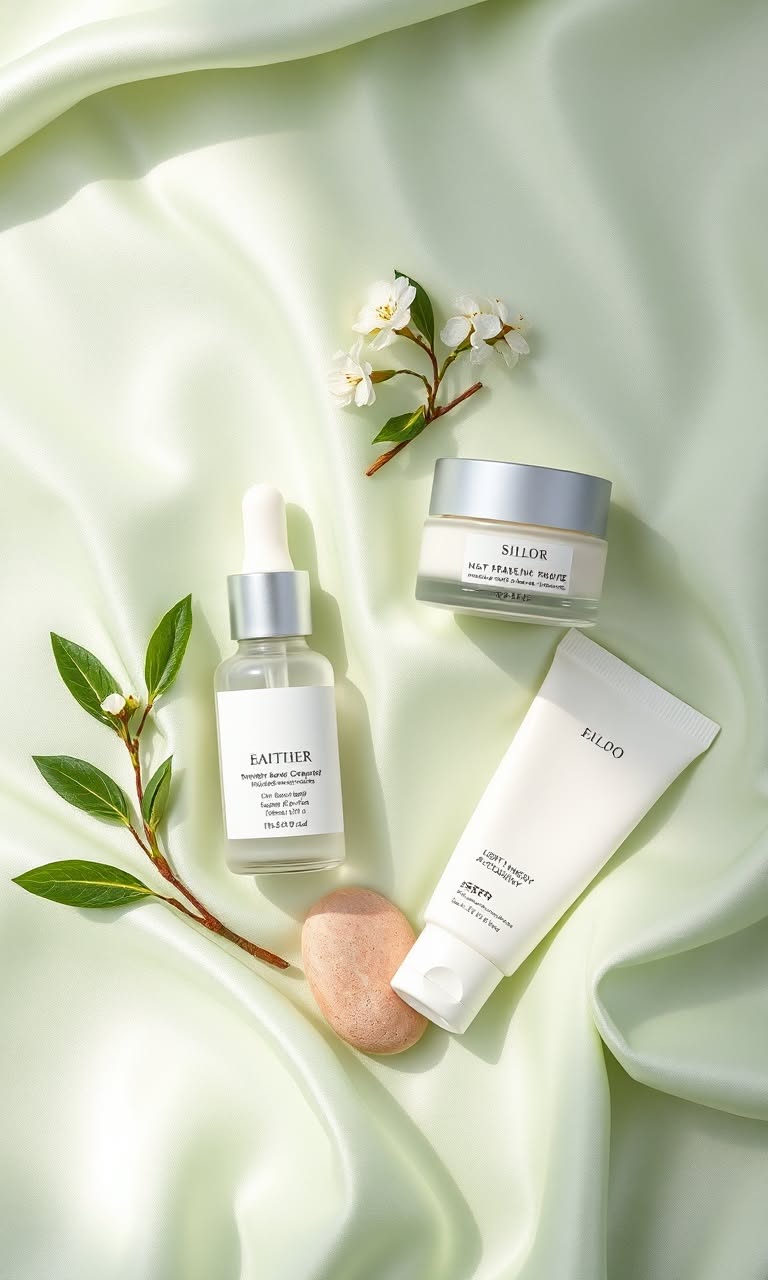
What background works best for product photos?
It depends on the job. Pure white suits marketplaces. Stone, pedestals and paper suit studio ads. Real settings such as a kitchen or car suit lifestyle posts. Choose a background whose color contrasts with the product and whose texture supports your brand story.
Why does my new background look fake?
Most often the light on the product does not match the new scene, or there is no shadow where the product touches the surface. Describe the light source and direction, ask for matching light on the product and request a contact shadow. Clean edges matter too.
Do I still need Photoshop to change product backgrounds?
For many ad and social images, an AI prompt can replace the background in one step. An editor is still useful for precise cutouts, fixing small details, adding text and checking color. Many teams generate with AI and finish in an editor.
How do I make a white background product photo with AI?
Attach the photo, lock the product in the first line, then ask for a pure white seamless background, soft even light and a light contact shadow under the base. Keep the camera angle the same as the source. Check edges at full zoom, since fine details such as straps and cords blur most often.
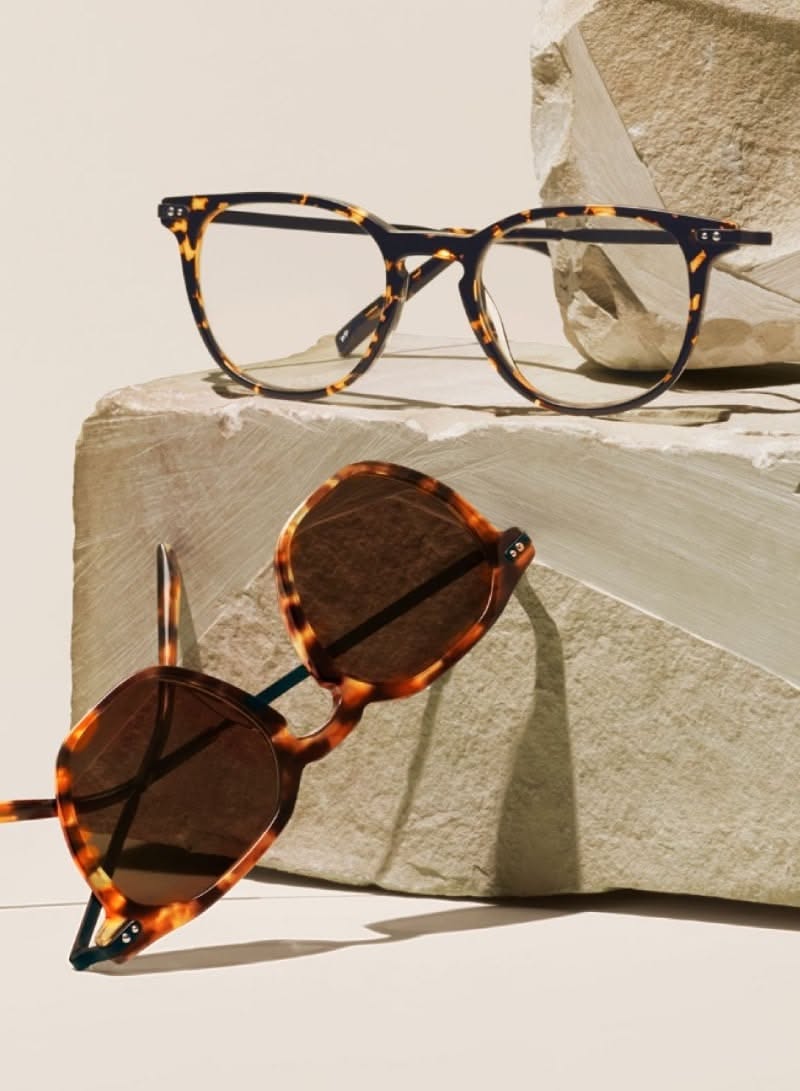 Tortoiseshell Eyewear and SunglassesCopy this prompt on Pinitup
What is the best AI background for product photos?
There is no single best one. White is best for marketplace main images, textured natural surfaces suit organic and premium products, saturated color fields work for ads, and real settings show use and scale. Match the background to where the image will run and what the product promises.
Copy more background ideas on Pinitup
Open any image to see the full prompt, then attach your product and keep the lock line. Good places to browse backgrounds:
- Product photography prompts
- Botanical prompts
- Minimal prompts
- Lifestyle prompts
- 75 AI Product Photography Prompts for Ecommerce Campaigns
- 50 Nano Banana 2 Product Photography Prompts That Preserve Packaging
- How to Use Pinitup
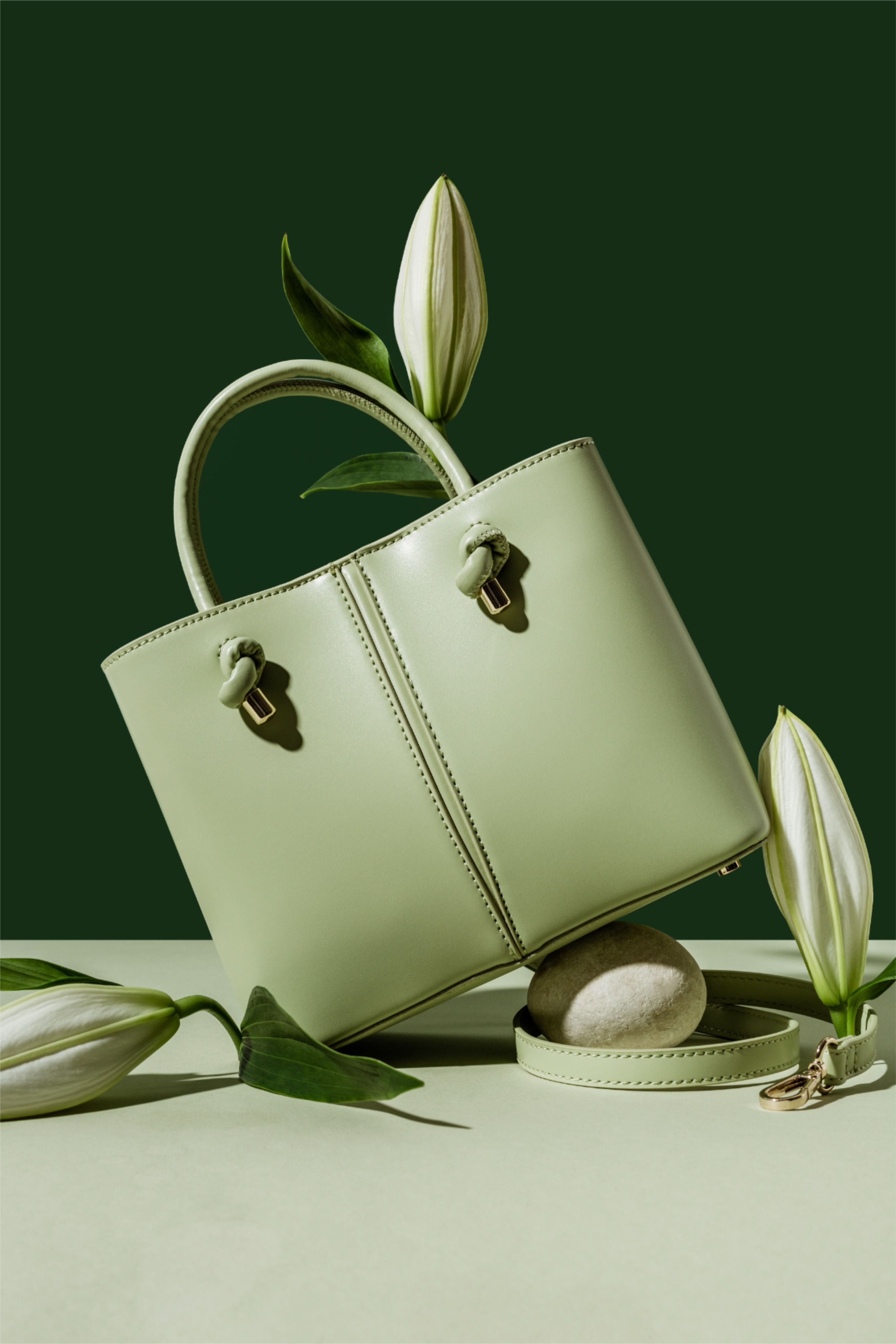 Sage Green HandbagCopy this prompt on Pinitup
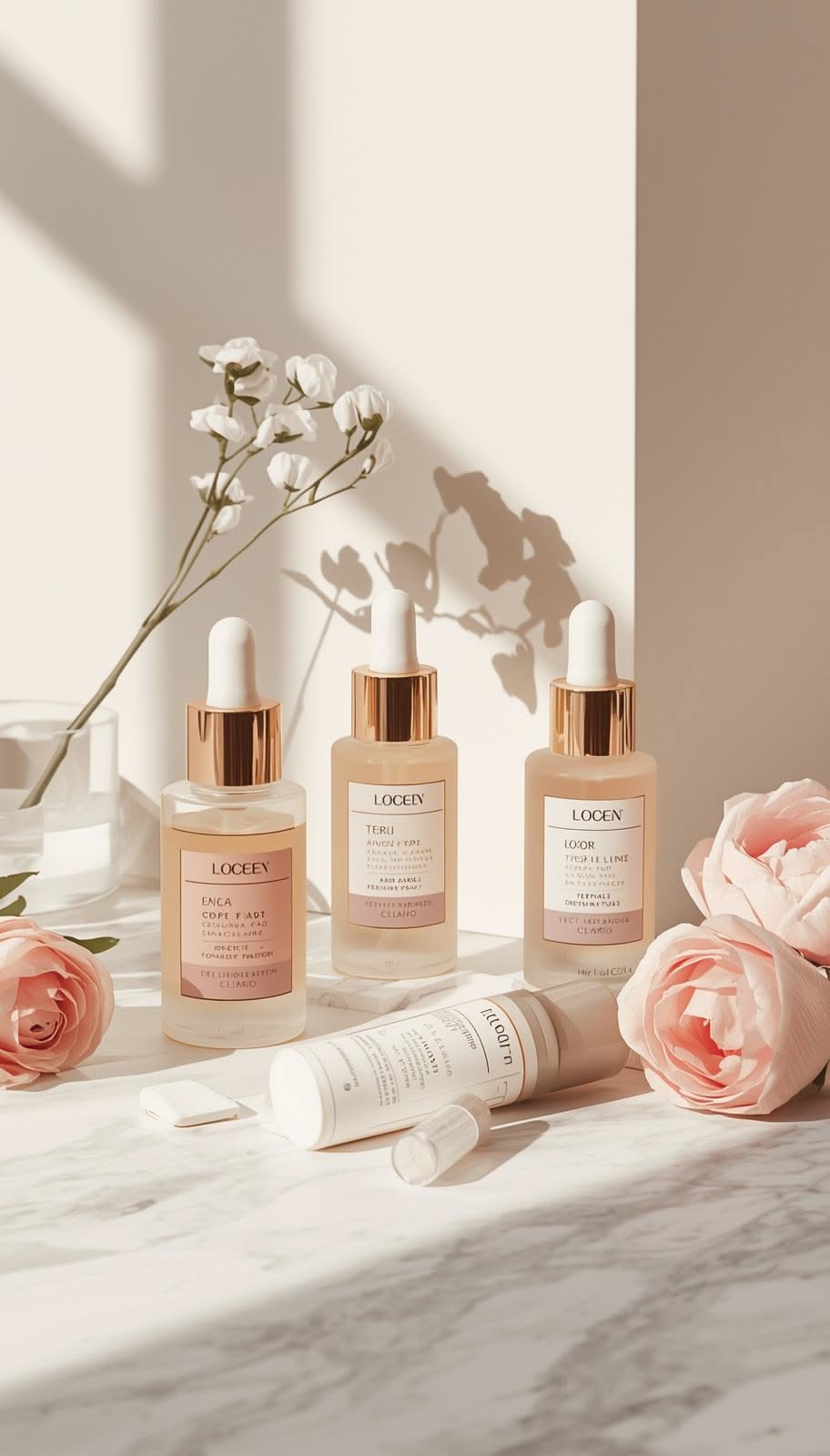
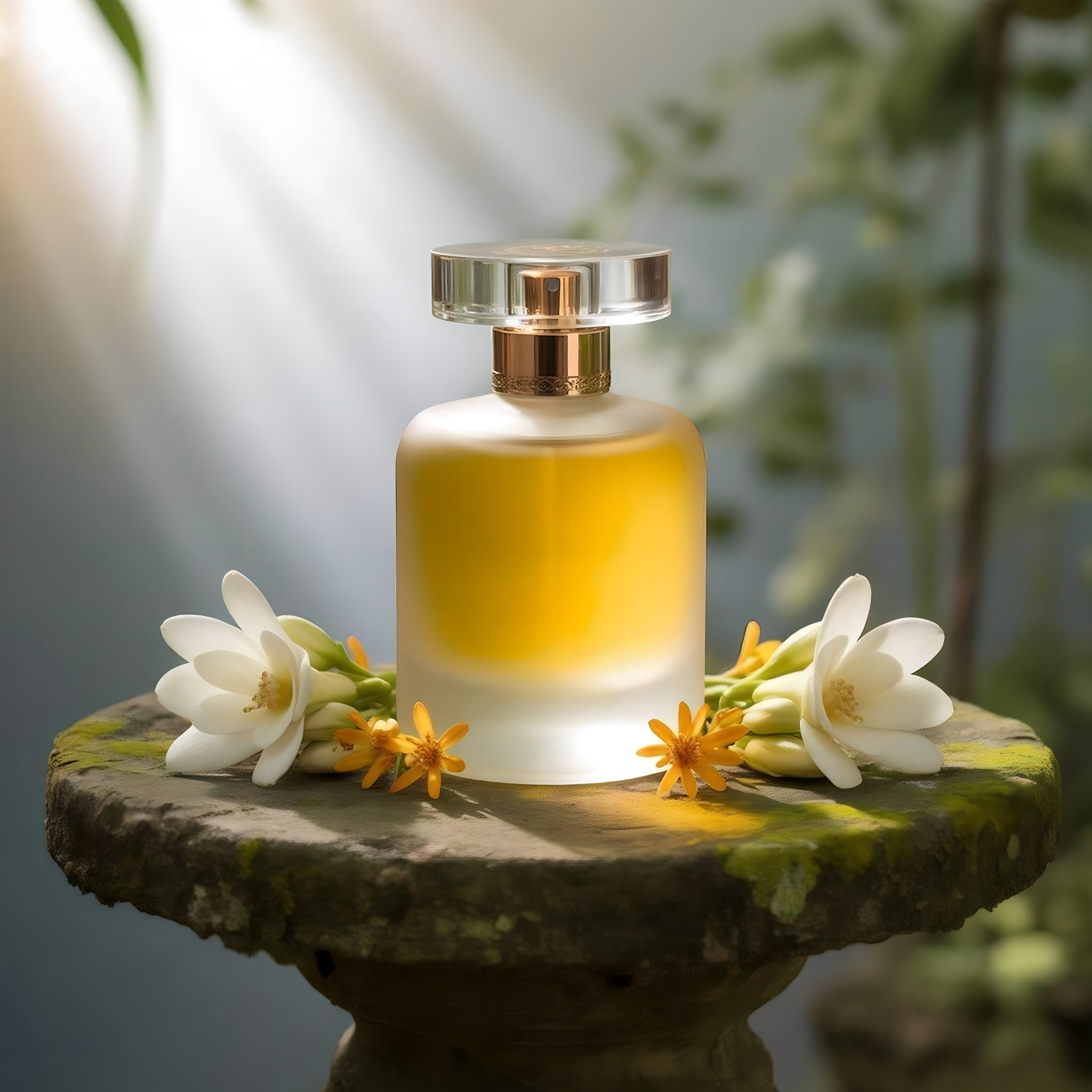 Frosted Glass Perfume BotanicalCopy this prompt on Pinitup
Every image on Pinitup opens to the full prompt behind it. Find the shot, copy the prompt, and swap in your own product.


