

On Amazon the image is the sales pitch, and the buyer zooms in before they read a word. These AI prompts for Amazon product images cover every slot a listing needs, from the white background main image to detail and lifestyle frames, without changing the product the buyer will receive.
Each prompt is shown with the image it made on Pinitup. Open one, attach a clean photo of your product and run it. The formula below explains why each line is there, so you can adapt it to any product.

 Silver Band with Diagonal Clear Stone DetailCopy this prompt on Pinitup
What makes a marketplace image different?
A social ad has to stop the scroll. A marketplace image has to answer a question: what color is it, how big, what is it made of, what comes in the box. That changes the prompt. Fewer props, truer color, sharper detail and a frame that fills with product.
| Social ad prompt | Marketplace prompt |
|---|---|
| "Moody dark set with smoke and dramatic light" | "Pure white background, even light both sides, product filling most of the frame" |
| "Lifestyle scene with a model and props" | "Product in use, in sharp focus in the front third, simple setting" |
| "Warm golden grade" | "Neutral light so the product color matches the real item" |
The formula behind these AI prompts for Amazon product images
Template prompt: copy and fill the brackets
Use the attached photo of the [PRODUCT]. Keep it exactly as shown: same shape, color, material, label and logo. Do not add or redraw details.
Job of this image: [MAIN / DETAIL / SCALE / CONTENTS / LIFESTYLE].
Background: [PURE WHITE / SIMPLE SURFACE / SETTING]. Light: [EVEN SOFT LIGHT / DAYLIGHT], neutral color.
Framing: [PRODUCT SIZE IN FRAME], [ANGLE]. No text, no watermark.
[RATIO], high resolution.
Amazon main image: a white background product photo prompt
These are the images closest to a main image: product alone, light and clean. Ask for even light from both sides so the white stays white and shadows stay soft.


Original prompt: white background packshot
Use the attached photo of the stainless steel water bottle. Keep its shape, cap, color and printed logo exactly as shown.
Place it alone on a pure white background, standing upright, centered, filling most of the frame.
Two large soft lights at either side, a faint contact shadow beneath. No props, no text.
1:1 square, high resolution.Detail and material shots
Detail shots answer the quality question. Go close on stitching, hardware, embroidery or texture, and keep focus on the one feature that sets your product apart.
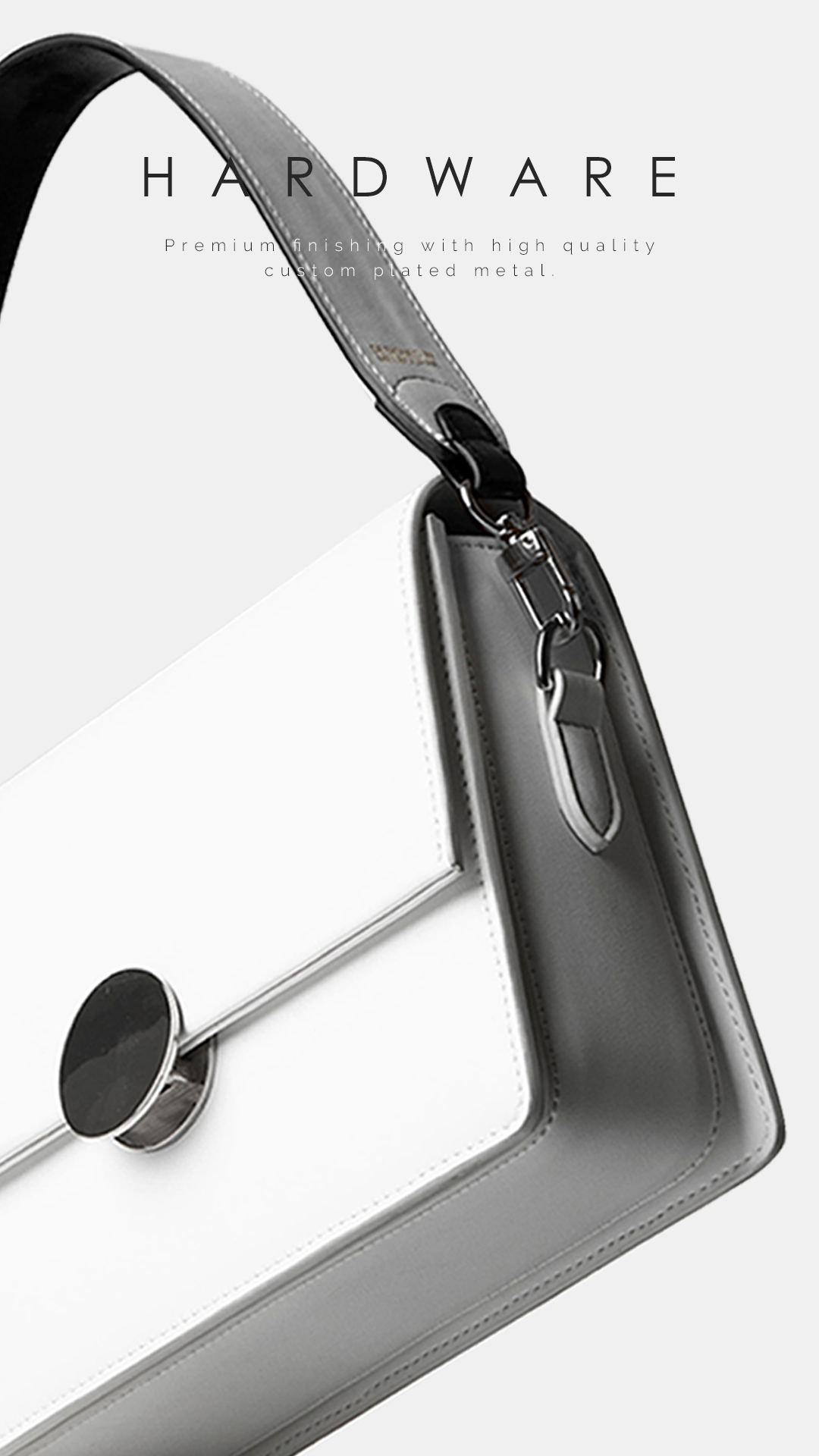
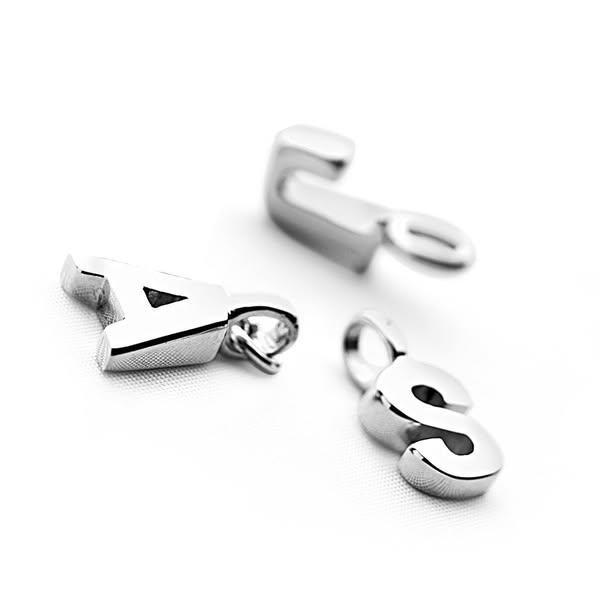
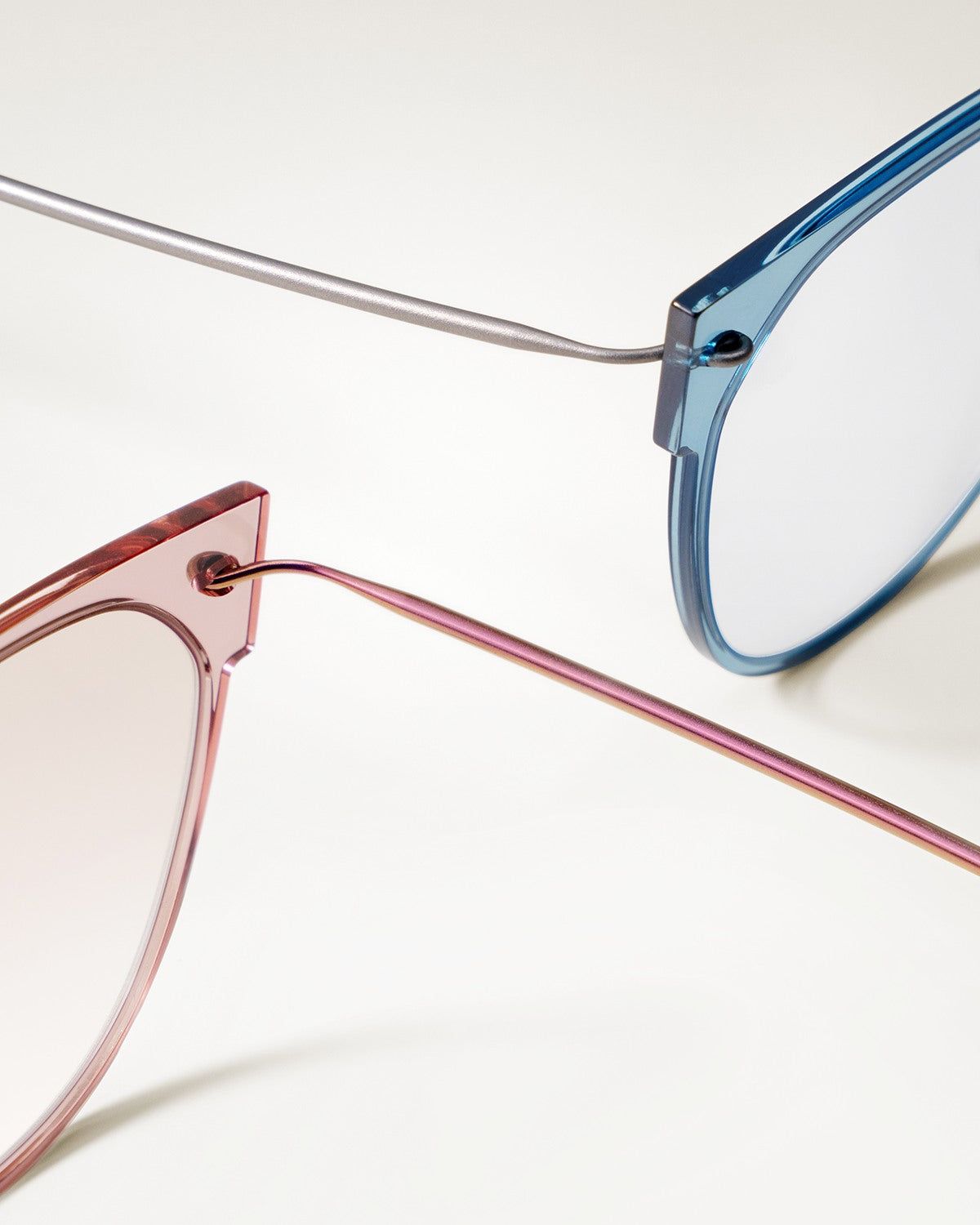
Original prompt: fabric texture detail
Use the attached photo of the wool scarf. Keep its color, weave and fringe exactly as shown.
Extreme close-up of the folded edge and fringe, the weave clearly visible, soft raking light from the left to show texture.
Light gray background, shallow focus with the fringe sharp. No text. 1:1 square.
 Cream and Sea Green Beaded Bracelets in a Macro StackCopy this prompt on Pinitup
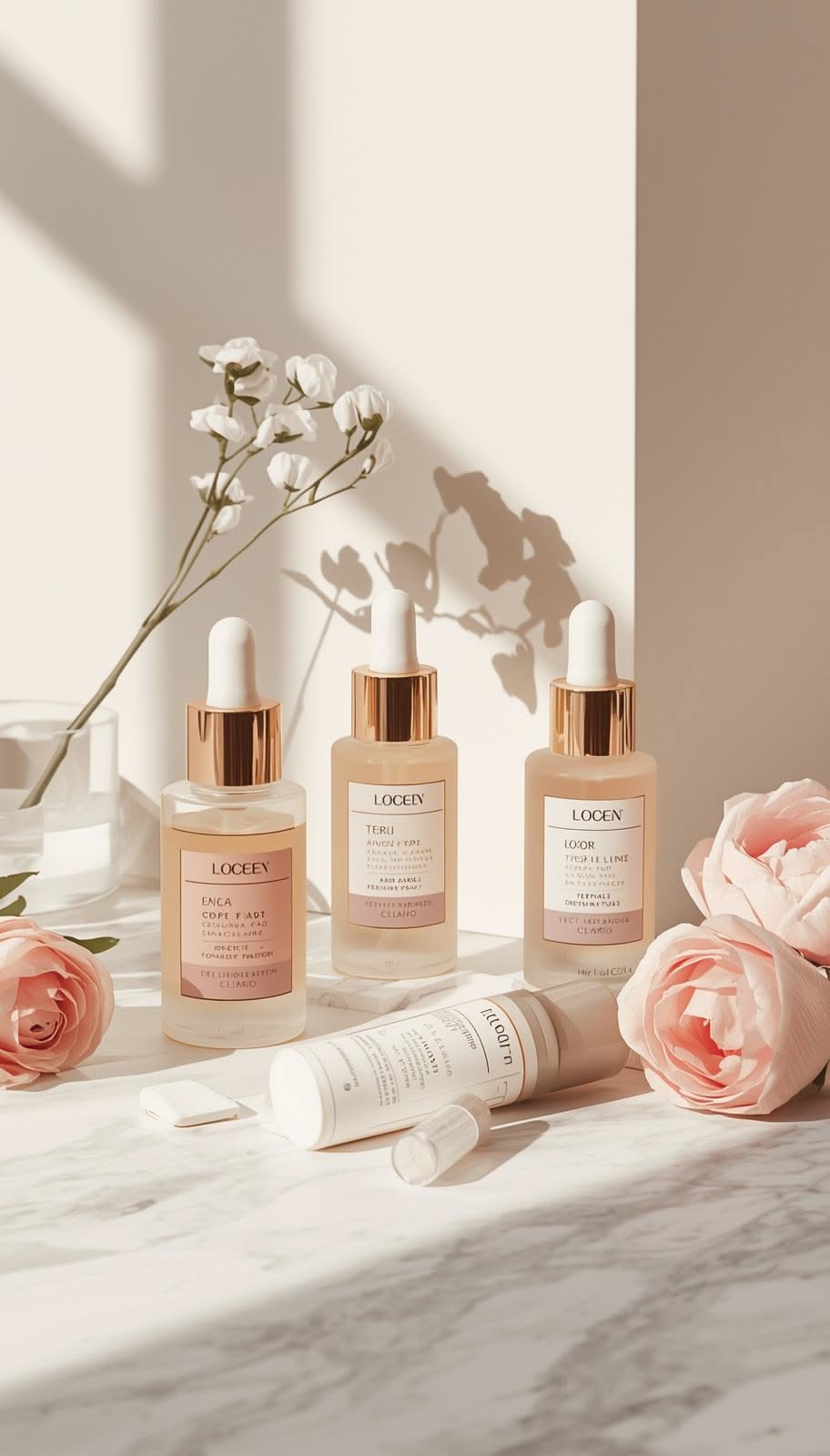
Contents, unboxing and packaging
Buyers want to know what arrives. Show the box open, the items laid out, or the product beside its carton.
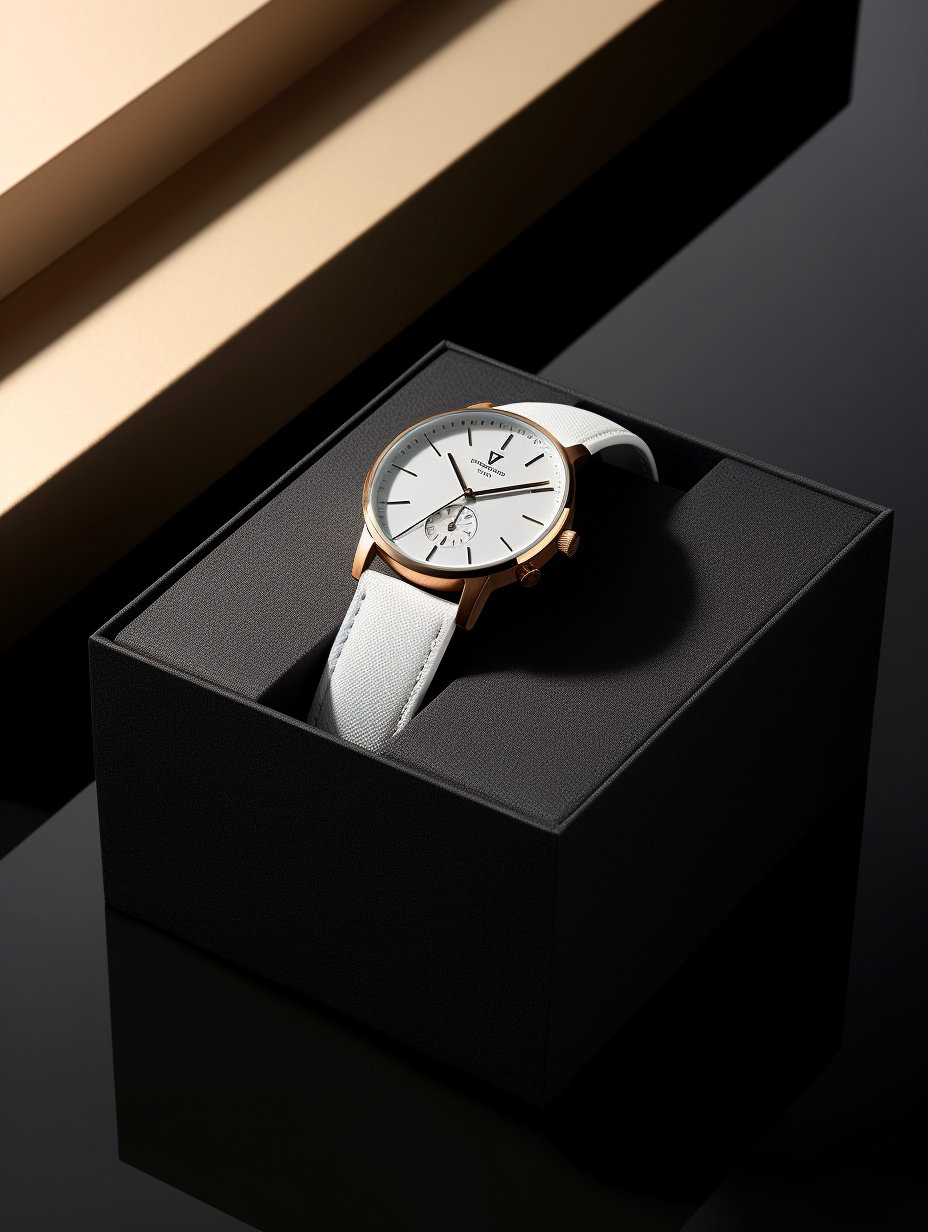

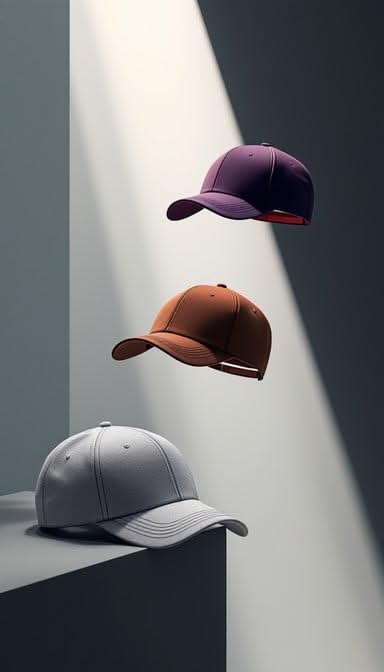 Minimalist Baseball CapCopy this prompt on Pinitup
Amazon lifestyle images and in-use shots
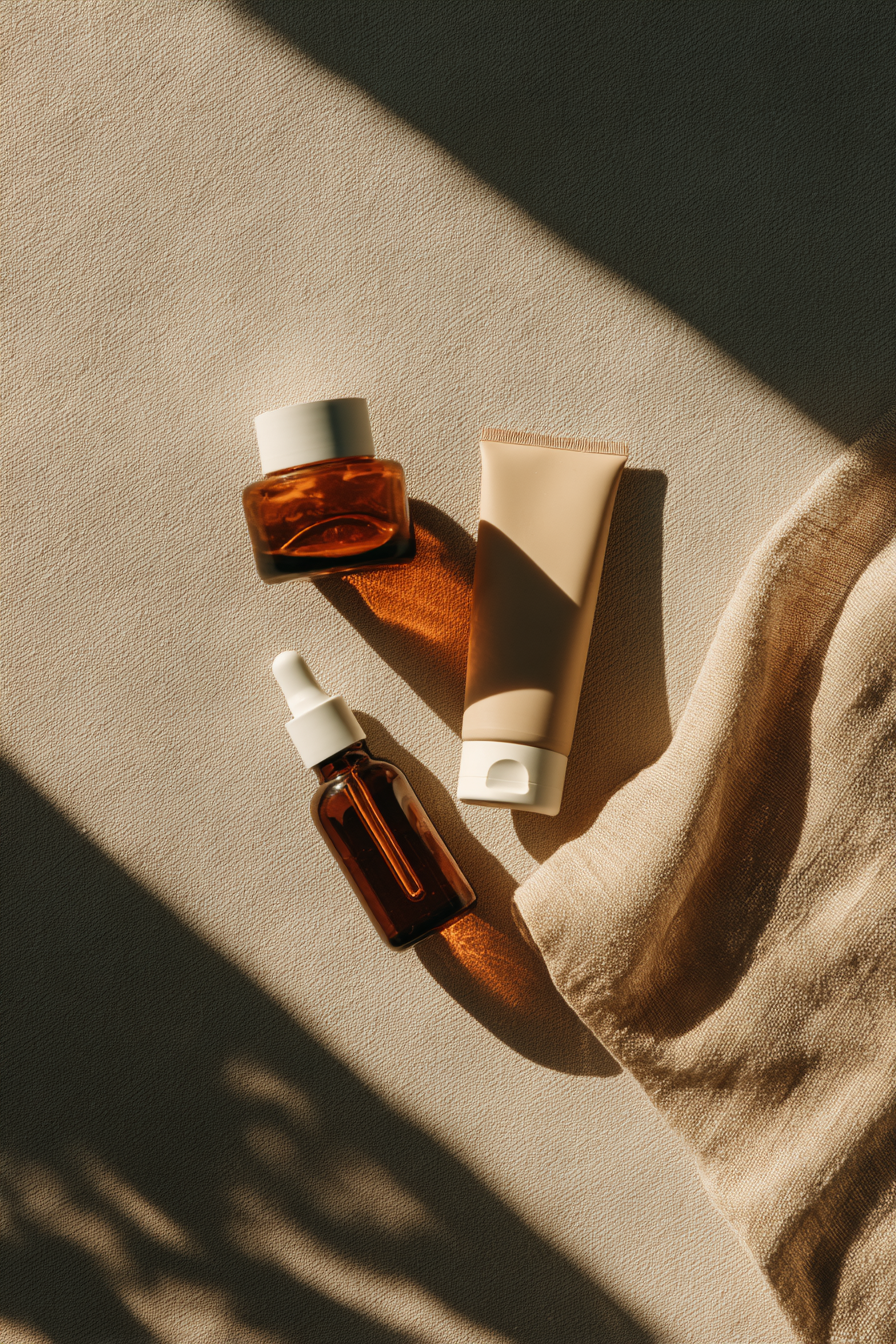
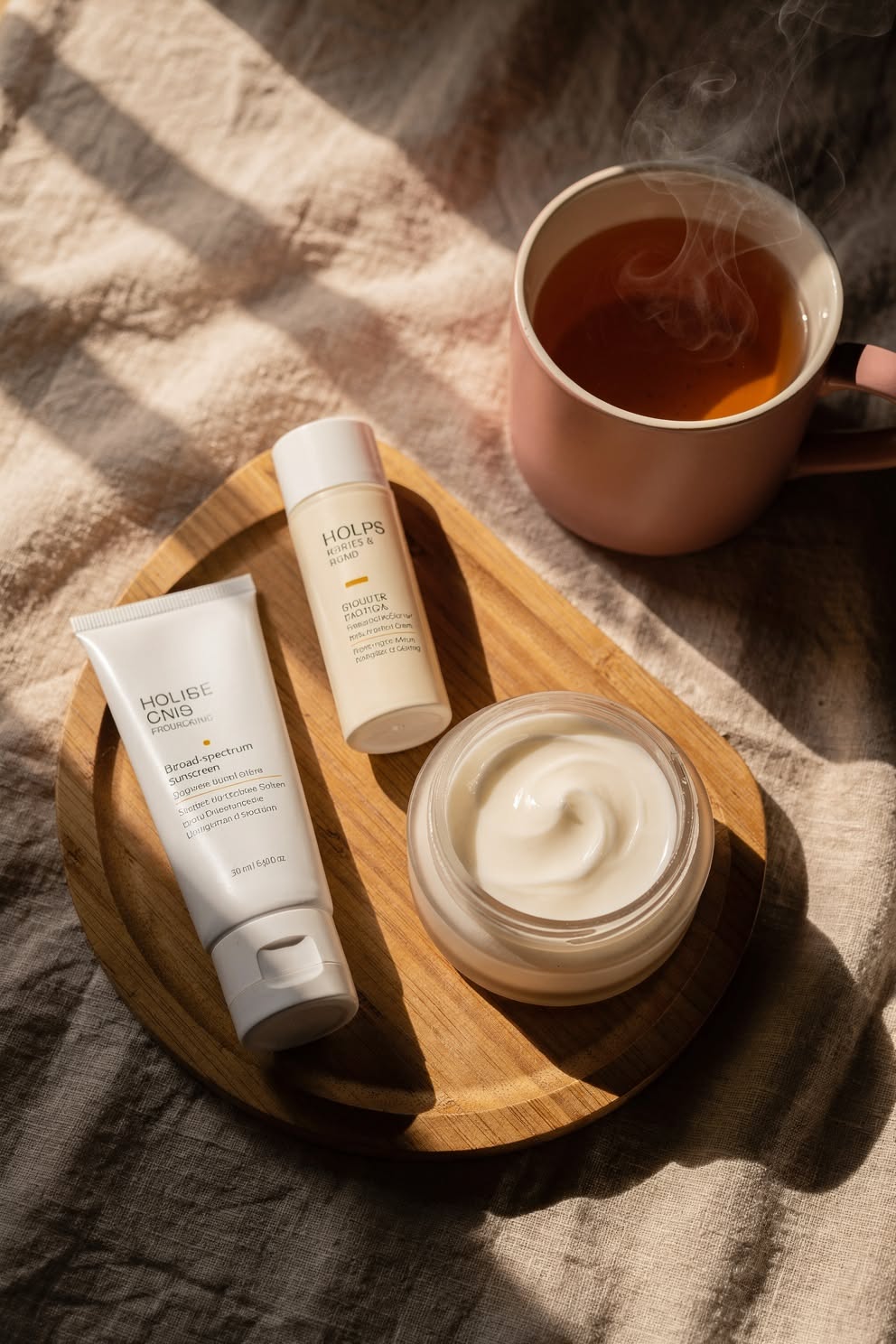
Keep marketplace lifestyle shots simple. One setting, natural light and the product large and sharp.
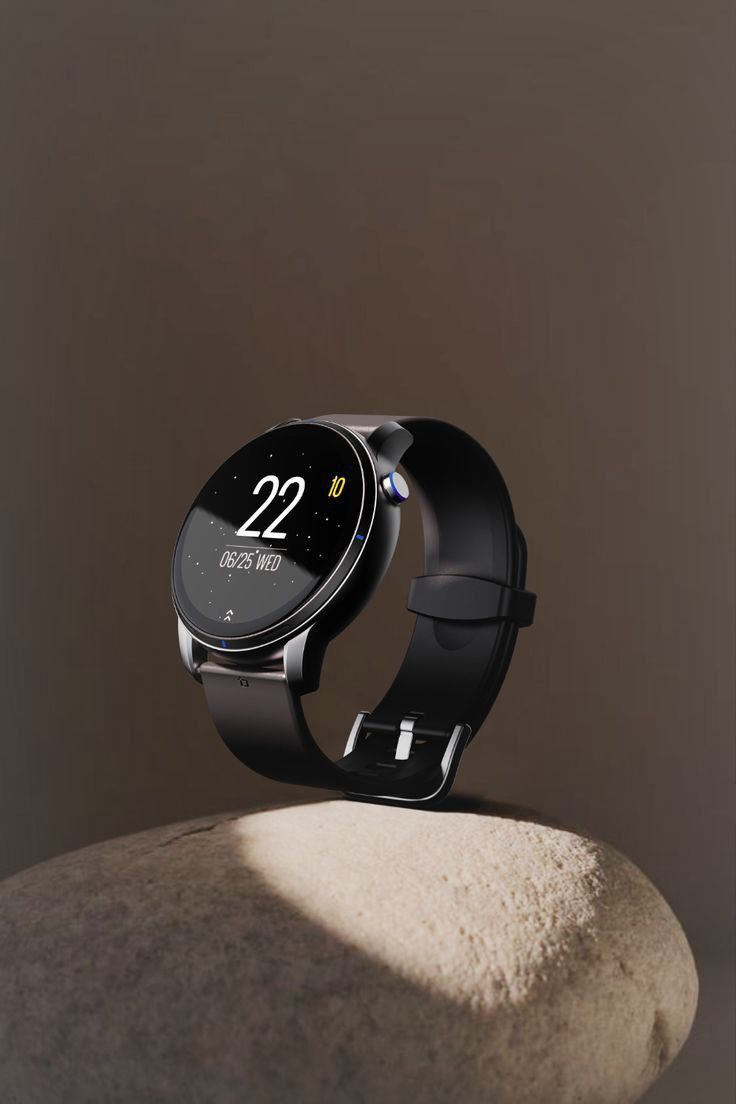
Original prompt: in-use lifestyle
Use the attached photo of the ceramic mug. Keep its shape, glaze color and handle exactly as shown.
Place it on a light oak kitchen counter with morning light from a window on the left, steam rising from coffee inside.
Mug in the front third, sharp; background softly out of focus with a plant and a linen towel. No text. 1:1 square.
Find the shot. Copy the prompt. Pinitup's Product Photography category holds clean packshots, detail shots and lifestyle frames, each with its full prompt. Browse product photography prompts on Pinitup
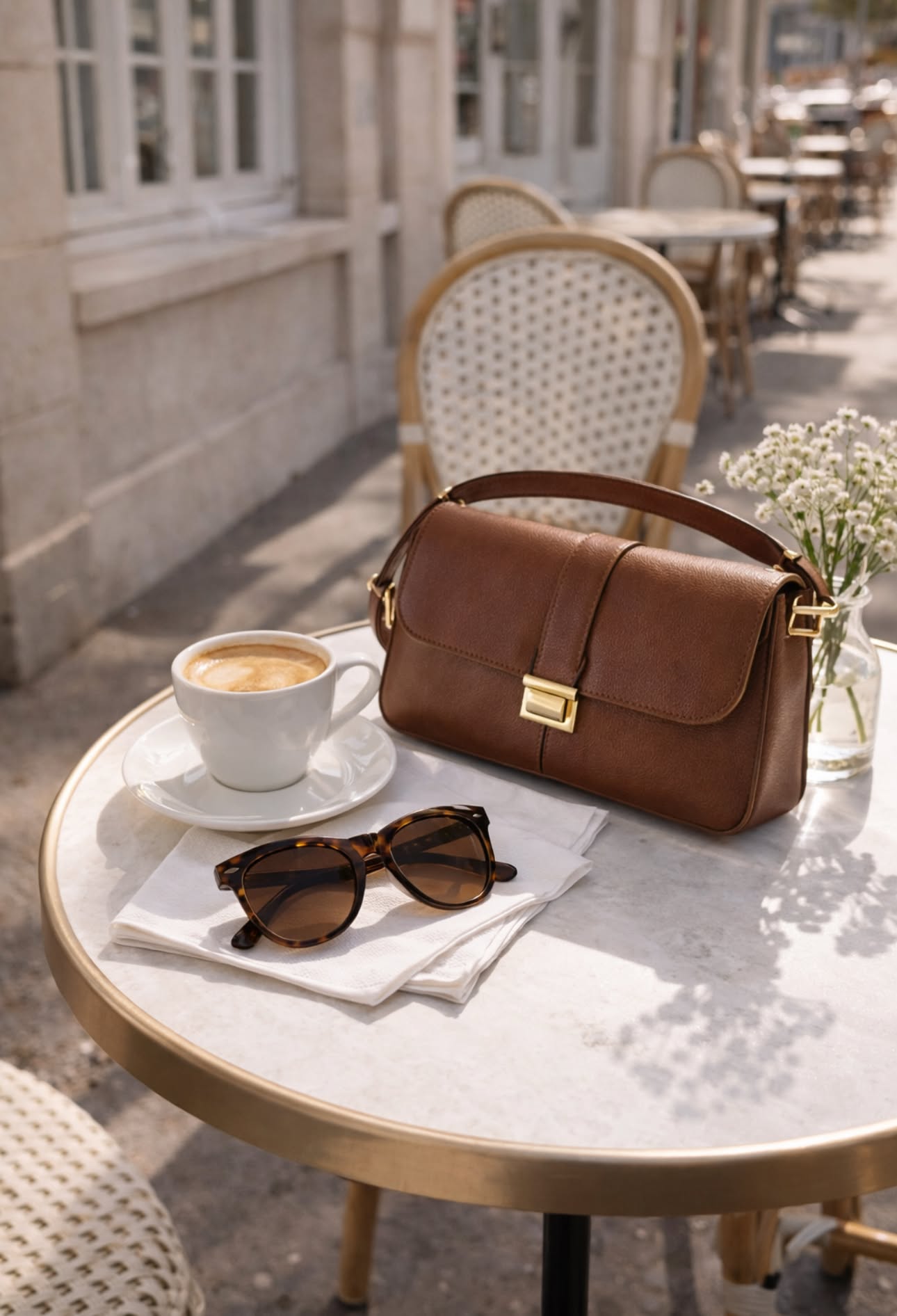 Leather Shoulder Bag Cafe LifestyleCopy this prompt on Pinitup
Amazon product photography checklist before you upload
- The product matches what ships: color, size, count and packaging.
- The main image sits on pure white and the product fills most of the frame.
- No props, extra items or text on the main image.
- Detail shots are sharp at full zoom on stitching, labels and closures.
- Lifestyle frames show real scale: a hand, a shelf or a body for reference.
- Every image follows Amazon's current image rules for your category.
Run this list on every AI result. A listing that looks better than the product earns returns, not reviews.
Fix common marketplace image problems
| Problem | Fix |
|---|---|
| White background looks gray or blue | Ask for even light from both sides and neutral color; check corners in an editor |
| Product looks small in the frame | Say "filling most of the frame" and crop tight |
| Color differs from the real item | Use neutral light and name the exact color |
| Invented details on the product | Lead with the lock line; compare against the real item at full size |
| Props mistaken for contents | Use fewer props, or show contents in a separate image |
FAQ
What is the best AI prompt for an Amazon product image?
Start with a lock line that keeps your product exactly as shown in the attached photo. Then state the image's job, such as main, detail or lifestyle, the background, neutral light and framing. For a main image, ask for a pure white background and the product filling most of the frame with no props or text.
Can AI make a white background product photo?
Yes. Attach a clear product photo and ask for a pure white background with soft even light on both sides and a faint contact shadow. Check the corners in an editor, because AI whites can drift slightly gray. Your marketplace may have specific rules on background and framing, so confirm them first.
Which AI tool should I use for product listing images?
Use a model that accepts a reference image and follows detailed instructions, such as GPT Image 2 or Nano Banana Pro. Reference input is what keeps the product accurate. Generate a few versions of each prompt and keep the one that matches the real product most closely.
Are AI images allowed on Amazon?
Many sellers use AI for secondary and lifestyle images. The product must look exactly like what ships, and the main image must meet the current main image rules. Policies change, so check the latest guidance in Seller Central and in your category style guide before relying on AI images.
How many images should a listing have?
Use enough images to answer every common question: main, scale, detail, benefit, lifestyle, variants, contents and packaging. The exact number shown depends on the marketplace and category. Plan the set so each image adds new information instead of repeating an angle.
How do I make an Amazon main image with AI?
Attach a clean photo of the product, lock it in the first line of the prompt and ask for a pure white seamless background, soft even light and a light contact shadow. Frame it centered and filling most of the image. Then compare the result with the real product before you upload.
What are ecommerce product image prompts?
They are image prompts written for selling: they lock the product's exact look, then describe a background, light and crop that fit a store, marketplace or ad slot. Good ones name the platform's format, such as a 1:1 square for marketplaces or 4:5 for social feeds.
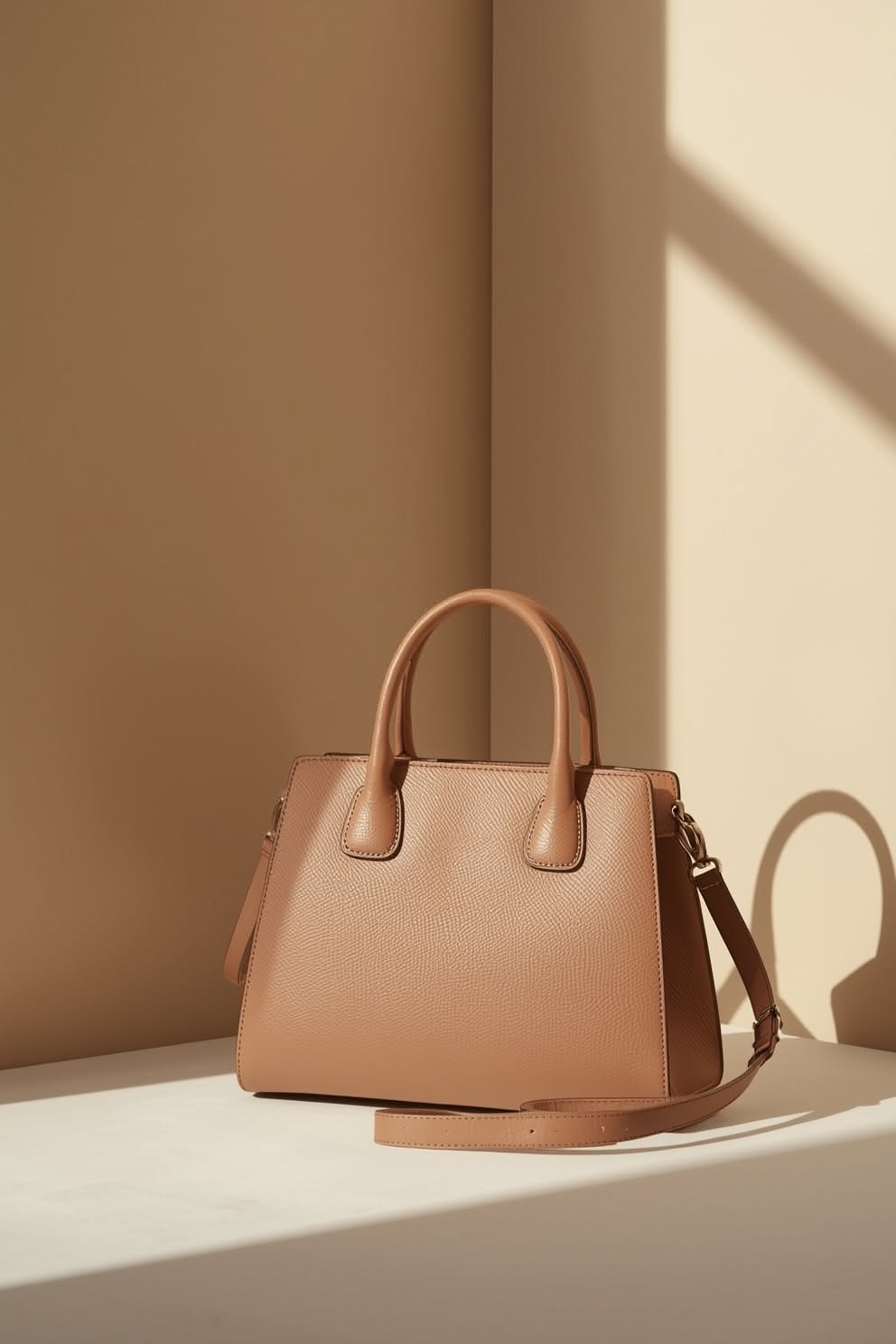 Tan Leather HandbagCopy this prompt on Pinitup
Copy more listing-ready shots on Pinitup
Open any image to see the prompt, then swap in your product. These collections fit marketplace work best:
- Product photography prompts
- Minimal prompts
- Studio photography prompts
- Skincare prompts
- 75 AI Product Photography Prompts for Ecommerce Campaigns
- 50 Nano Banana 2 Product Photography Prompts That Preserve Packaging
- How to Use Pinitup
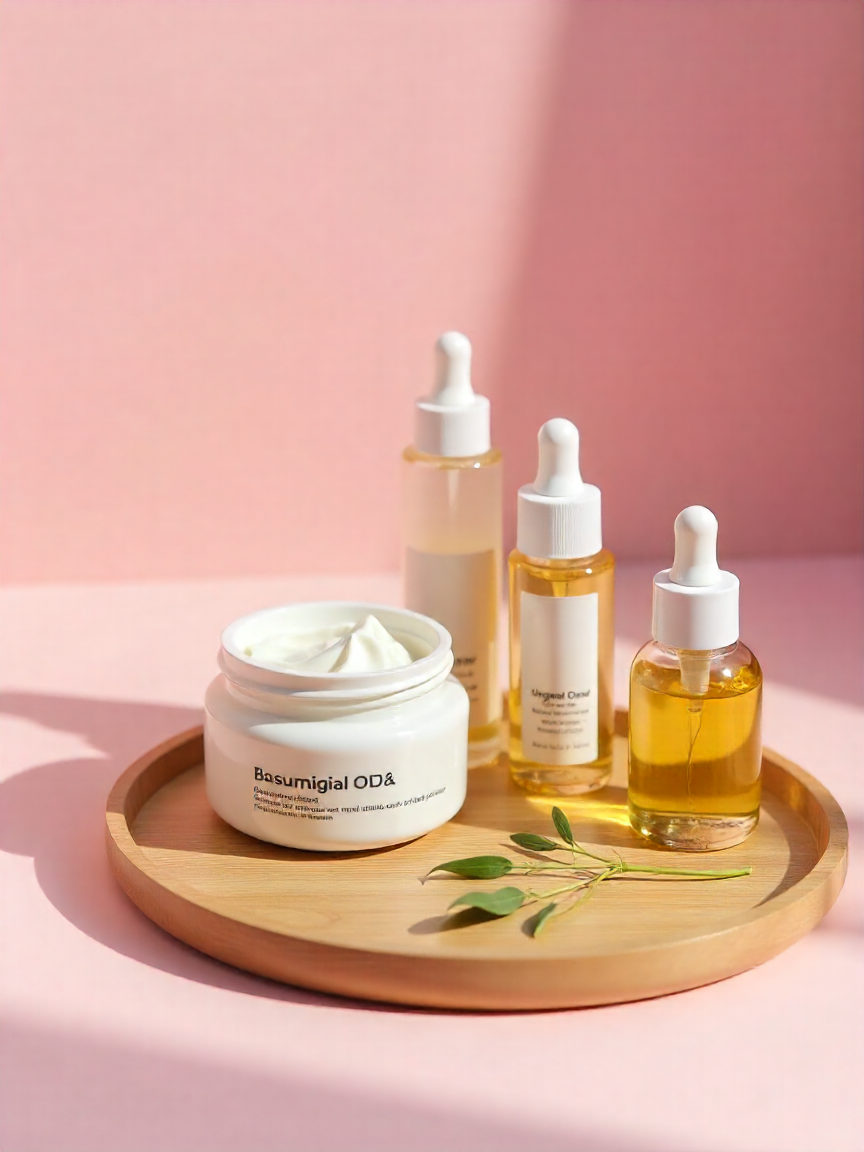 Skincare Product Set on Wooden TrayCopy this prompt on Pinitup
 Clear Stone Tennis Bracelet on Pale GrayCopy this prompt on Pinitup
Every image on Pinitup opens to the full prompt behind it. Find the shot, copy the prompt, and swap in your own product.


