

Most AI jewelry photos fail at the prong. An extra stone appears, a fine chain doubles in thickness, polished gold turns to yellow plastic. These AI jewelry photography prompts fix that by locking your piece first and letting the model invent only the scene around it.
Every prompt below is shown with the image it produced on Pinitup, grouped into rings, earrings, necklaces and bracelets. Pick a shot, open its prompt, attach a photo of your own piece and run it. Or borrow the formula and write your own in five minutes.

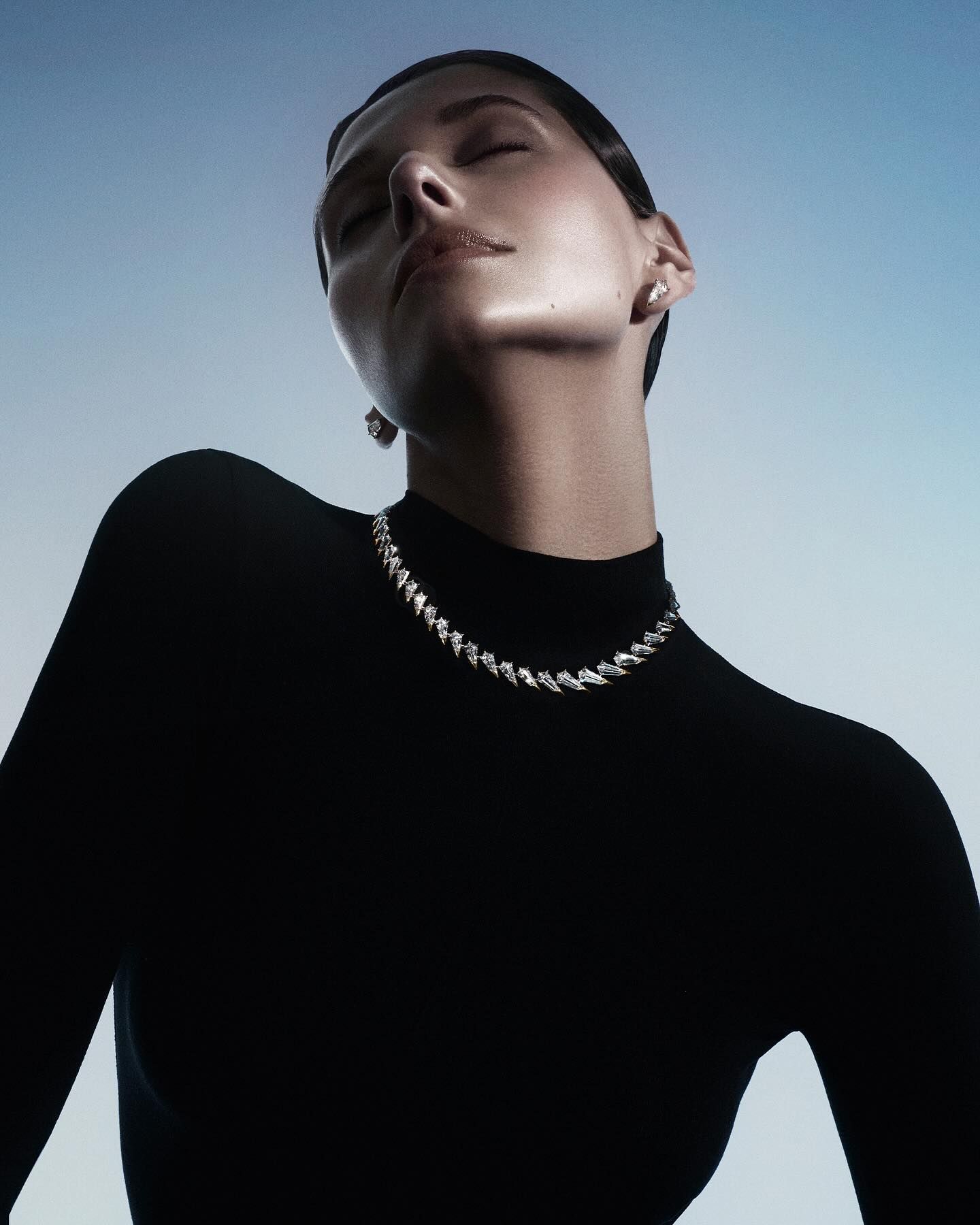 Luxury Diamond Collar NecklaceCopy this prompt on Pinitup
Why does AI jewelry photography go wrong?
Jewelry fails in AI images for the same reason it is hard in a real studio: it is small, shiny and full of detail that buyers inspect. Image models tend to redraw prongs, add or drop stones, thicken a fine chain and turn polished gold into flat yellow plastic. A vague prompt invites all of it.
The fix is to describe the piece the way a bench jeweler would, then lock it. Name the metal and its finish, the stone cut and count, and the setting style. Attach a clean photo of the real piece and tell the model to keep it exactly as shown. Treat the scene as the only thing the model may invent.
| What goes wrong | Why it happens | What to write instead |
|---|---|---|
| Extra or missing stones | The model guesses the stone count | "Exactly five round diamonds in a single row, as in the attached photo" |
| Gold looks like plastic | No light source for reflections | "Polished 18k yellow gold, one strip softbox camera left for a long highlight" |
| Wrong scale on hands or ears | Nothing in the frame sets size | Name the body part and crop: "ring on the ring finger, hand fills half the frame" |
| Chain turns thick or tangled | Fine detail is underspecified | "Fine 1 mm cable chain lying in a soft S-curve" |

The formula behind these AI jewelry photography prompts
Every prompt on this page follows the same order. Product first, so the model knows what must not change. Then surface, light, camera and mood. Writing it in this order keeps long prompts readable and makes each segment quick to swap.
| Segment | What it controls | Example |
|---|---|---|
| Product lock | What must stay identical | Keep the ring exactly as in the attached photo: same band, setting and stones |
| Placement | Where the piece sits | Standing upright on a sunlit travertine block |
| Surface and props | Texture and story | Raw travertine, one dried olive branch, nothing else |
| Light | Reflections and mood | Low warm sun from the right, soft fill from the left |
| Camera | Scale and sharpness | 100 mm macro, f/8, stone sharp edge to edge |
| Format | Where it will run | 4:5 vertical for Instagram feed, copy space at top |
Template prompt: copy and fill the brackets
Edit the attached photo. Keep the [PIECE] exactly as it appears: same metal, finish, setting, stone cut and stone count, nothing redrawn. Place it [PLACEMENT] on [SURFACE], with [ONE OR TWO PROPS]. Light it with [LIGHT], so the metal shows one long clean highlight and the stones sparkle without blowing out. Shot on a 100 mm macro lens at f/8, the piece sharp from front to back. [MOOD] mood, [PALETTE] palette. [RATIO] frame, [CROP NOTE].
Fill the brackets and you have a working prompt for any piece. The four examples below are written for Pinitup readers and show the template filled in for each piece type.
Original prompt: ring on stone
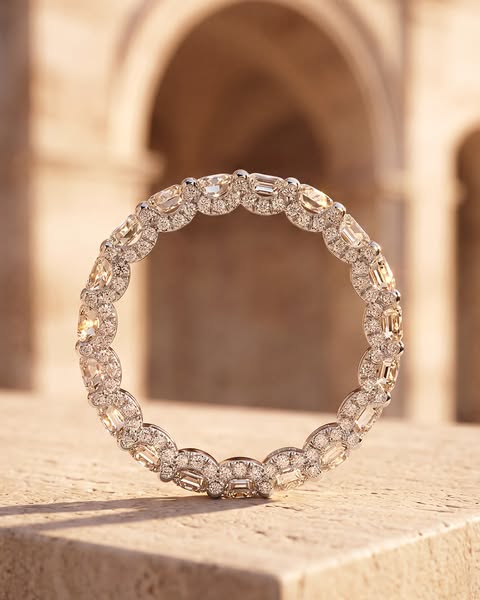
Edit the attached photo. Keep the ring exactly as it appears: same yellow gold band, same emerald-cut center stone and pave shoulders, nothing redrawn. Stand the ring upright on a block of pale travertine with one dried olive leaf behind it. Low warm sunlight from the right throws a long soft shadow; a white card on the left lifts the shadow side. 100 mm macro at f/8, stone and prongs sharp. Quiet, sunlit, Mediterranean mood, cream and sand palette. 4:5 vertical, copy space above the ring.Original prompt: earring in profile
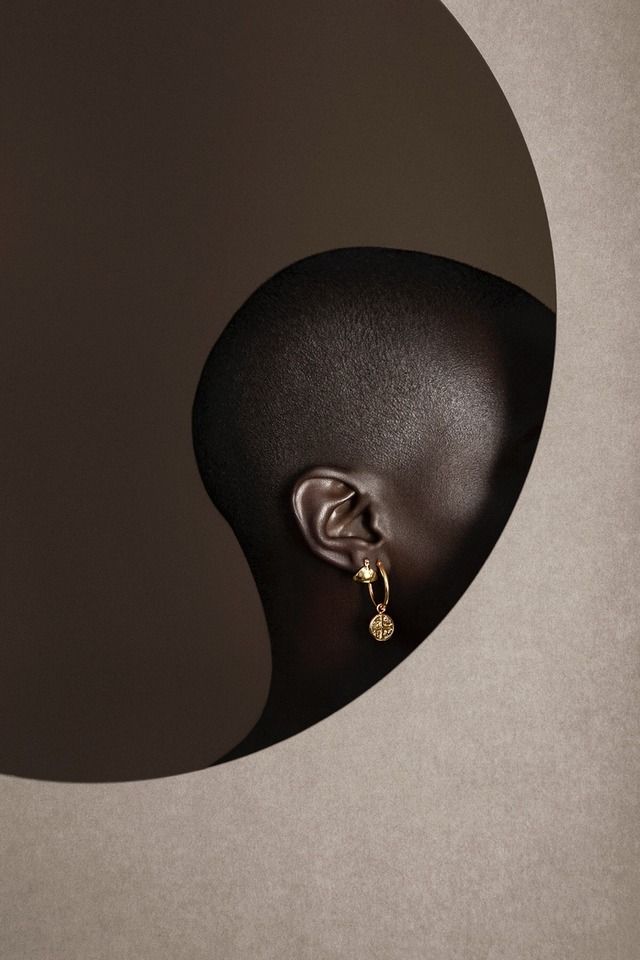
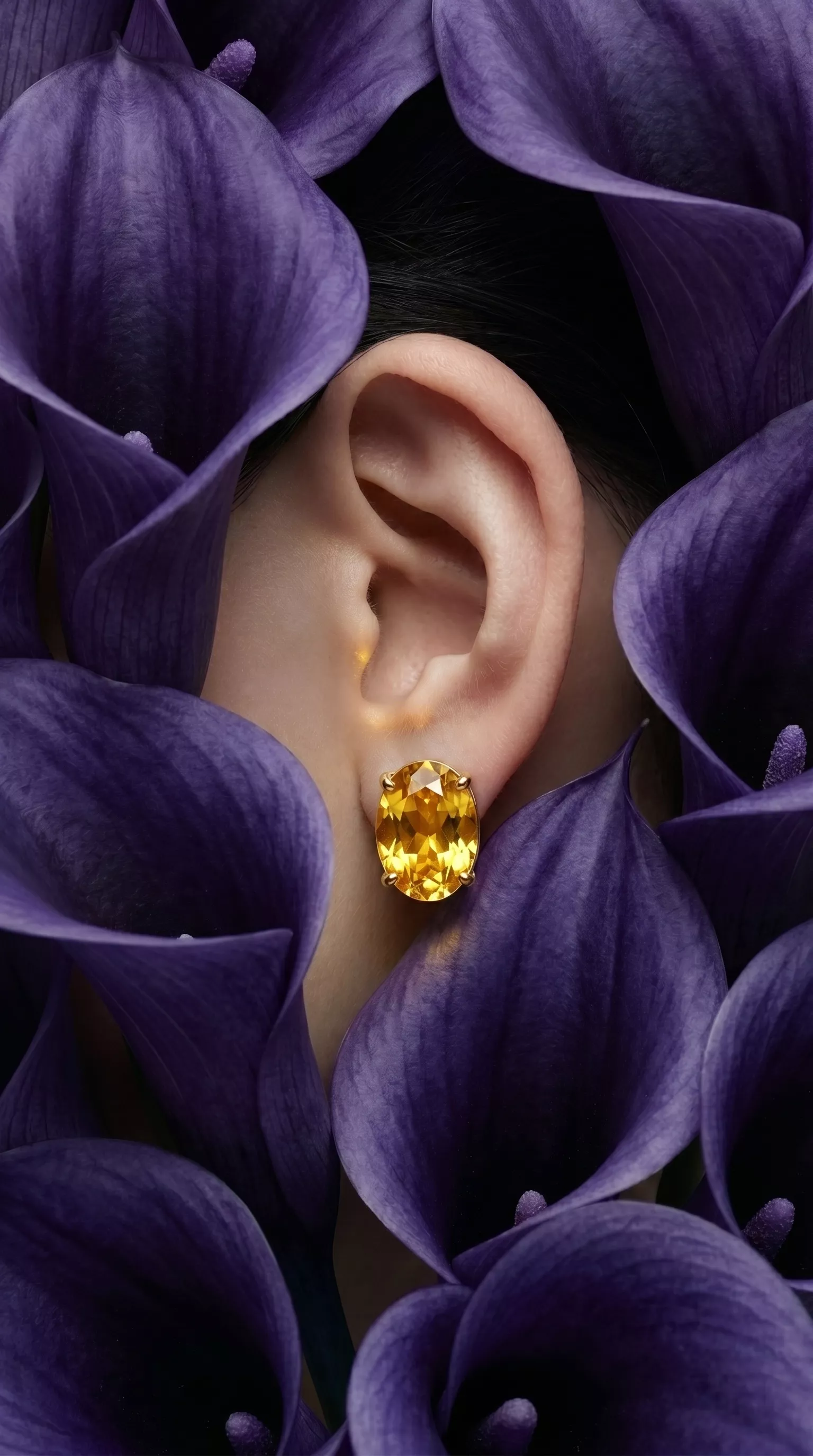
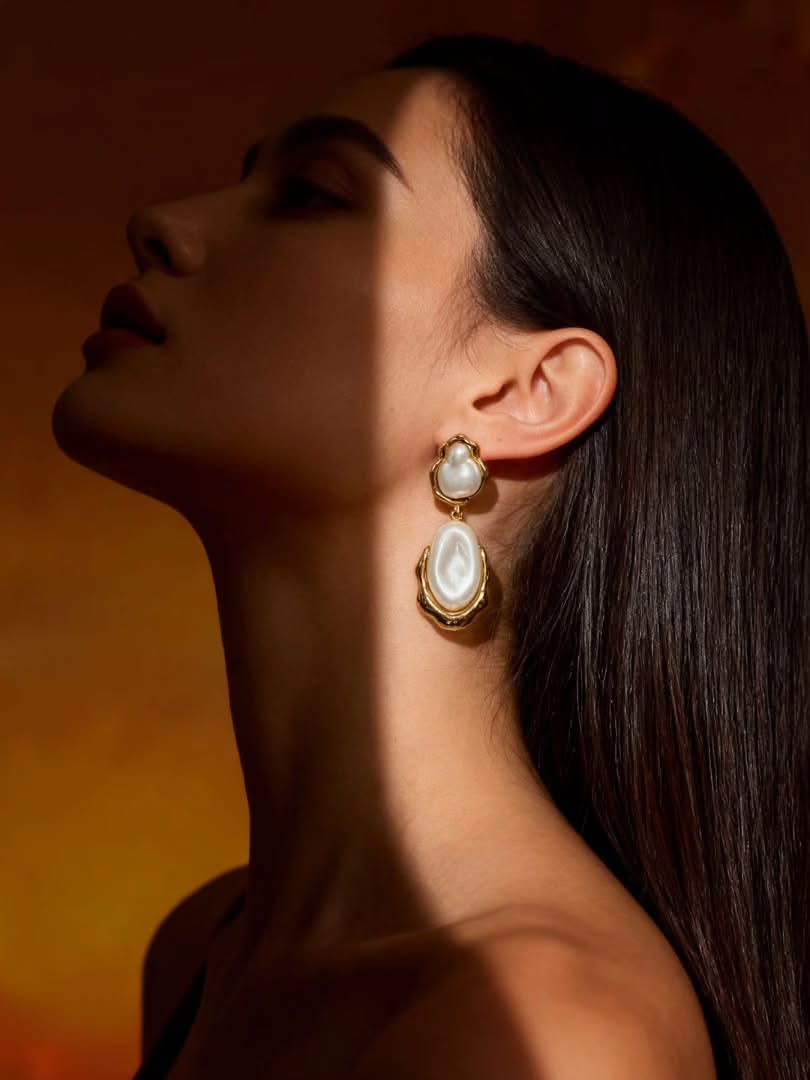
Edit the attached photo. Keep the earrings exactly as they appear: same metal, drop length and stones. Show one earring on a model in sharp profile, hair pulled back, ear and jawline only, skin natural with visible texture. One hard light from behind the model rims the jaw and makes the stone glow; the background falls to deep charcoal. 85 mm lens at f/4, earring tack sharp. Editorial, calm, high contrast. 4:5 vertical.
Original prompt: necklace flat lay
Edit the attached photo. Keep the necklace exactly as it appears: same chain, clasp, pendant and stone count. Lay it flat on raw ivory linen in a soft S-curve, pendant at the lower third, with two small sea-glass pebbles near the clasp. Soft overhead window light, slightly warm, no hard shadows. Top-down flat lay, 50 mm, everything in focus. Clean, coastal, ivory and pale aqua palette. 1:1 square for a product grid.Original prompt: bracelet on wrist
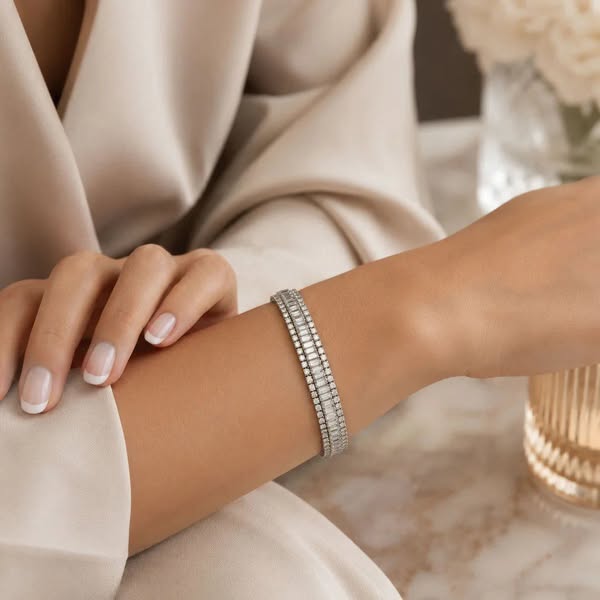
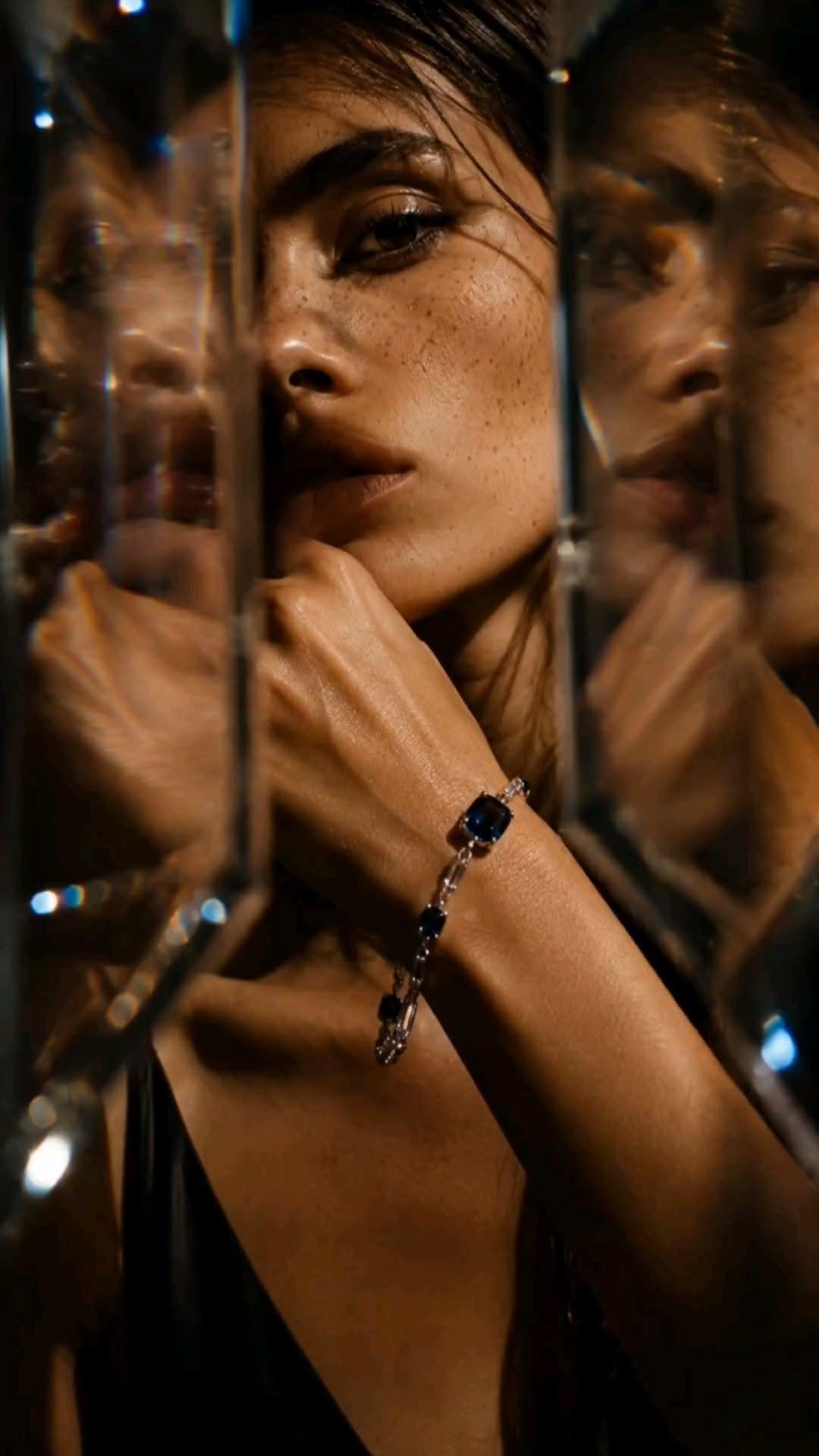
Edit the attached photo. Keep the bracelet exactly as it appears: same links, stones and clasp. Show it on a relaxed wrist resting on a cream wool sleeve, hand turned slightly so the stones face camera. Soft daylight from a large window on the left, gentle shadow on the right. 100 mm macro at f/5.6, bracelet sharp, sleeve texture soft. Warm, quiet luxury mood, cream and gold palette. 9:16 vertical for Stories, space at the top for text.Find the shot. Copy the prompt. Pinitup's Jewelry category is a growing library of ring, earring, necklace and bracelet results, each with its full prompt and a product lock built in. Browse jewelry prompts on Pinitup
Pearl Diamond NecklaceCopy this prompt on Pinitup
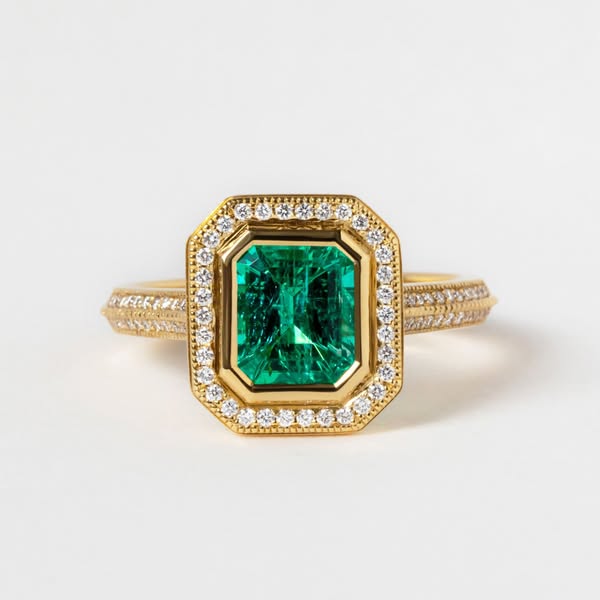
Ring photography ideas for listings and on-hand shots
Rings carry the most detail per square inch, so they reward macro framing and a single hard highlight. These ring shots move from clean catalog images to on-hand campaign frames.
Clean product shots for listings
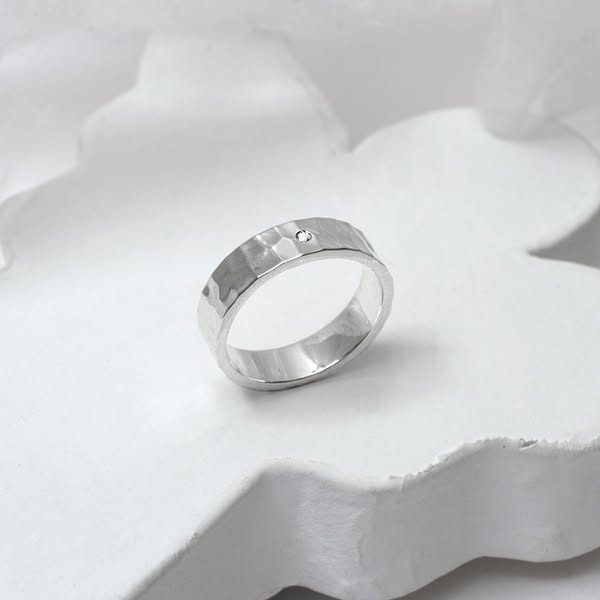
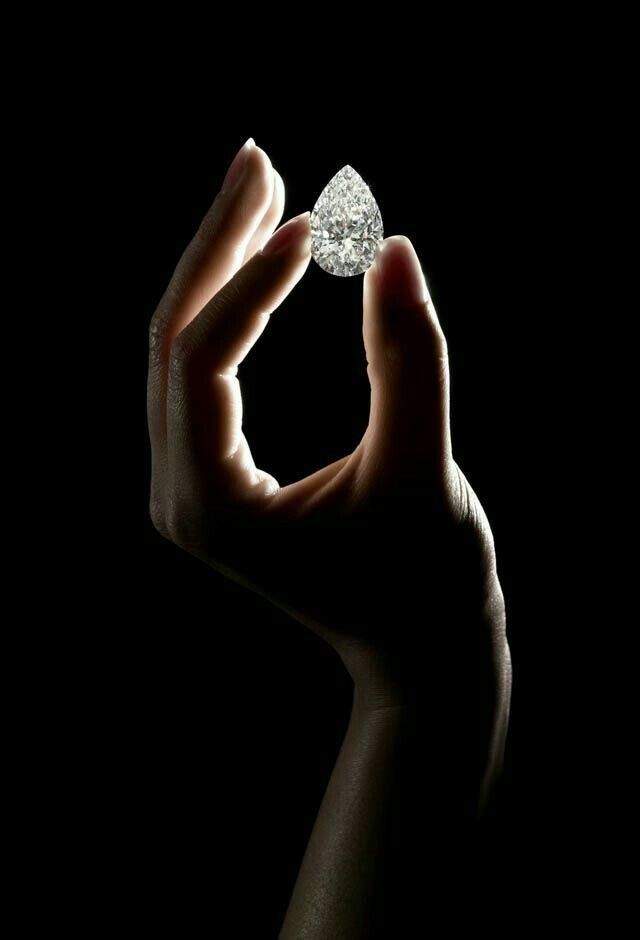 Hammered Silver RingCopy this prompt on Pinitup
Rings on hands
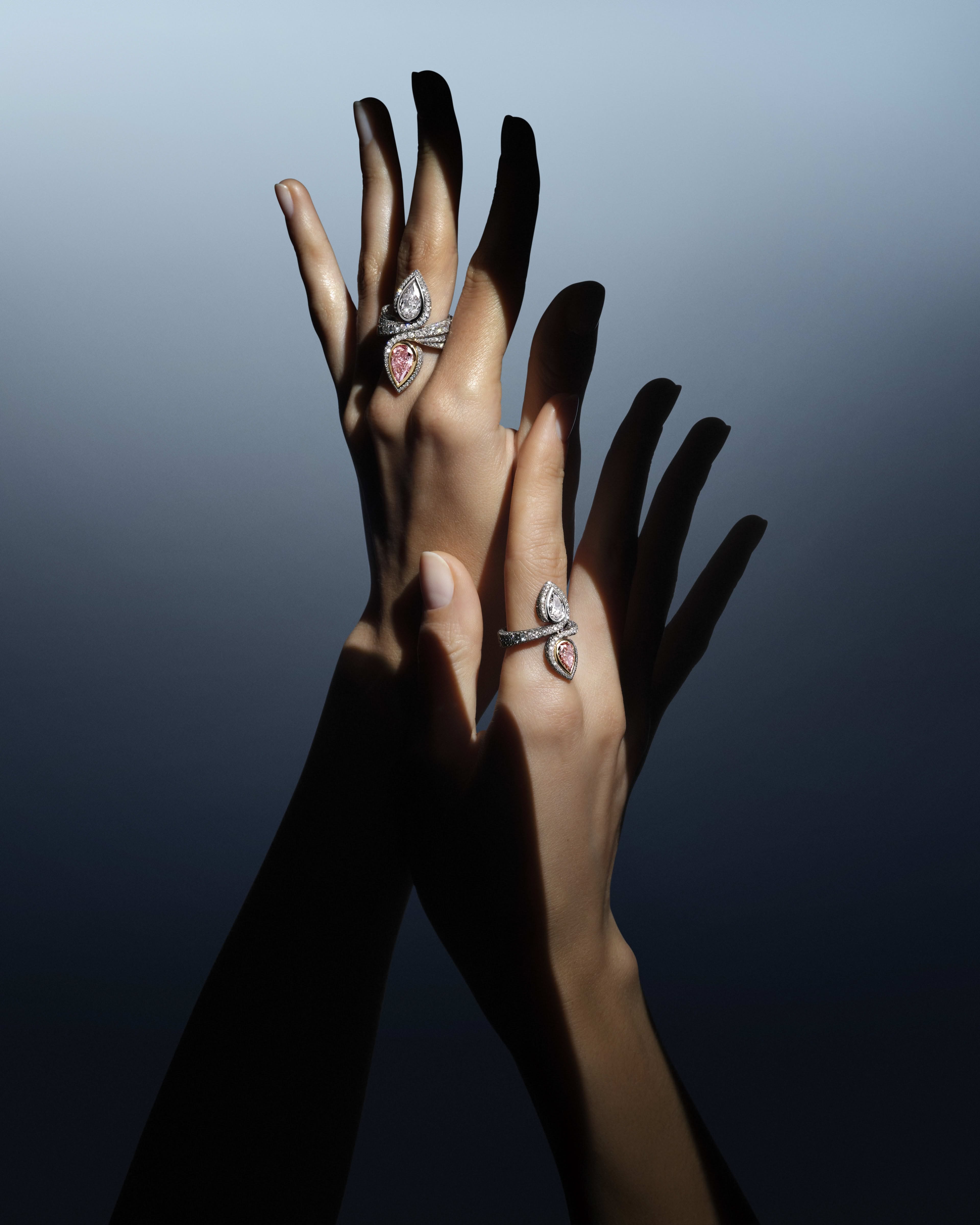
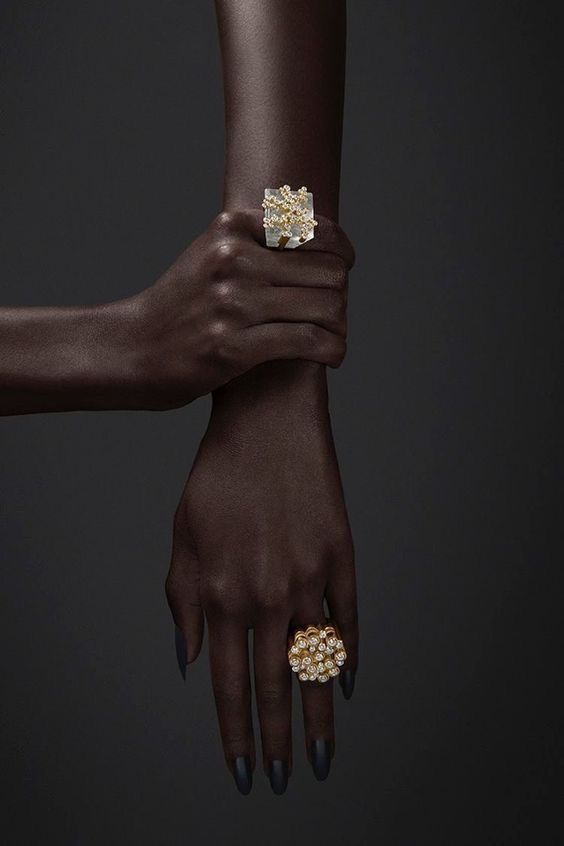
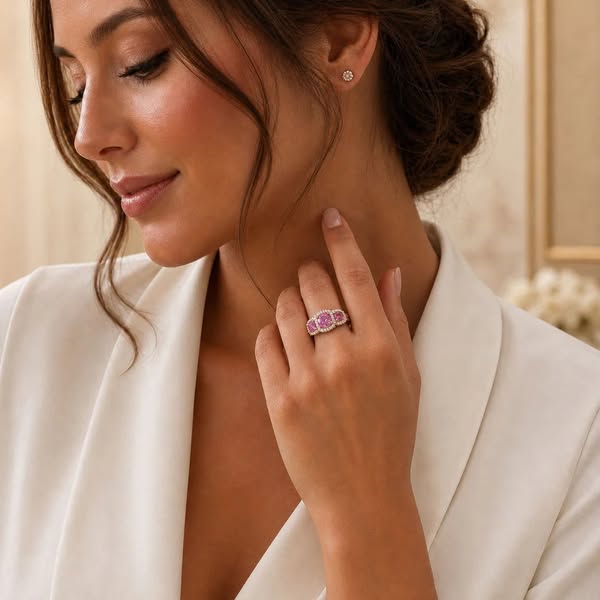
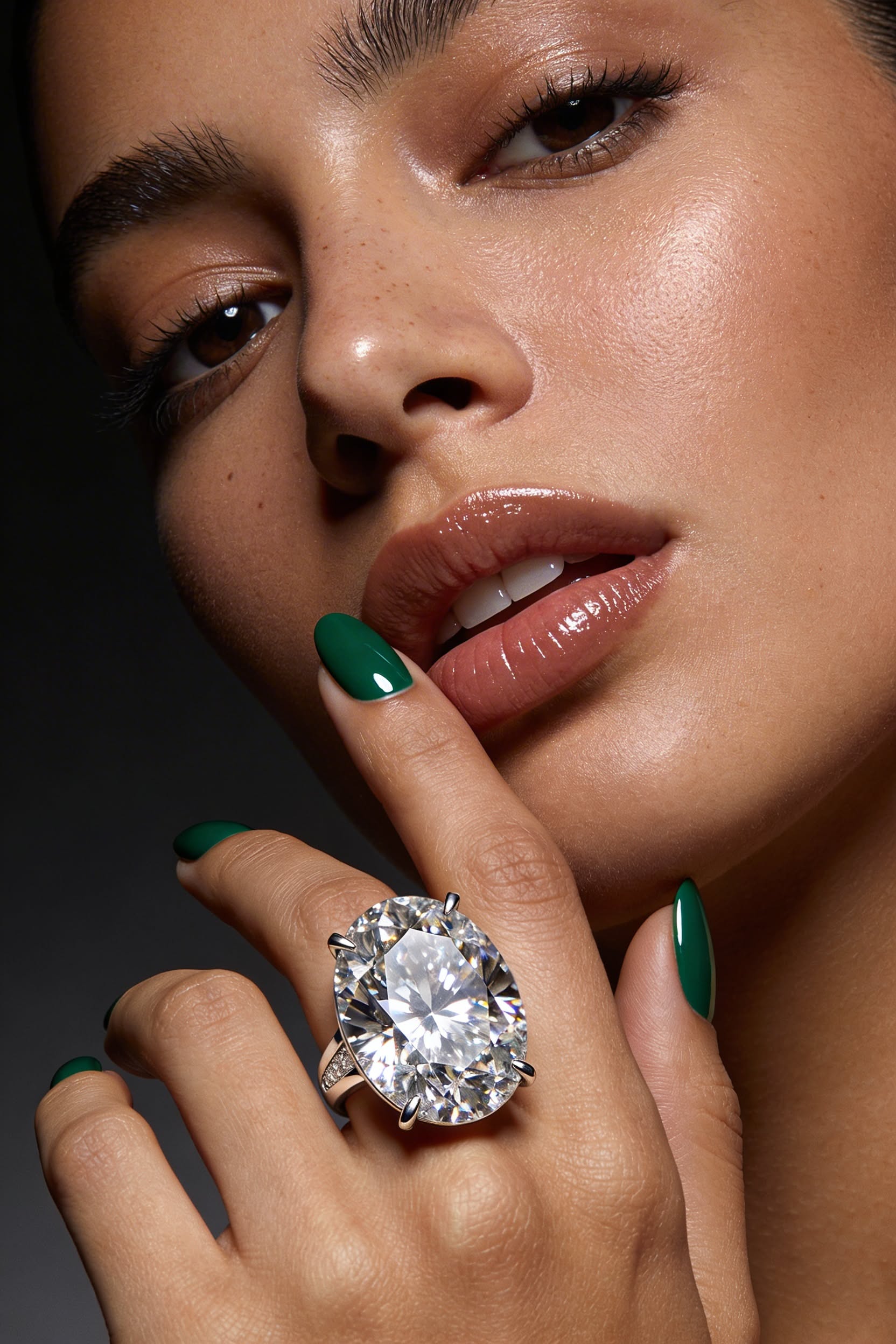
For on-hand shots, name the finger and the crop in the prompt. Without it, models often enlarge the stone to fill the frame.

 Single Pearl Gold Ring with a Soft ShadowCopy this prompt on Pinitup
Earring photography prompts
Earrings need an ear, a jawline and room for the drop to hang. Profile and three-quarter crops work best, with hair pulled back so nothing covers the piece.

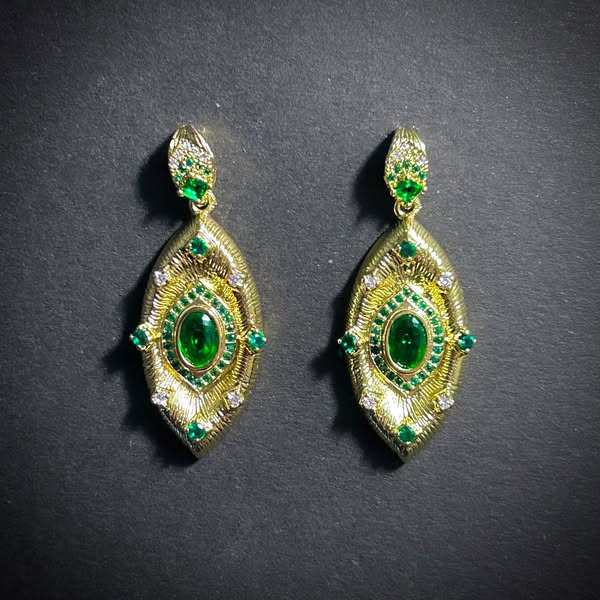 Emerald Drop EarringsCopy this prompt on Pinitup
Necklace photography prompts: on the neck or laid flat
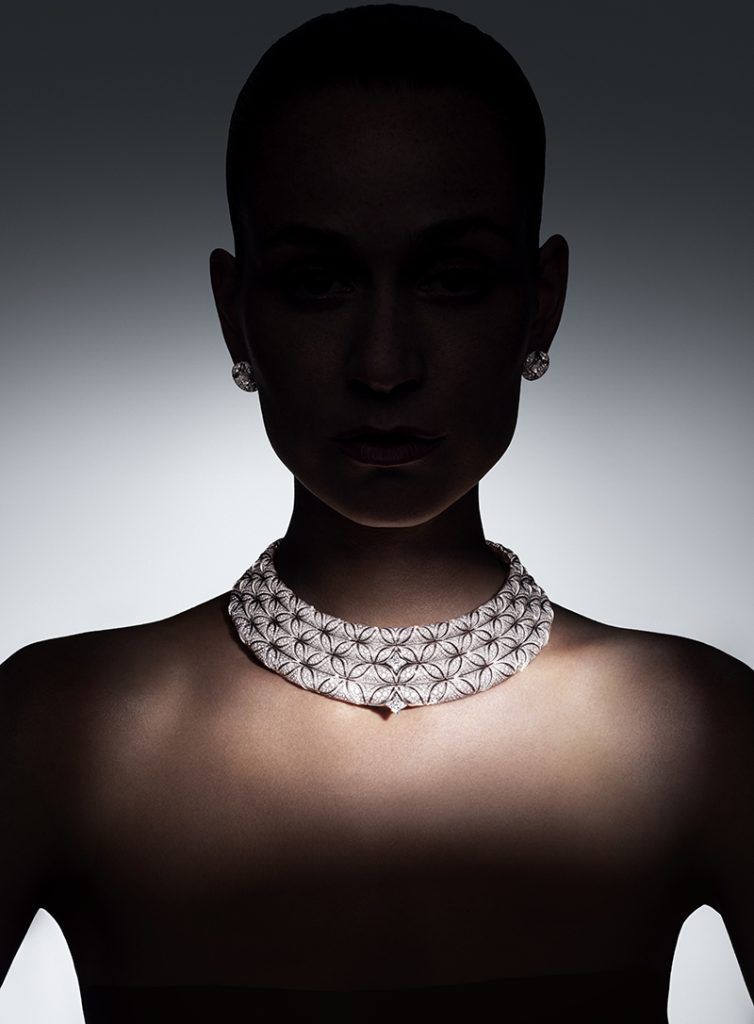
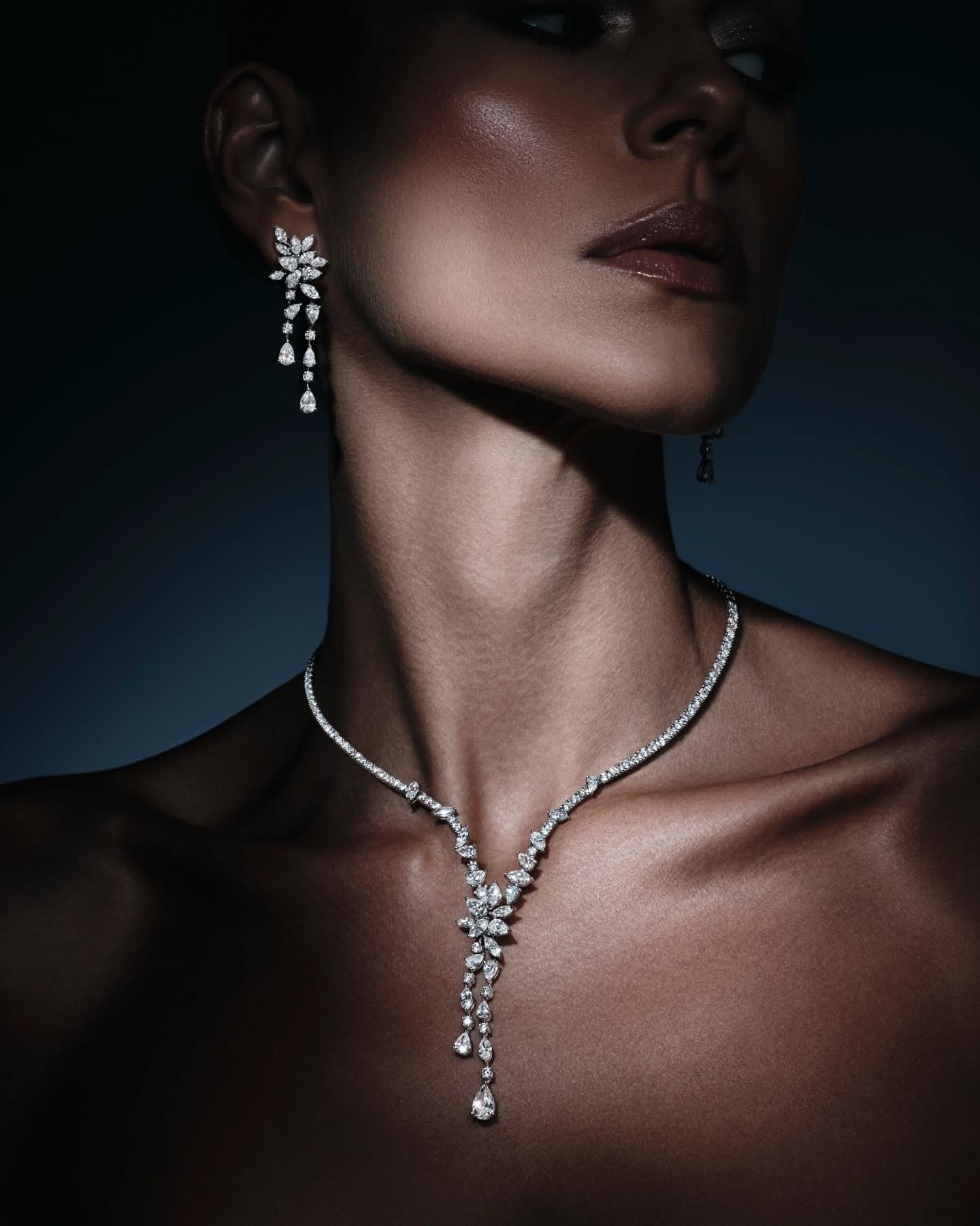
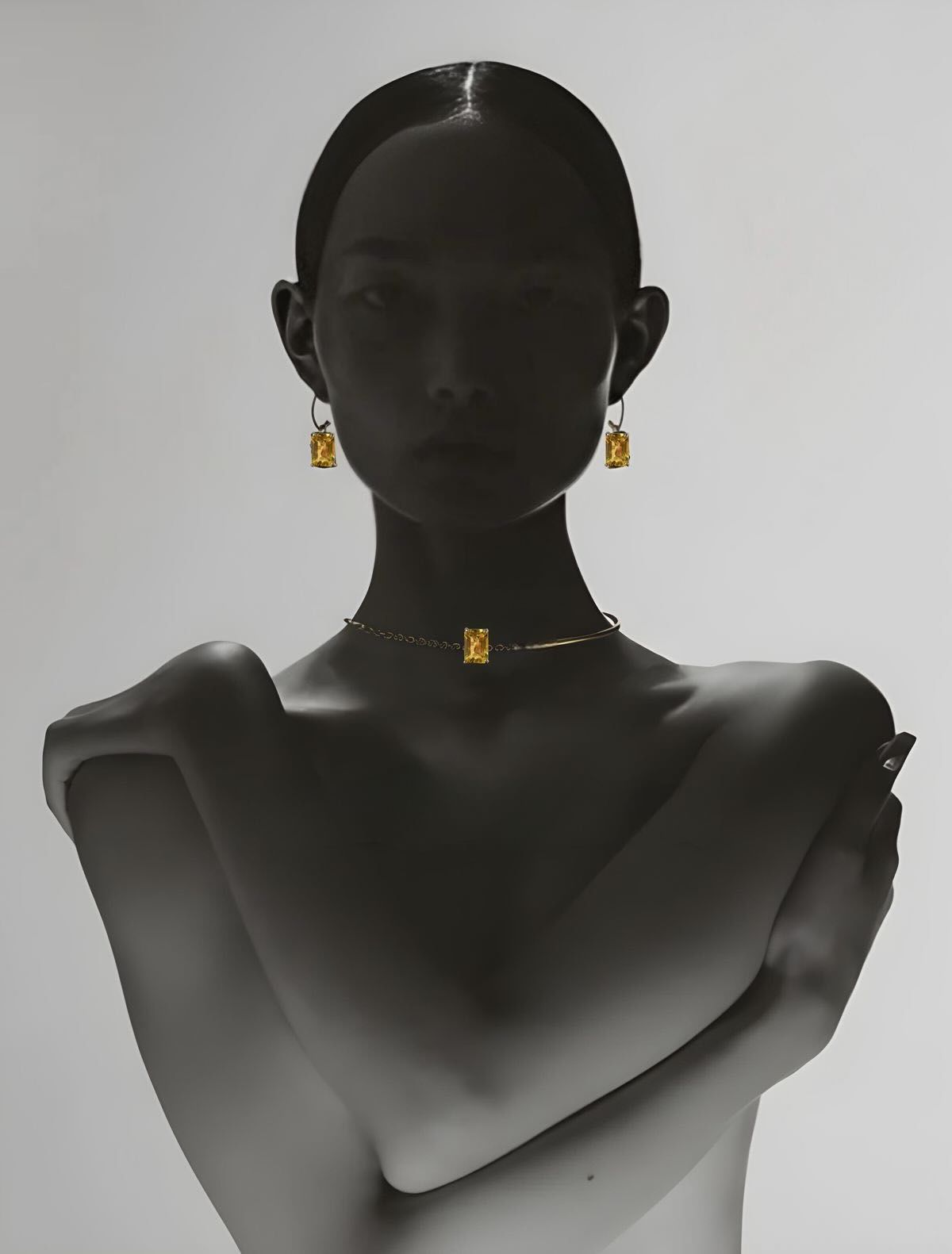
Necklaces read best on a neckline or laid out in a curve. Decide which before you write the prompt, because the light and crop change completely between the two.
On-model necklace shots
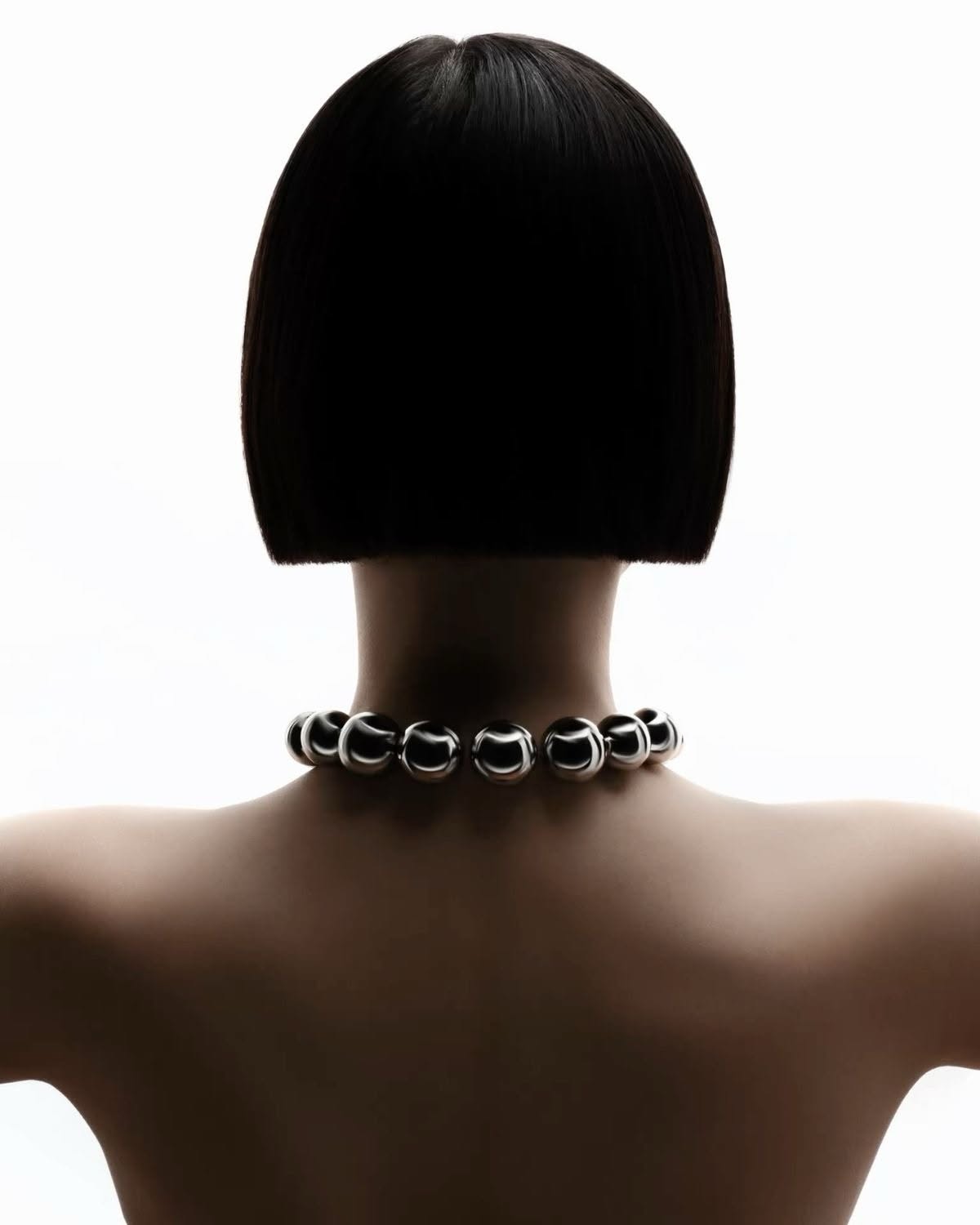 Chunky Silver Bead NecklaceCopy this prompt on Pinitup
Close-up and detail necklace shots
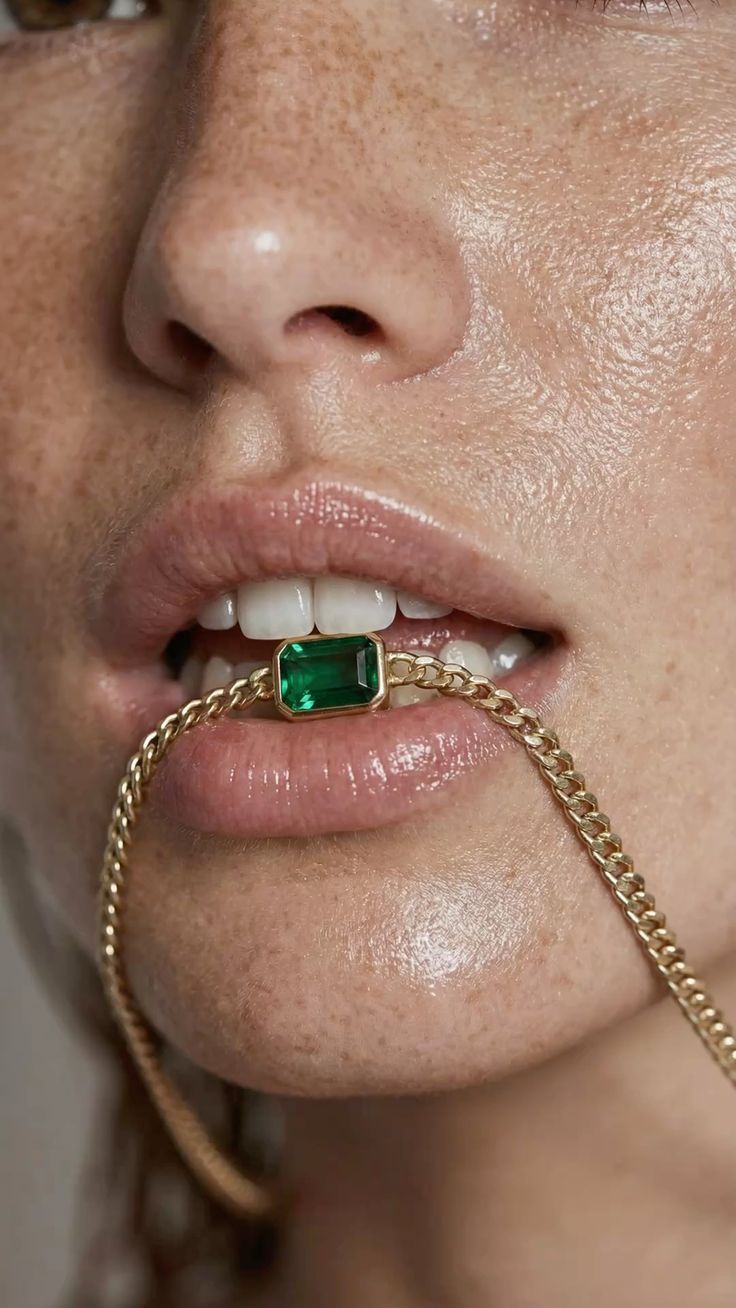
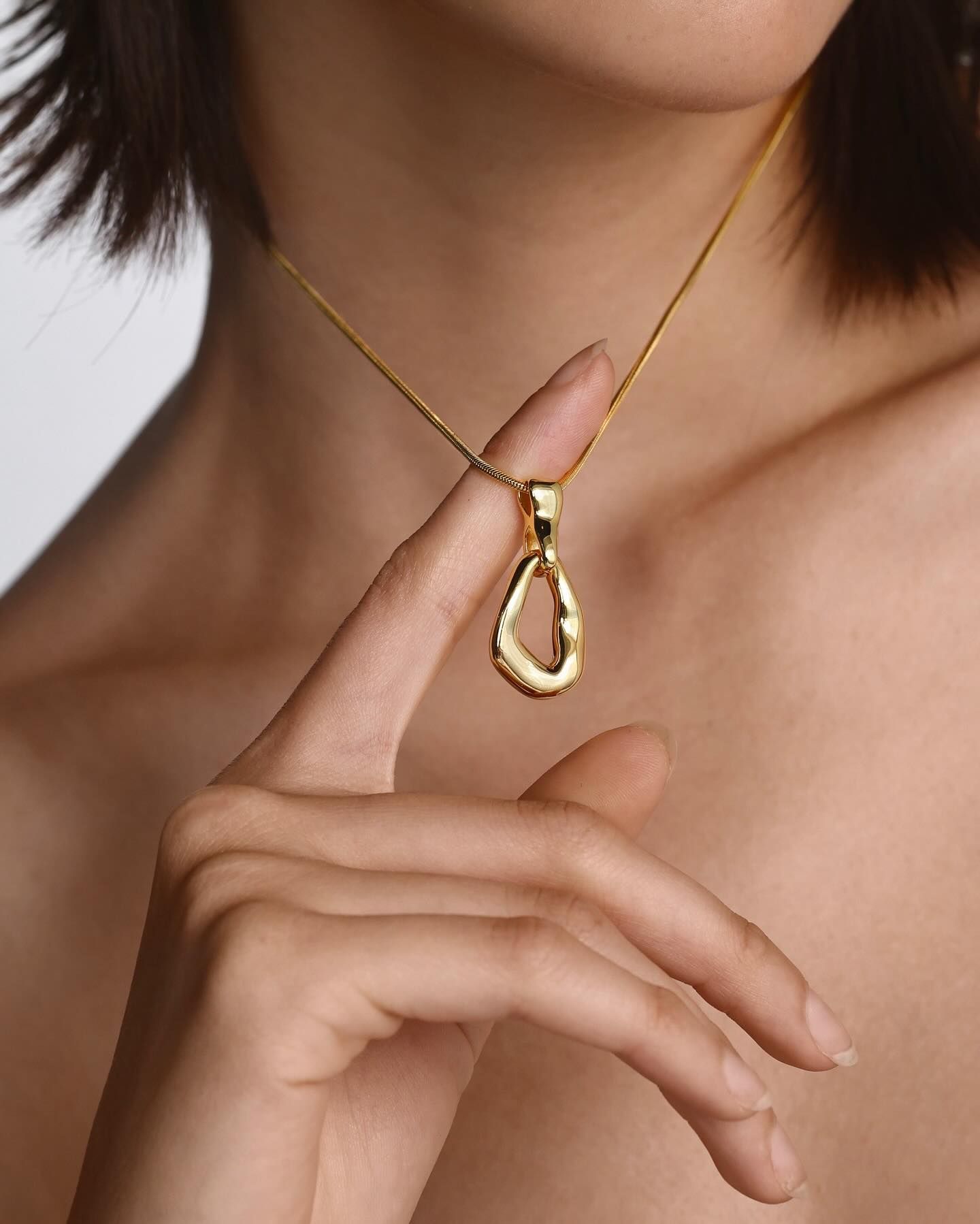
Bracelet photography prompts
Bracelets sit on the wrist, so the hand pose decides the shot. Turn the wrist so the stones face camera and keep the sleeve or skin texture soft behind them.

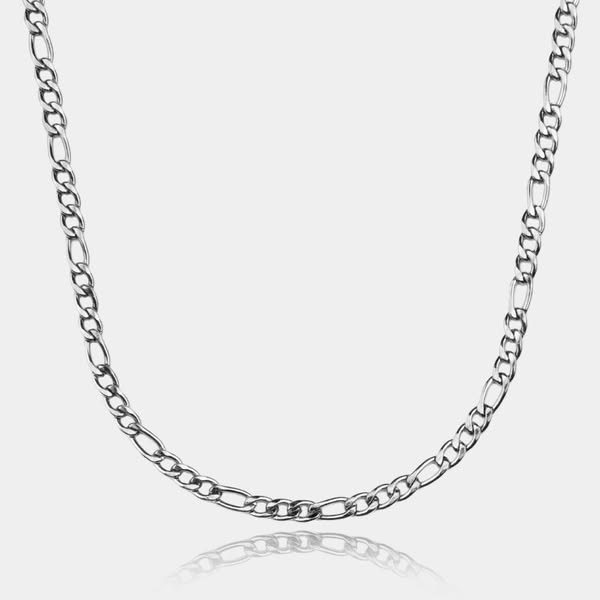 Silver Figaro Chain NecklaceCopy this prompt on Pinitup
Jewelry photoshoot ideas for a full campaign
One hero image rarely carries a launch. A full AI jewelry photoshoot needs a set of shots that each answer a different buyer question: what it looks like, how big it is, how it sits on skin and what it feels like to own.
- Clean packshot: the piece on white or pale gray for listings and size guides.
- Macro detail: stones, prongs and clasp at full sharpness, proof of craft.
- On-body crop: ear, neckline or hand, so buyers judge scale.
- Styled still life: one natural material and one prop, for feed posts.
- Mood frame: hard light, deep shadow and a single glint, for ads and banners.
Run an AI jewelry photoshoot from one reference photo
Shoot or scan your piece once in soft, even light. Use that photo as the reference for every prompt in the set, and keep the lock line word for word. Changing only the scene segments is what keeps a ring identical across five very different images.
Jewelry product photography by channel
Choose the format before you choose the mood. A marketplace listing, a feed post and a Story ad each need a different crop, and fixing the crop afterwards often cuts into the piece.

| Where it runs | Shot type | Frame |
|---|---|---|
| Marketplace main image | Clean product shot on white, piece centered | 1:1 square |
| Instagram feed | On-model or styled surface, one hero piece | 4:5 vertical, 1080 × 1350 |
| Stories and Reels | On-model close-up with space for text | 9:16 vertical, 1080 × 1920 |
| Website banner | Wide styled scene with copy space on one side | 16:9 horizontal |
Check every result at 100 percent zoom before you post. Count the stones, check the prongs and compare the clasp with your real piece. If anything changed, run the prompt again with the attached photo rather than editing pixels by hand.
FAQ
What is the best AI prompt for jewelry photography?
The best jewelry prompt names the metal, finish, stone cut and stone count, then tells the model to keep the attached photo of the piece unchanged. After that lock, describe one surface, one light source and a macro lens. Specific materials and a single light matter more than adjectives like luxury or elegant.
How do I stop AI from changing my ring or necklace?
Attach a sharp photo of the real piece and start the prompt with a lock line: keep it exactly as shown, same metal, setting and stones. Ask for one change at a time. If a stone or prong still moves, run the prompt again or place your original product cutout back onto the generated scene.
Which AI model should I use for jewelry photos?
Use an image model that accepts a reference photo and follows long instructions, such as GPT Image 2 or Nano Banana Pro. Results vary between runs and models, so test one prompt on your own piece first. Check fine detail like prongs and chain links at full size before you publish.
Can I use AI jewelry photos on Amazon or Etsy?
You can use AI scenes for lifestyle and secondary images, but the product must match what buyers receive. Keep the real piece unchanged in every image, and follow each marketplace's current rules for main images, which usually ask for a plain white background and the product filling most of the frame.
How do I make AI jewelry look expensive?
Give the metal a light to reflect. One long highlight from a strip softbox, a dark or textured surface and plenty of empty space read as premium. Avoid crowding the frame with props. A single natural material, such as travertine, linen or velvet, usually looks more expensive than gold confetti.
 Hamsa Pendant NecklaceCopy this prompt on Pinitup
How do I photograph jewelry with AI?
Start with one sharp, evenly lit photo of the real piece. Attach it to an image model that accepts references, open the prompt with a lock line that names metal, stones and setting, then describe one surface, one light and a macro lens. Check stones and prongs at full size before you publish.
What background is best for jewelry photos?
For listings, use white or pale gray so the piece reads instantly. For social and ads, pick one natural texture such as travertine, linen or dark velvet that contrasts with the metal. Cool silver sits well on warm stone, while yellow gold glows against charcoal, ivory or deep green.
Copy more jewelry shots on Pinitup
Every image in the Jewelry category opens to the prompt behind it. Swap in your own piece, keep the lock line, and run it in GPT Image 2 or Nano Banana Pro. These pages are a good next stop:
- Jewelry prompts
- Watch prompts
- Luxury product prompts
- Macro detail prompts
- Top AI-Generated Jewelry Ad Concepts and Prompts
- 75 AI Product Photography Prompts for Ecommerce Campaigns
- How to Use Pinitup
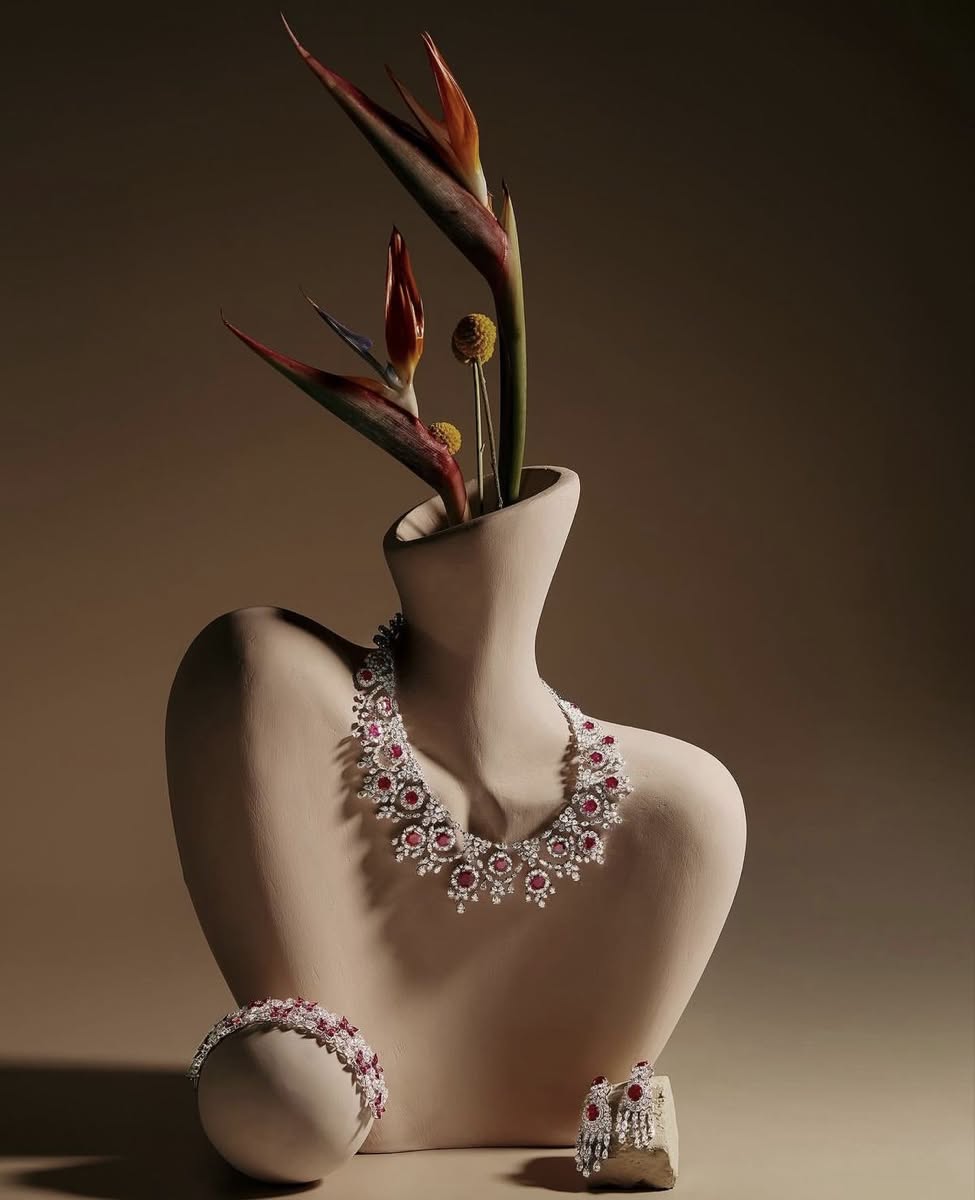
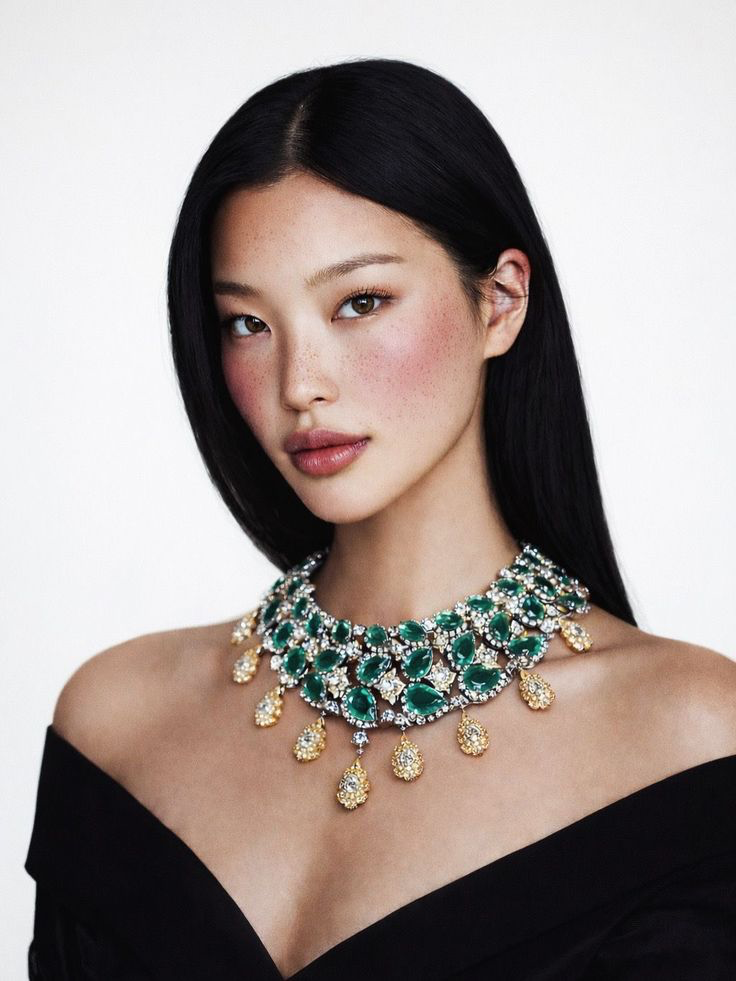 Luxury High Jewelry NecklaceCopy this prompt on Pinitup
 Pale Green Cocktail Ring with Blue Side StonesCopy this prompt on Pinitup
Every image on Pinitup opens to the full prompt behind it. Find the shot, copy the prompt, and swap in your own product.


